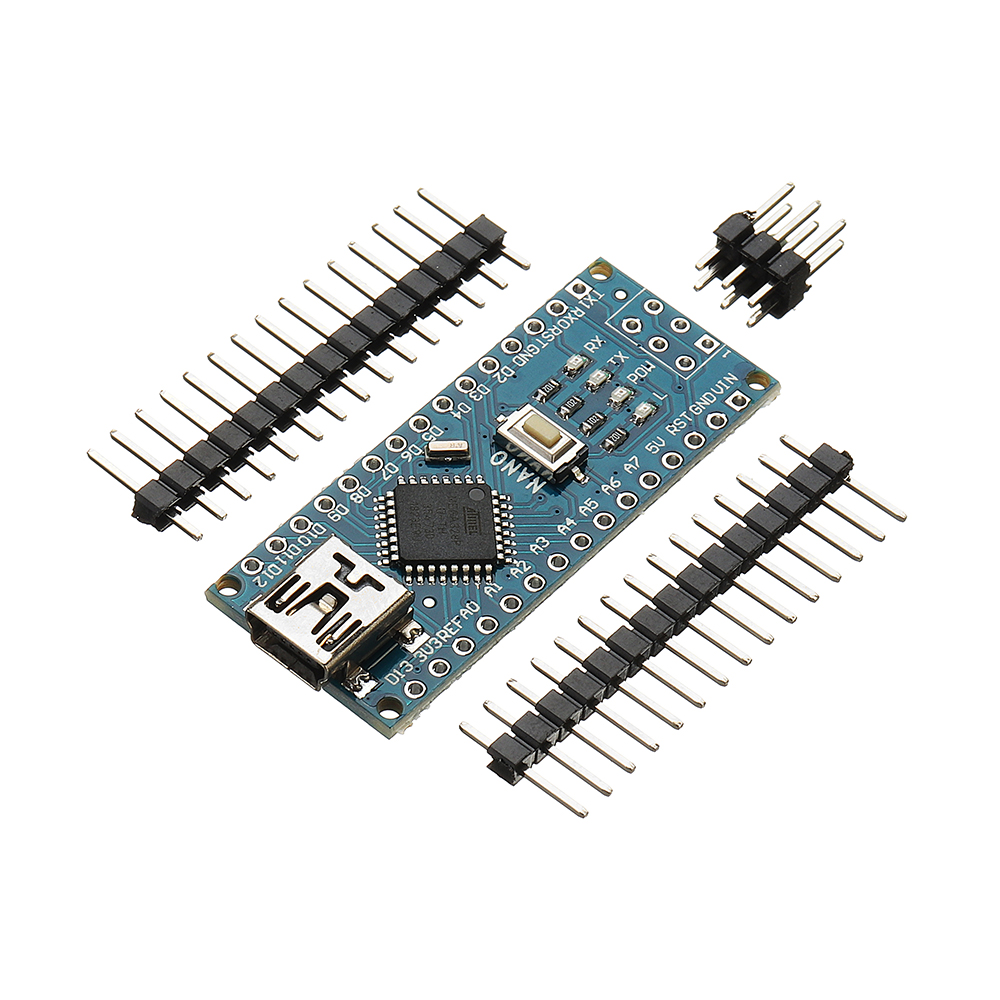
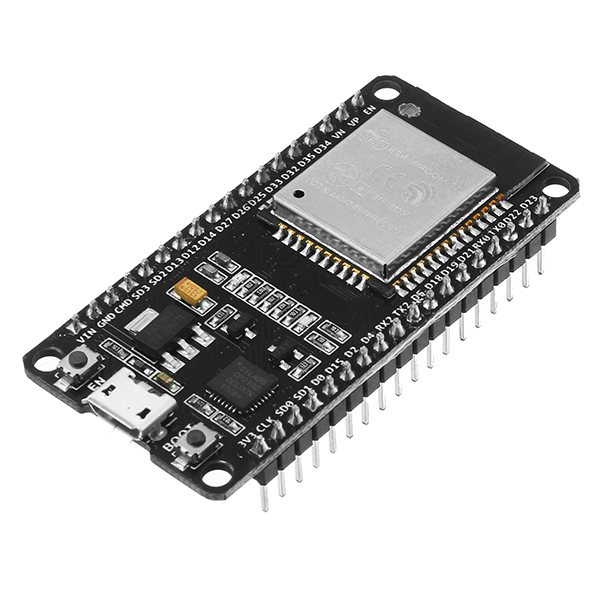
3pcs Pro Micro 5V 16M Mini Leonardo Microcontroller Development Board Geekcreit for Arduino - products that work with official Arduino boards
5.063 ratingsThe 3pcs Pro Micro 5V 16M Mini Leonardo Microcontroller Development Board Geekcreit for Arduino - products that work with official Arduino boards by Geekcreit is a mid-range motherboard & development board designed for everyday users. Customers praise its excellent build quality and fast and responsive. 100% of buyers rate it 4★ or above.
Available Offers
Free Delivery on this order. No minimum order value.
15-Day Easy Returns — hassle-free return & full refund.
Secure Payment — 100% safe checkout with UPI, Cards & Net Banking.
Available Offers
5% Cashback
Pay with UPI & get 5% cashback (up to ₹50) via Razorpay
No-Cost EMI
Available on select bank cards at checkout. 0% interest for 3 months.
Free Shipping
Free delivery on all orders. No minimum order value.
Cash on Delivery
COD available on orders up to ₹5,000 across India.
Ideal For
About This Product
The 3pcs Pro Micro 5V 16M Mini Leonardo Microcontroller Development Board Geekcreit for Arduino - products that work with official Arduino boards by Geekcreit is a mid-range motherboard & development board designed for everyday users. Customers highlight its excellent build quality and fast and responsive.
Customer Verdict
100% of buyers rated this product 4 stars or above. The most appreciated qualities are: excellent build quality, fast and responsive, impressive sound quality, compact and portable.
Why Buy from Pricio?
Pricio sources this product directly, cutting out multiple middlemen. Every order includes free shipping, a 15-day return policy, and secure payment via Razorpay.
Description:
This microcontroller development board has 4 channel 10 bit ADC, 5 PWM pins, 12 DIO, and a hardware serial connection Rx and Tx you are familiar with. Running on 16MHz and 5V, this board will remind you a lot of other compatible boards that you like. There is a voltage regulator on board, so it can accept up to 12V DC. If you are supplying an unstable power supply board, be sure to connect to the "RAW" not on the VCC pin. We have also added a PTC fuse and to correct the RX and LED TX circuits.
Feature:
- ATMEGA32U4 running in 5V / 16MHz
- Support IDE V1.0.1
- Micro USB interface programming on the board
- Four 10-bit ADC pin
- 12 digital I / O (5 PWM capability)
- Rx and Tx hardware serial connection
Package included:
3 x Mini Leonardo Microcontroller Development Board


Setup Guide
Cheaper Alternatives

10pcs 5V 1A 18650 TP4056 Lithium Battery Charger Module Charging Board with Protection Dual Functions 1A Li-ion

ESP32 D1 R32 Wireless Development Board WiFi bluetooth CH340 4MB Flash Compatible with Arduinos unos R3 for Wemos D1 Mini
.jpg.webp)
ATMEGA328 328p 5V 16MHz Pro Mini PCB Module Board
Upgrade Options

HackRF One Software Defined Radio 1 MHz to 6 GHz 8-Bit Quadrature Sampling USB-Powered Open Source SDR Development Board

LILYGO® T-Deck Pro ESP32-S3 Development Board 4G/PCM5102A/LoRa/GPS E-Paper Touchscreen QWIIC Interface IoT Communication Device

LILYGO® T-Lora Pager ESP32-S3 LoRa SX1262 Wireless RF Module Dual-mode RFID/NFC RTC GNSS Ai Programmable Handheld AIoT Device