IIC I2C TWI SP Serial Interface Port Module 5V 1602 LCD Adapter Geekcreit for Arduino - products that work with official Arduino boards
5.0365 ratingsThe IIC I2C TWI SP Serial Interface Port Module 5V 1602 LCD Adapter Geekcreit for Arduino - products that work with official Arduino boards by Geekcreit is a mid-range converter board designed for everyday users. Customers praise its easy to set up and use and excellent build quality. 100% of buyers rate it 4★ or above.
Available Offers
Free Delivery on this order. No minimum order value.
15-Day Easy Returns — hassle-free return & full refund.
Secure Payment — 100% safe checkout with UPI, Cards & Net Banking.
Price: ₹2,056✓ In Stock
Available Offers
5% Cashback
Pay with UPI & get 5% cashback (up to ₹50) via Razorpay
No-Cost EMI
Available on select bank cards at checkout. 0% interest for 3 months.
Free Shipping
Free delivery on all orders. No minimum order value.
Cash on Delivery
COD available on orders up to ₹5,000 across India.
Ideal For
About This Product
The IIC I2C TWI SP Serial Interface Port Module 5V 1602 LCD Adapter Geekcreit for Arduino - products that work with official Arduino boards by Geekcreit is a mid-range converter board designed for everyday users. Customers highlight its easy to set up and use and excellent build quality.
Customer Verdict
100% of buyers rated this product 4 stars or above. The most appreciated qualities are: easy to set up and use, excellent build quality, great value for money, fast and responsive.
Why Buy from Pricio?
Pricio sources this product directly, cutting out multiple middlemen. Every order includes free shipping, a 15-day return policy, and secure payment via Razorpay.
Description:
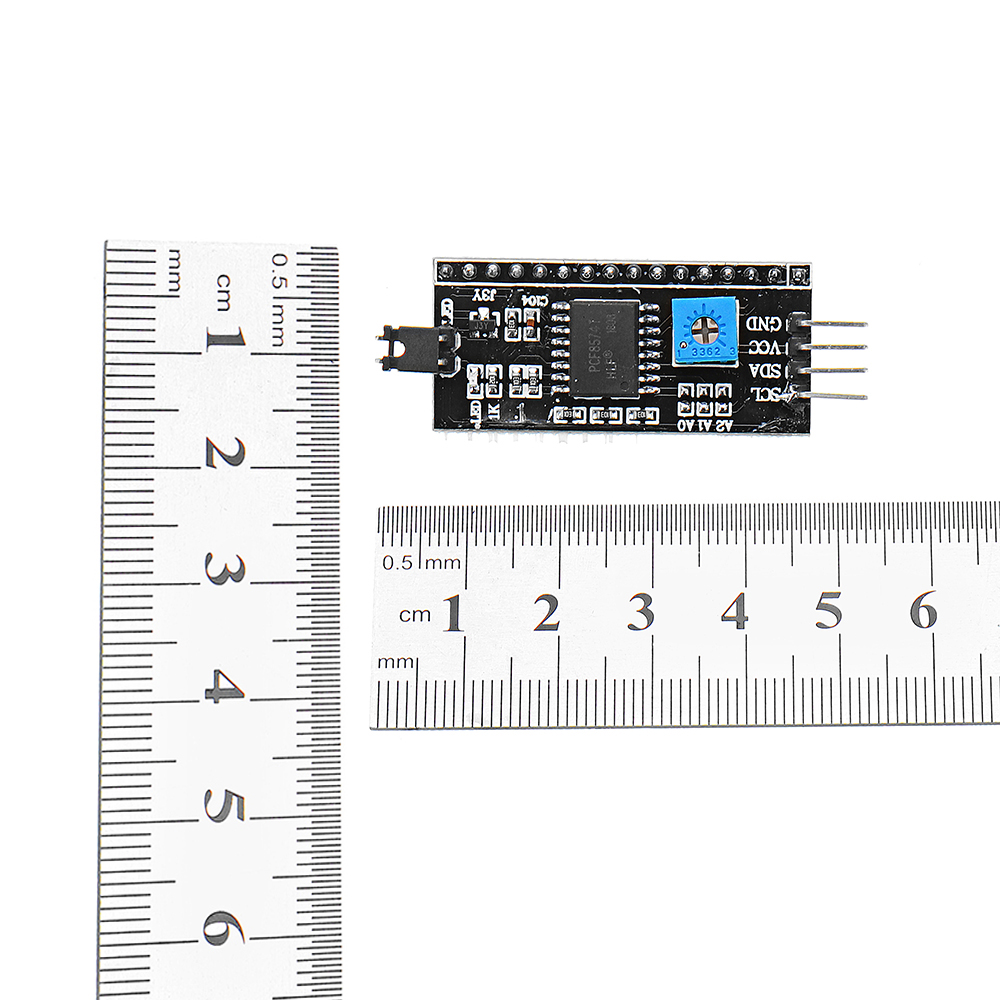
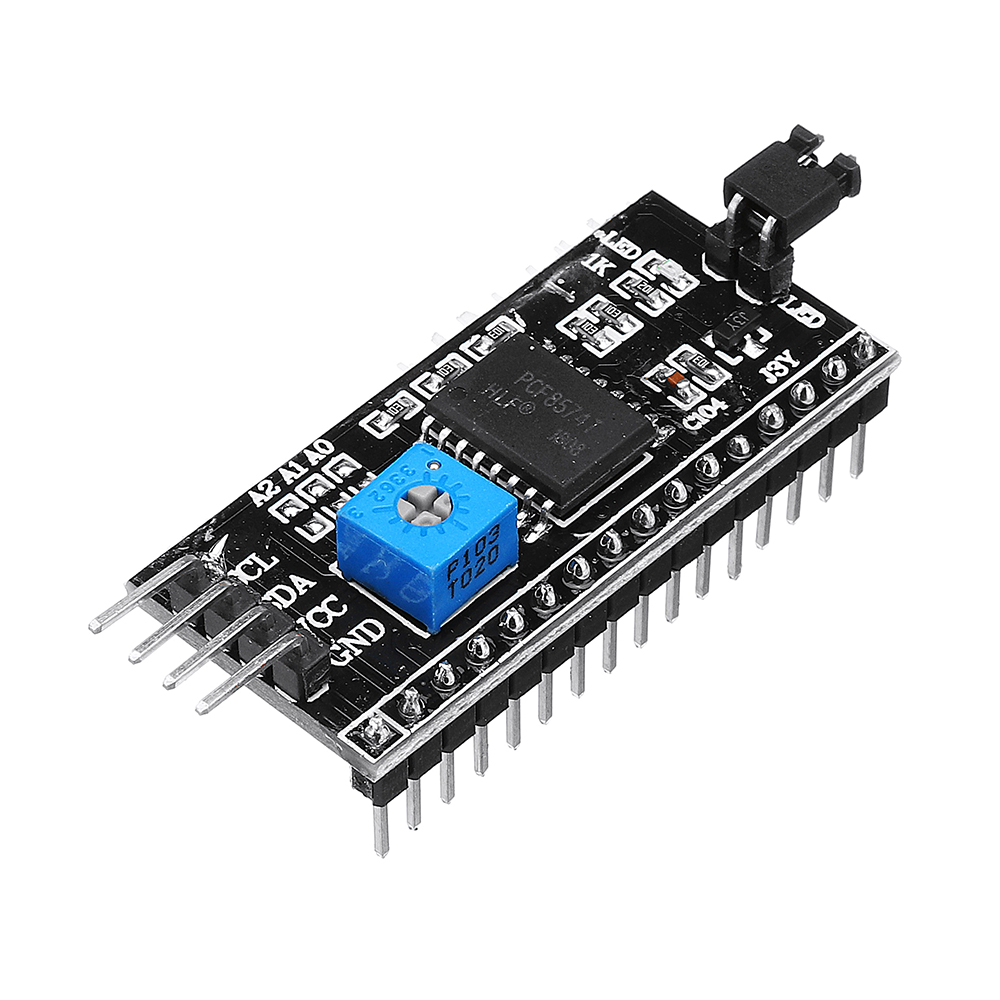
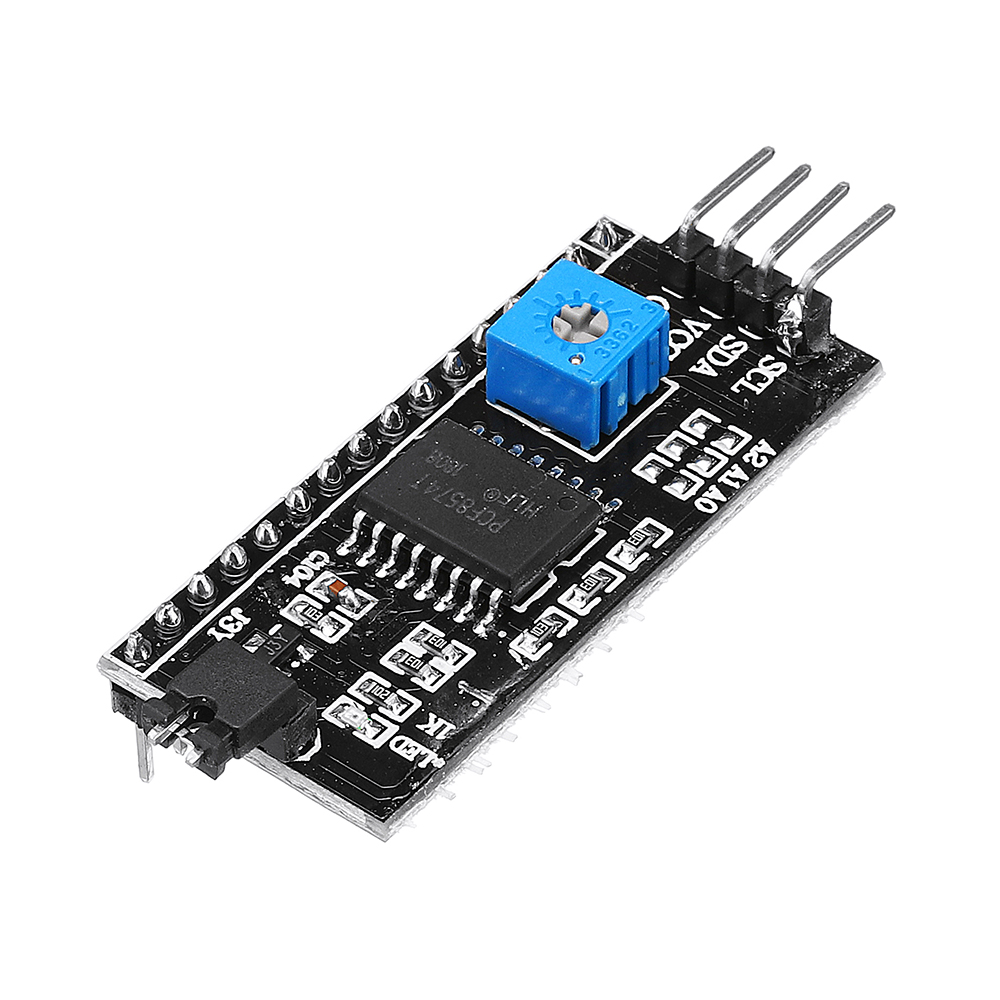
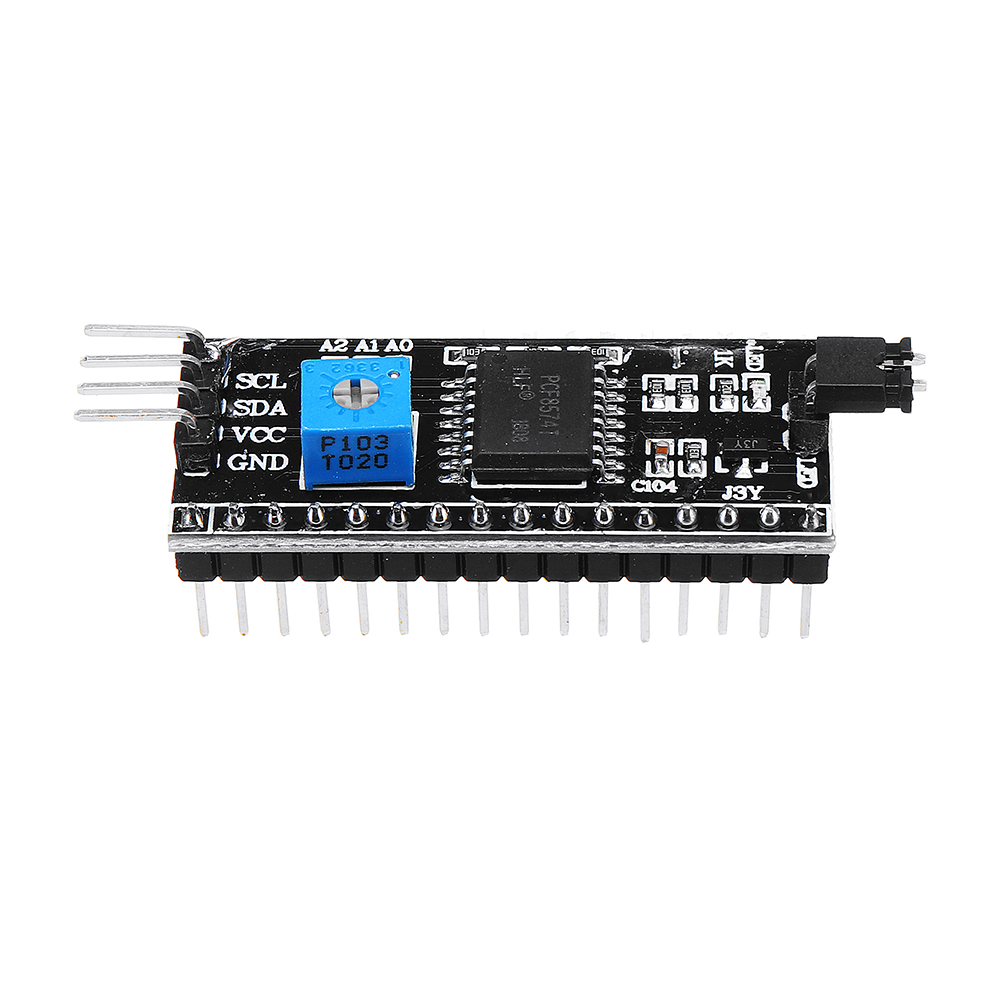
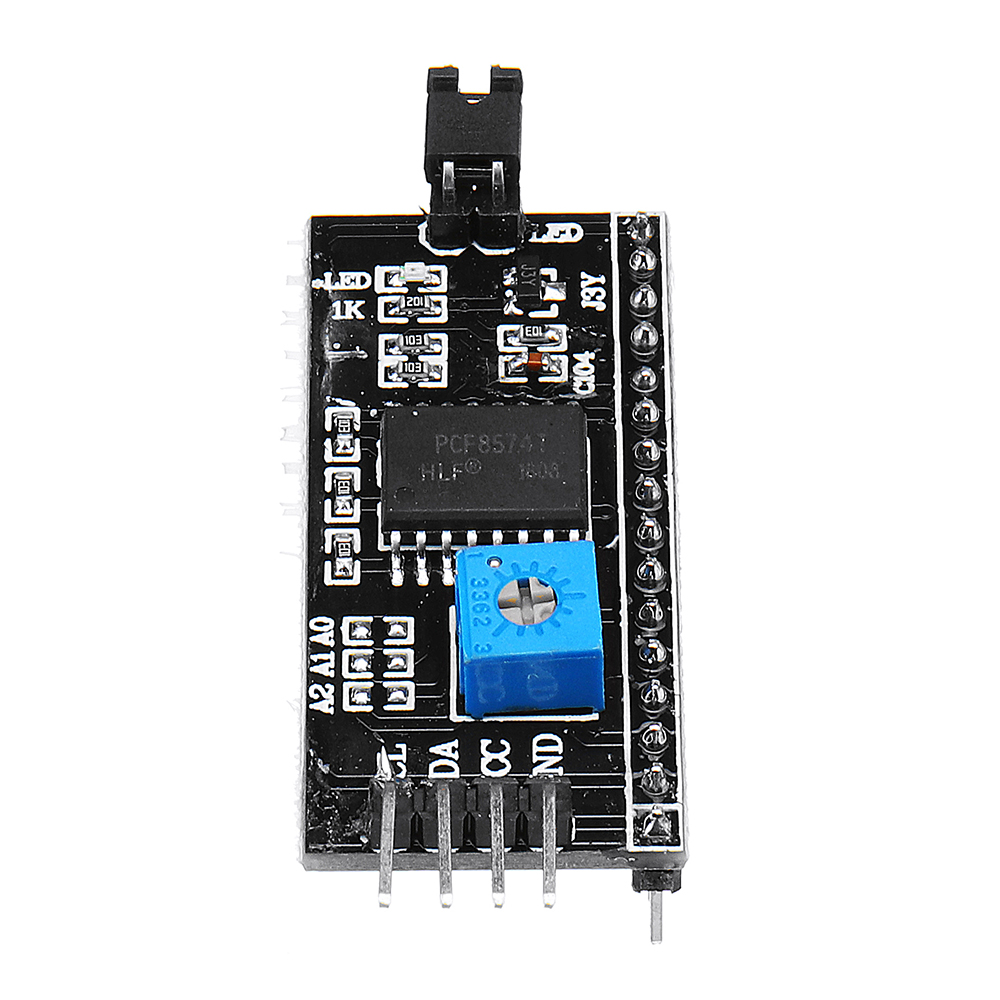
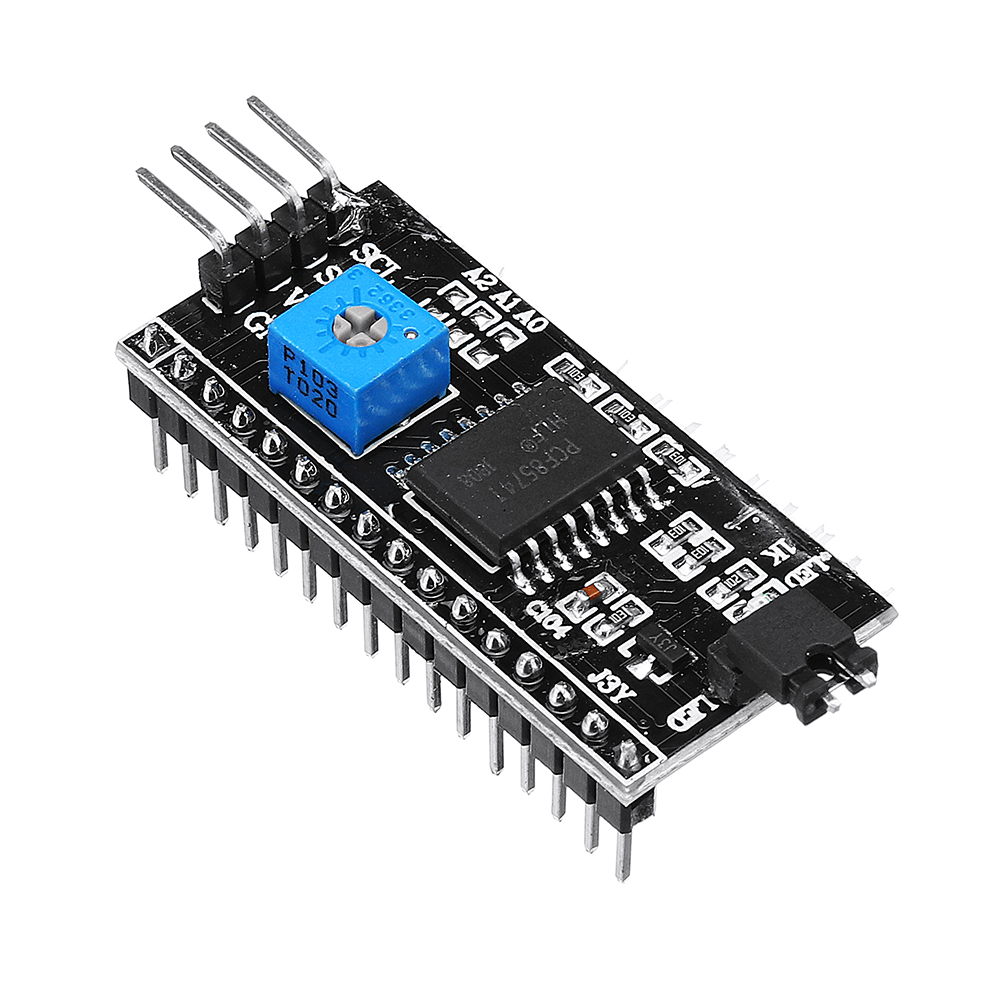
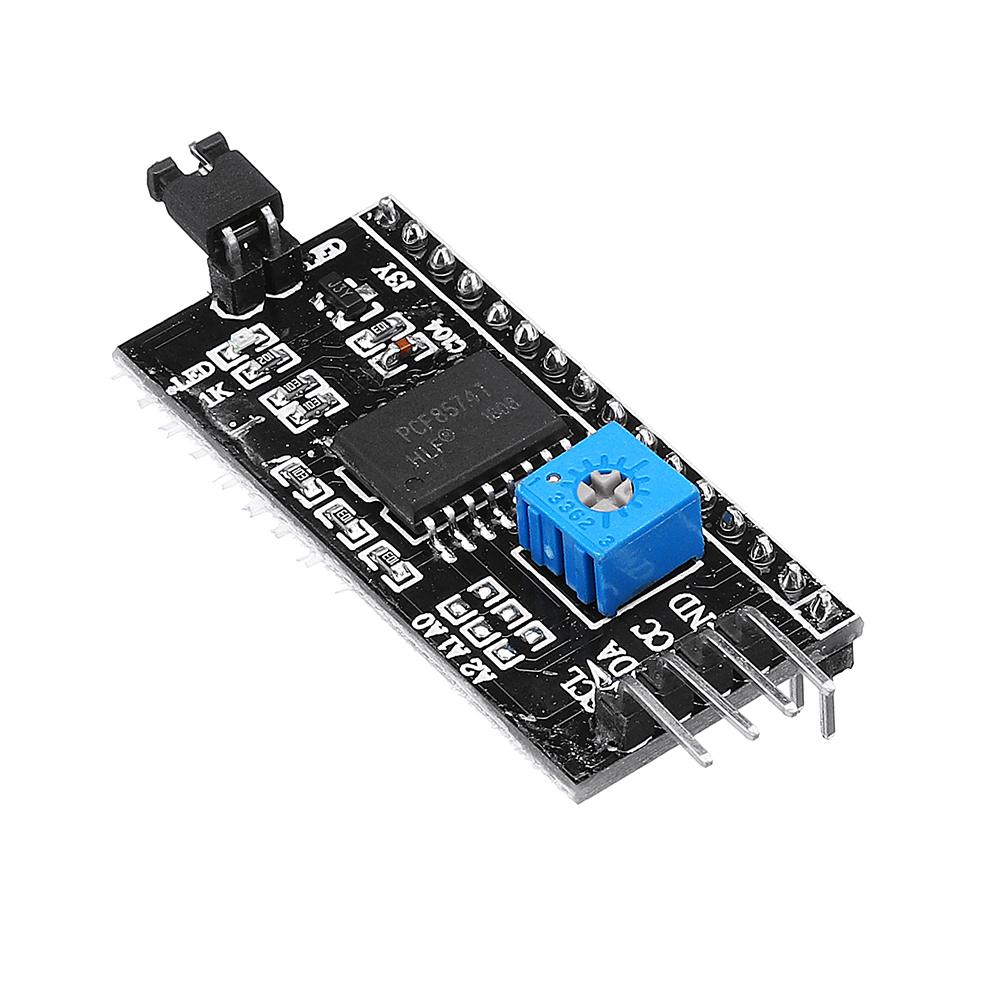
This is another great IIC/I2C/TWI/SPI Serial Interface. As the pin resources of controller is limited, your project may be not able to use normal LCD shield after connected with a certain quantity of sensors or SD card. However, with this I2C interface module, you will be able to realize data display via only 2 wires. If you already has I2C devices in your project, this LCD module actually cost no more resources at all. It is fantastic for based project.
I2C Address: 0X20~0X27 (the original address is 0X20,you can change it yourself)
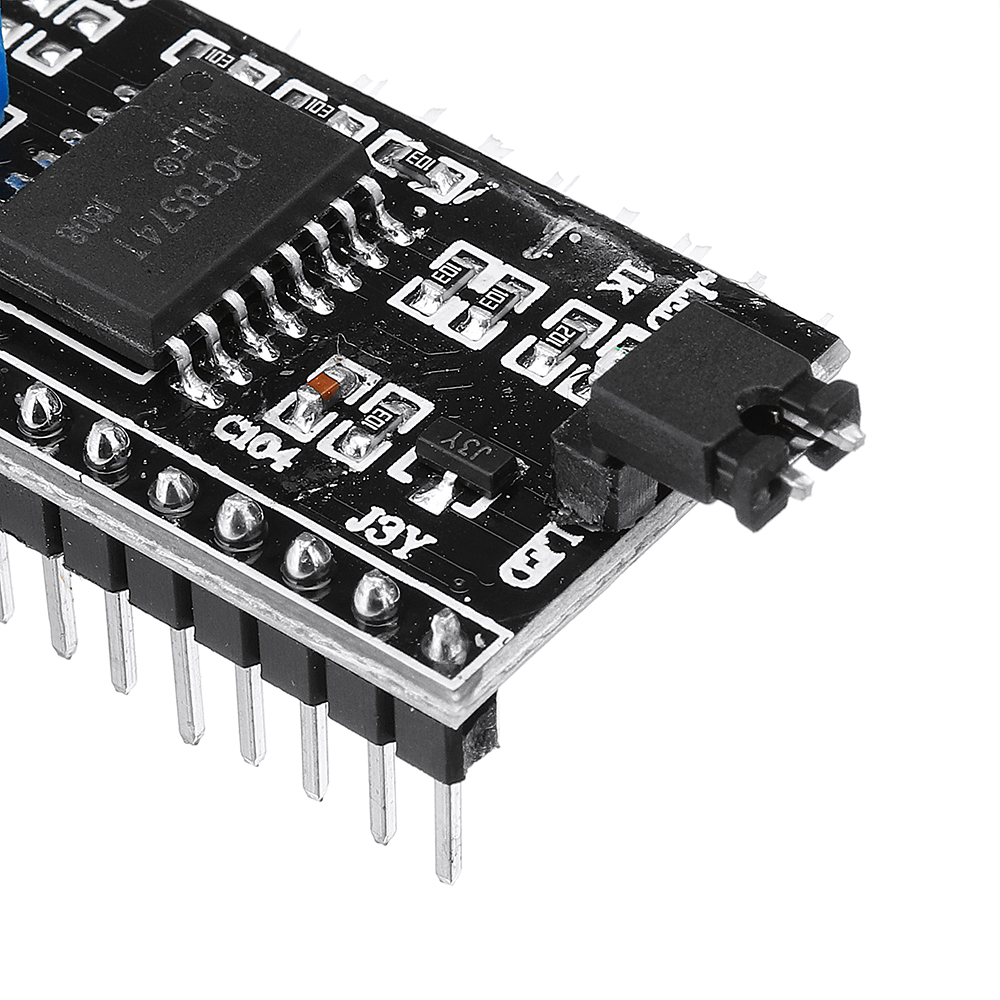
the backlight and contrast is adjusted by potentiometer
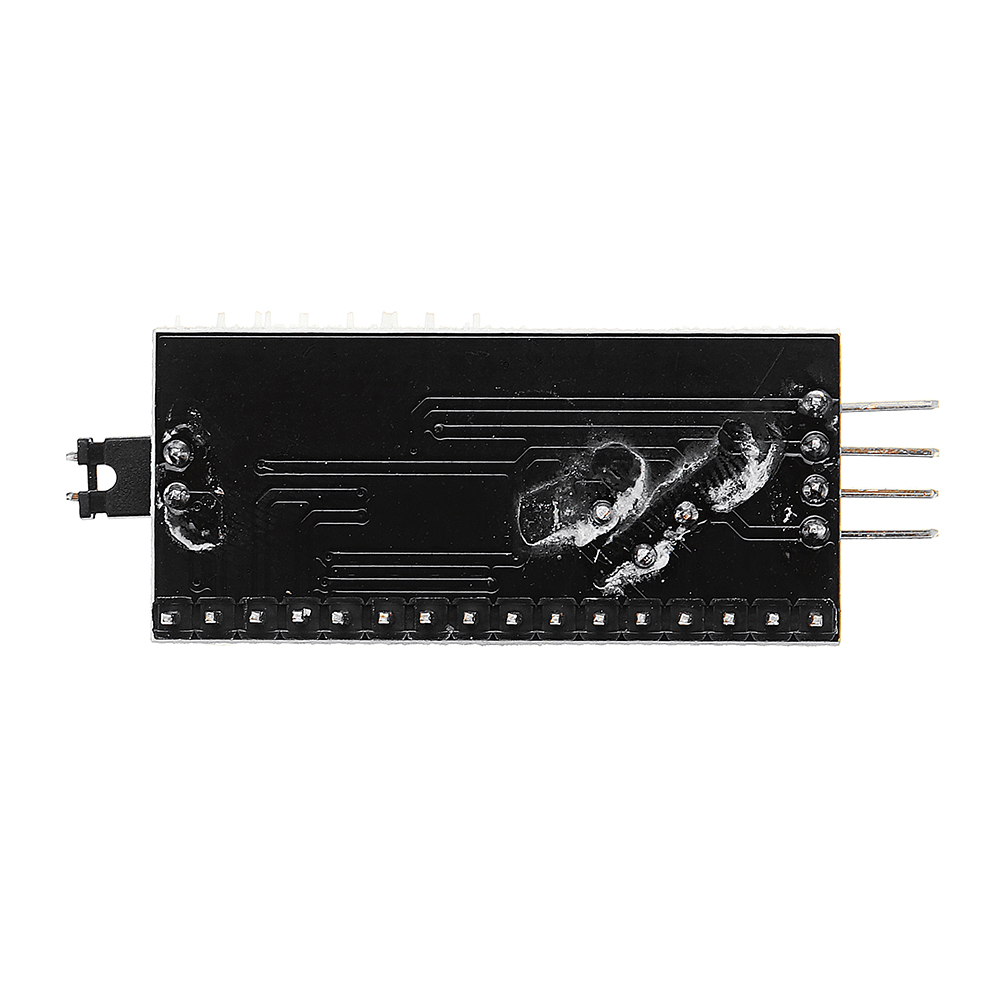
Come with 2 IIC interface, which can be connected by Dupont Line or IIC dedicated cable
I2C Address: 0x27 (I2C Address: 0X20~0X27 (the original address is 0X27,you can change it yourself)
Specification:
Compatible for 1602 LCD
Supply voltage: 5V
Weight: 5g
Size: 5.5x2.3x1.4cm
Package included:
1/3/5/10/20 x IIC/I2C/TWI/SPI serial interface module port (optional)
Setup Guide
Cheaper Alternatives
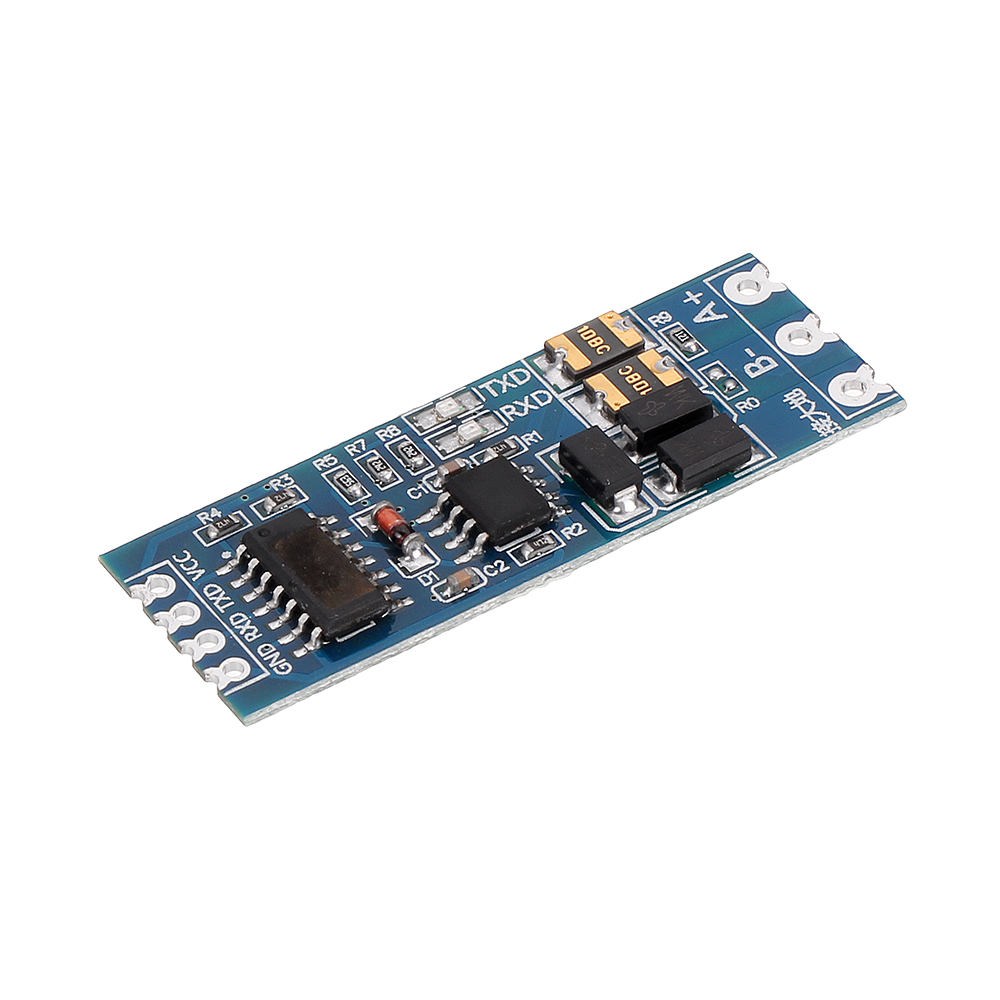
3pcs TTL to RS485 RS485 to TTL Bilateral Module UART Port Serial Converter Modul

Mini RS232 to TTL Converter Module Board Adapter MAX3232 120kbps 3-5V Serial Por
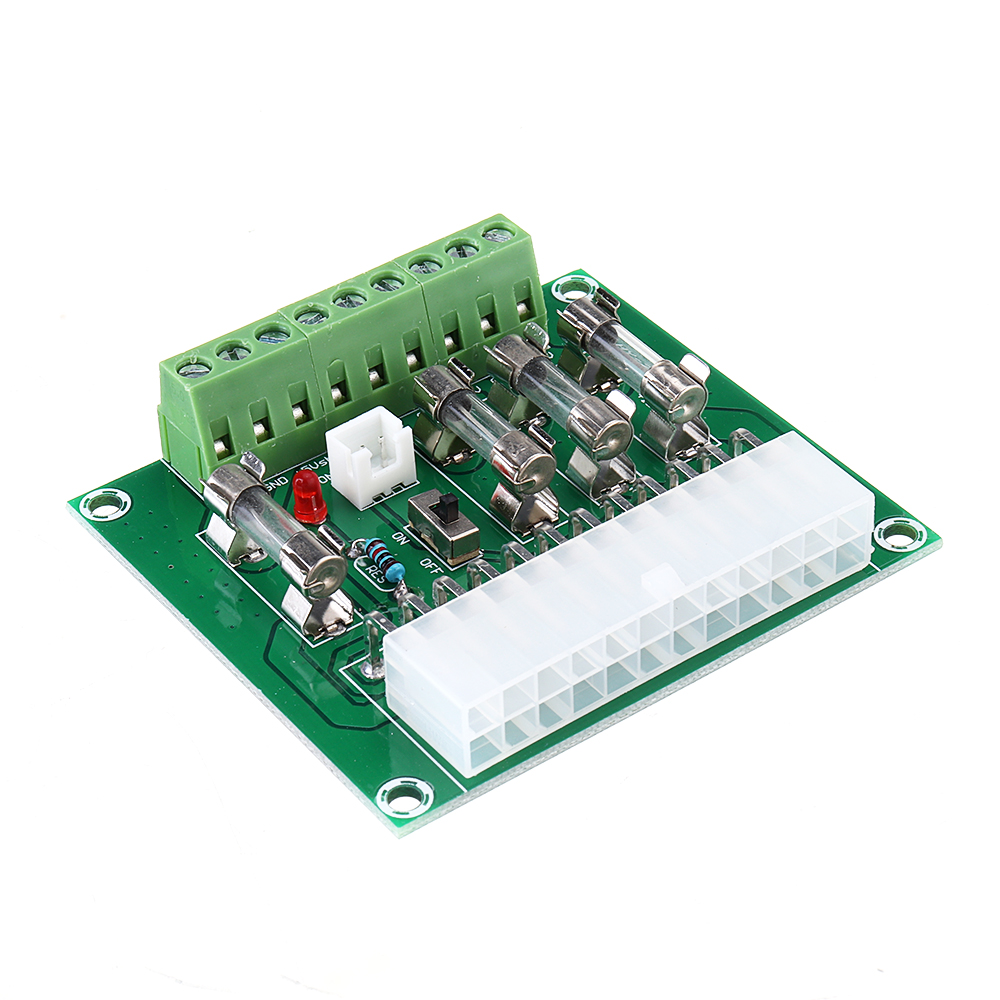
ATX Power Adapter ATX Computer PC Power Module Power Supply DC Plug Connector +3.3V +5V -12V +12V +5V