1 / 11 · Click to enlarge
Geekcreit® UNOR3 Basic Starter Kits No Battery Version for Arduino Carton Box Packaging
5.03,565 ratingsThe Geekcreit® UNOR3 Basic Starter Kits No Battery Version for Arduino Carton Box Packaging by Geekcreit is a mid-range product designed for everyday users. Customers praise its easy to set up and use and excellent build quality. 100% of buyers rate it 4★ or above.
Available Offers
Free Delivery on this order. No minimum order value.
15-Day Easy Returns — hassle-free return & full refund.
Secure Payment — 100% safe checkout with UPI, Cards & Net Banking.
33% Off — you save ₹1,560 on this product!
Available Offers
5% Cashback
Pay with UPI & get 5% cashback (up to ₹50) via Razorpay
No-Cost EMI
Available on select bank cards at checkout. 0% interest for 3 months.
Free Shipping
Free delivery on all orders. No minimum order value.
Cash on Delivery
COD available on orders up to ₹5,000 across India.
Ideal For
About This Product
The Geekcreit® UNOR3 Basic Starter Kits No Battery Version for Arduino Carton Box Packaging by Geekcreit is a mid-range designed for everyday users. Customers highlight its easy to set up and use and excellent build quality.
Customer Verdict
100% of buyers rated this product 4 stars or above. The most appreciated qualities are: easy to set up and use, excellent build quality, great value for money, fast and responsive.
Why Buy from Pricio?
Pricio sources this product directly, cutting out multiple middlemen. Every order includes free shipping, a 15-day return policy, and secure payment via Razorpay.
Product packaging: Carton packaging only
Type: No battery version
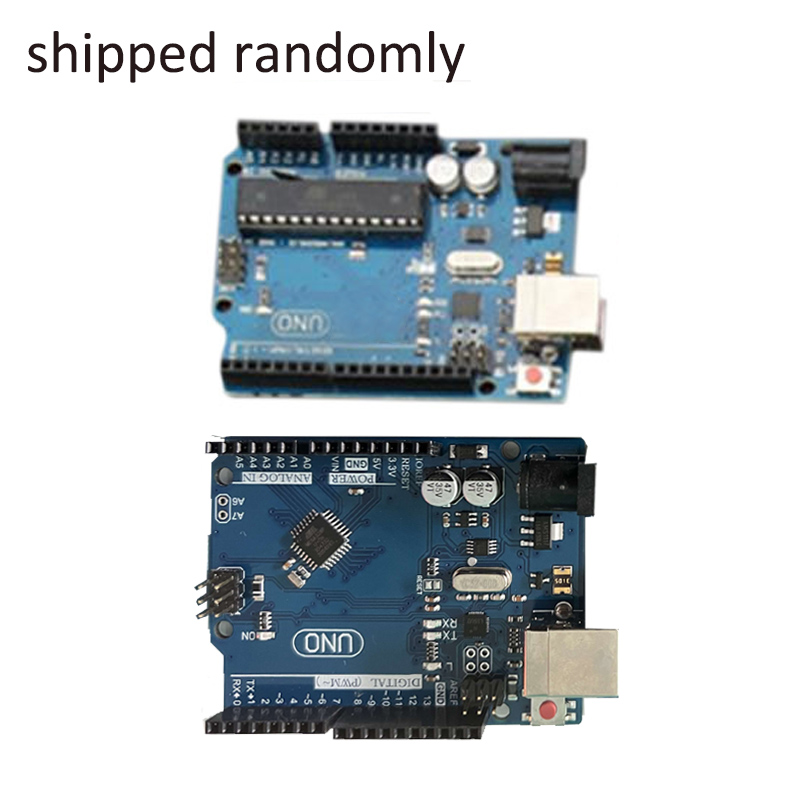
Due to batch problems, the motherboard chips may be shipped randomly, and the function will not be affected. Thank you for your understanding.
Feature:
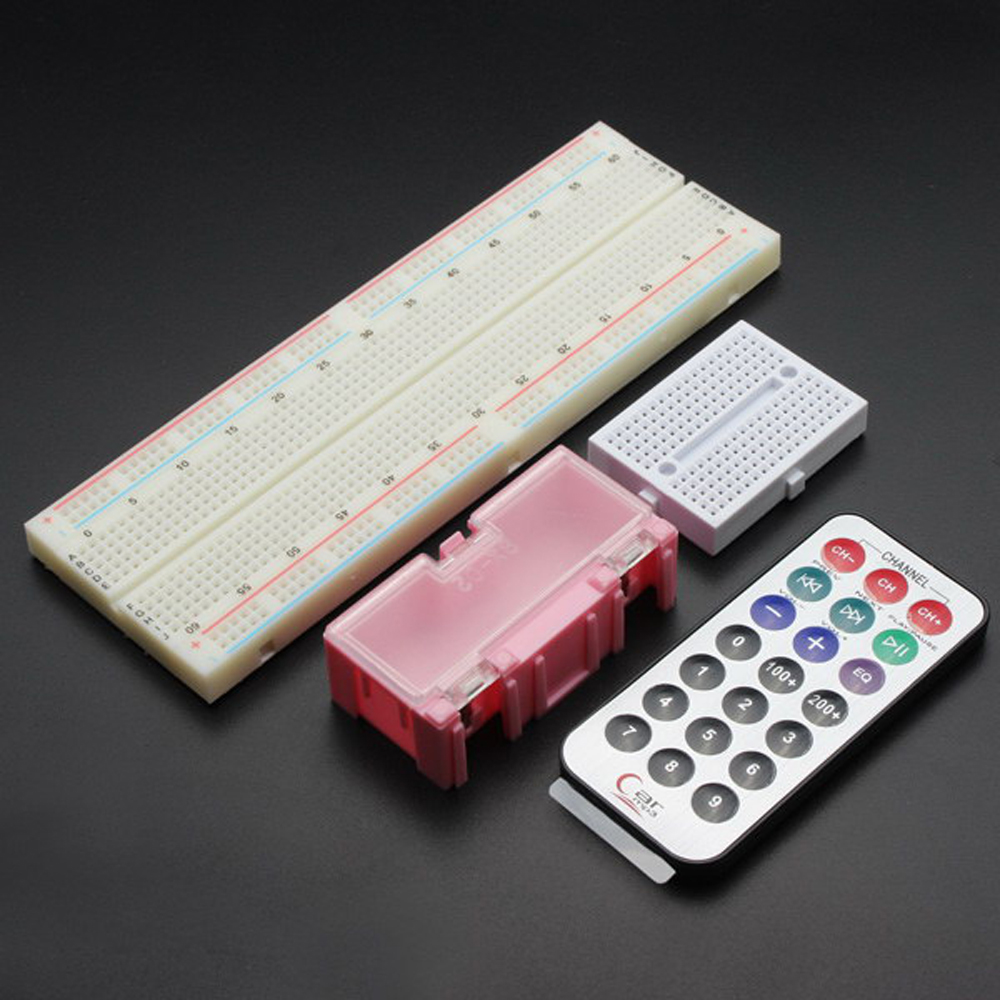
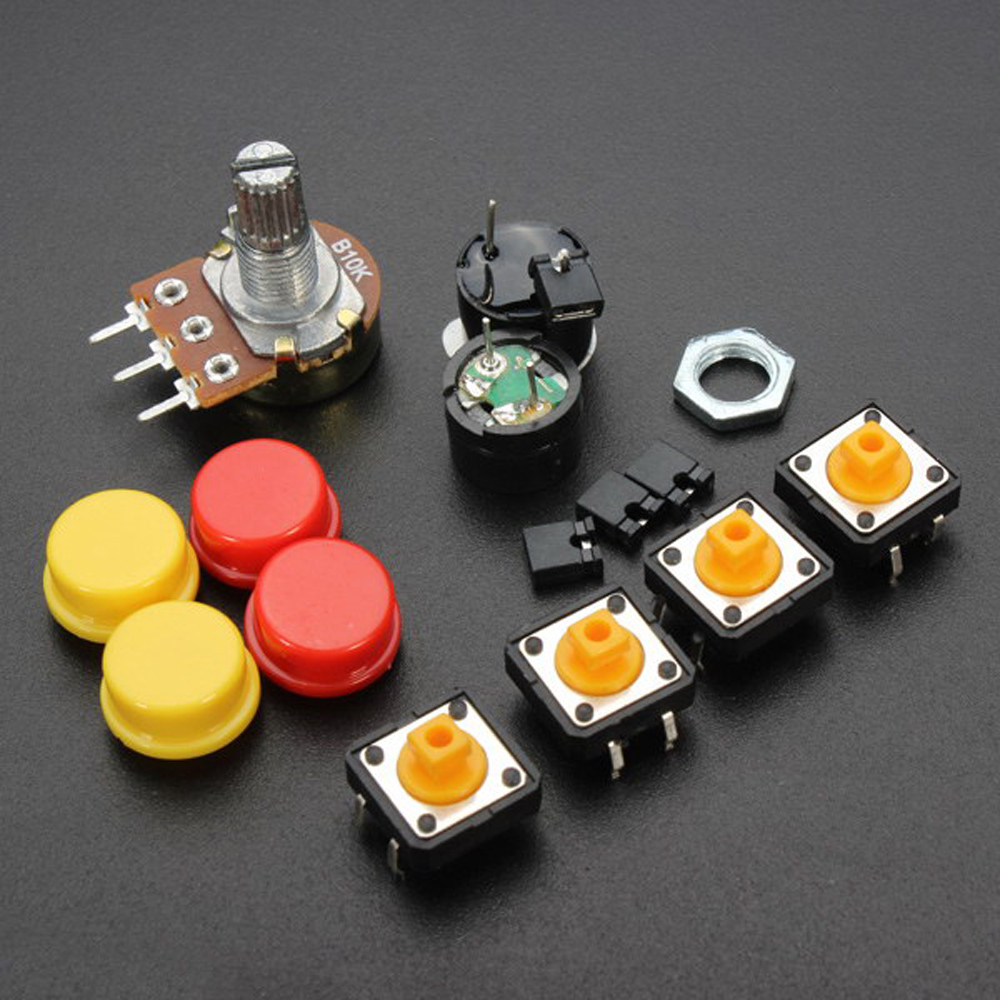
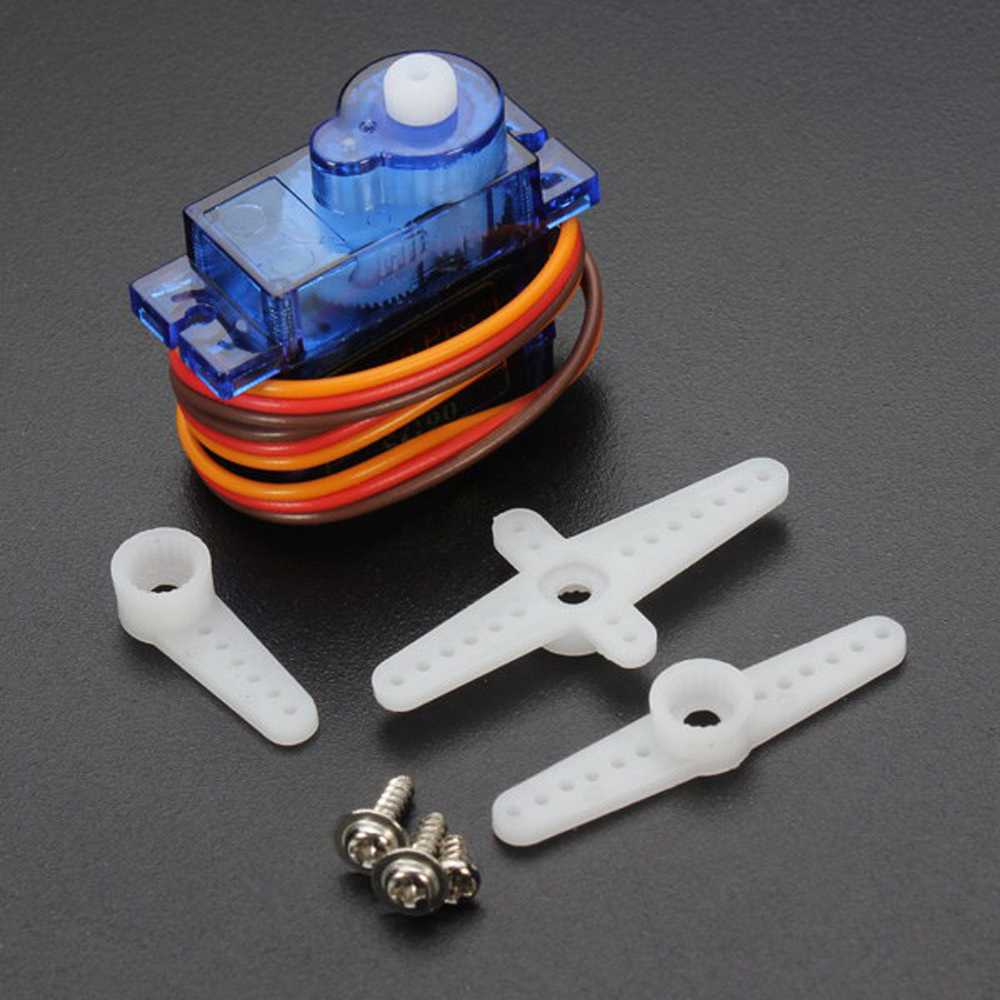
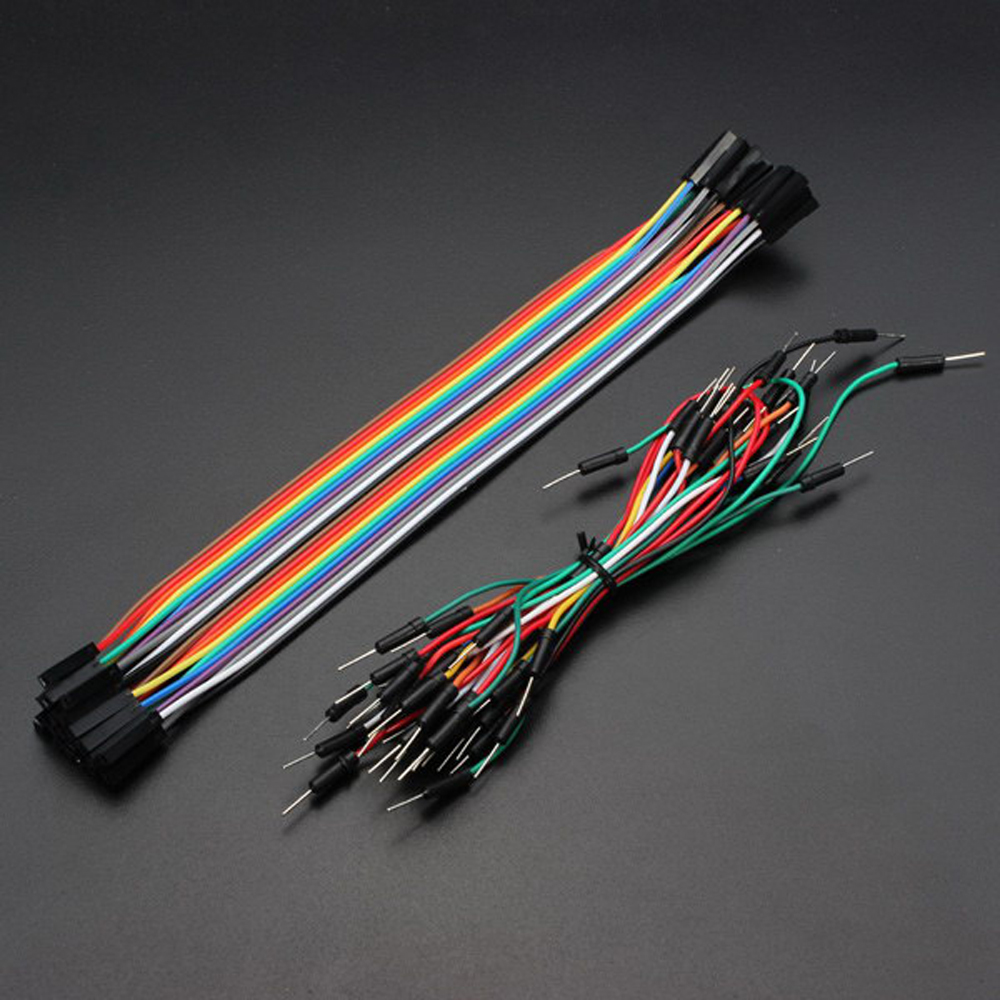
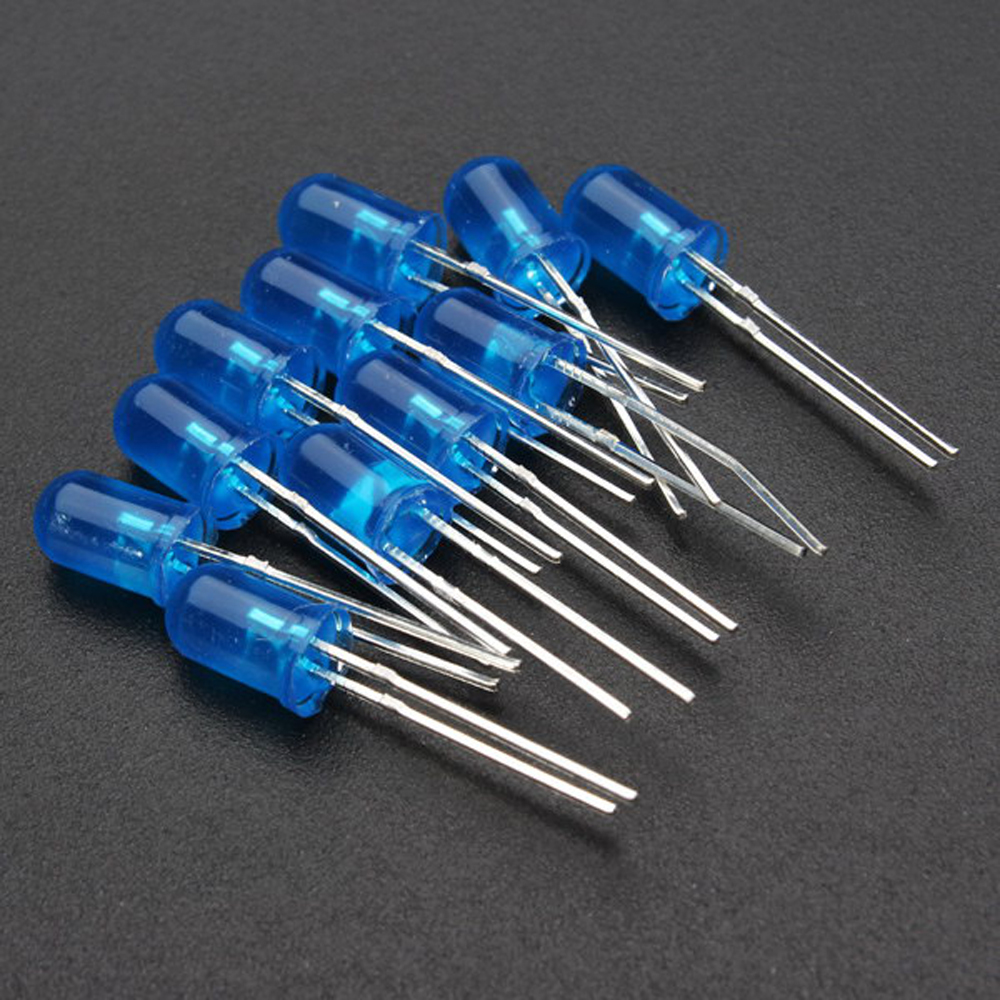
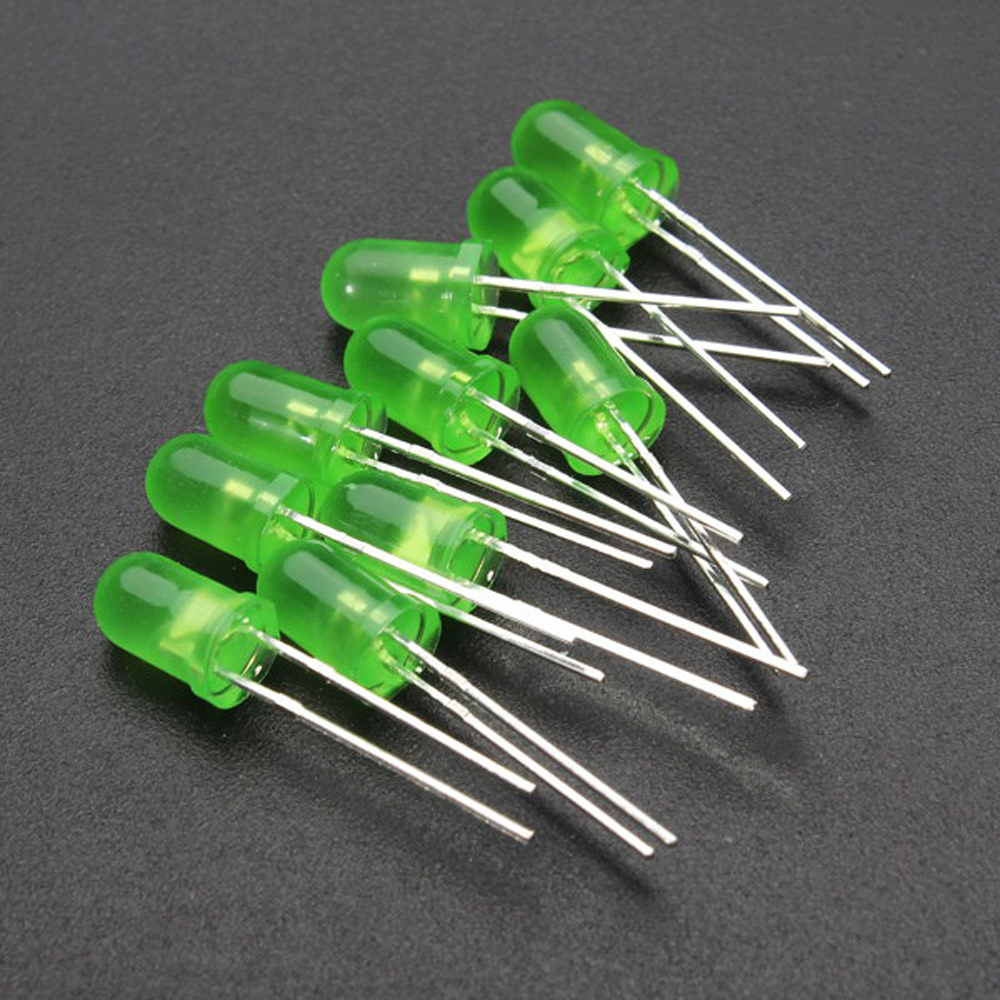
1 x compatible UNOR3 development board 1 x USB cable 1 x Prototype extension board 1 x Mini breadboard 1 x 5V stepper motor 1 x 2003 stepper motor driver board 10 x Red LED 10 x Green LED 10 x Blue LED 2 x Vibration Sensor 1 x Flame sensor 1 x LM35 temperature sensor 1 x Infrared receiver (no battery included) 3 x Photoresistor 4 x Key cap 4 x Key switch 1 x Adjustable potentiometer 1 x Passive buzzer (piezo buzzer) 1 x Active buzzer (tone generator) 1 x Jumper cap 1 x Large breadboard 1 x Remote Control 1 x 1602 Screen 1 x 9G servos 1 x Component box (Pink or Green Random Color)
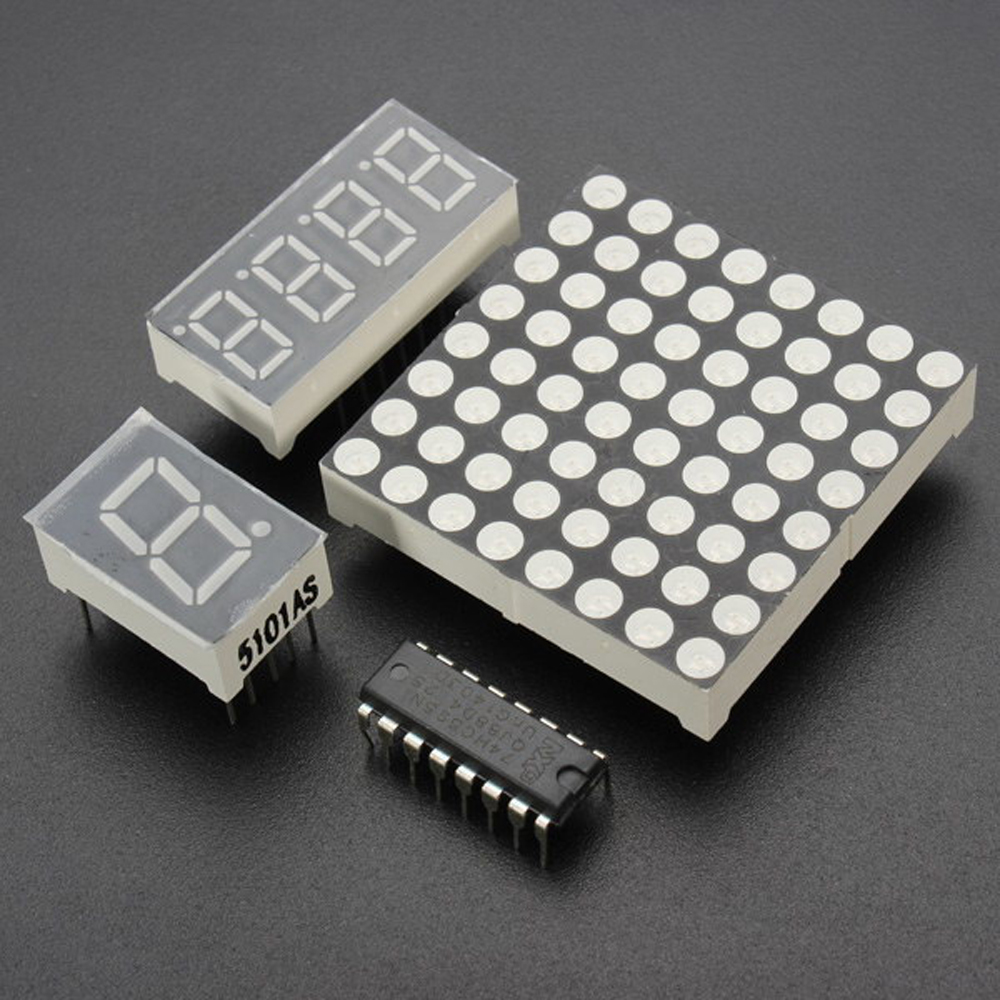
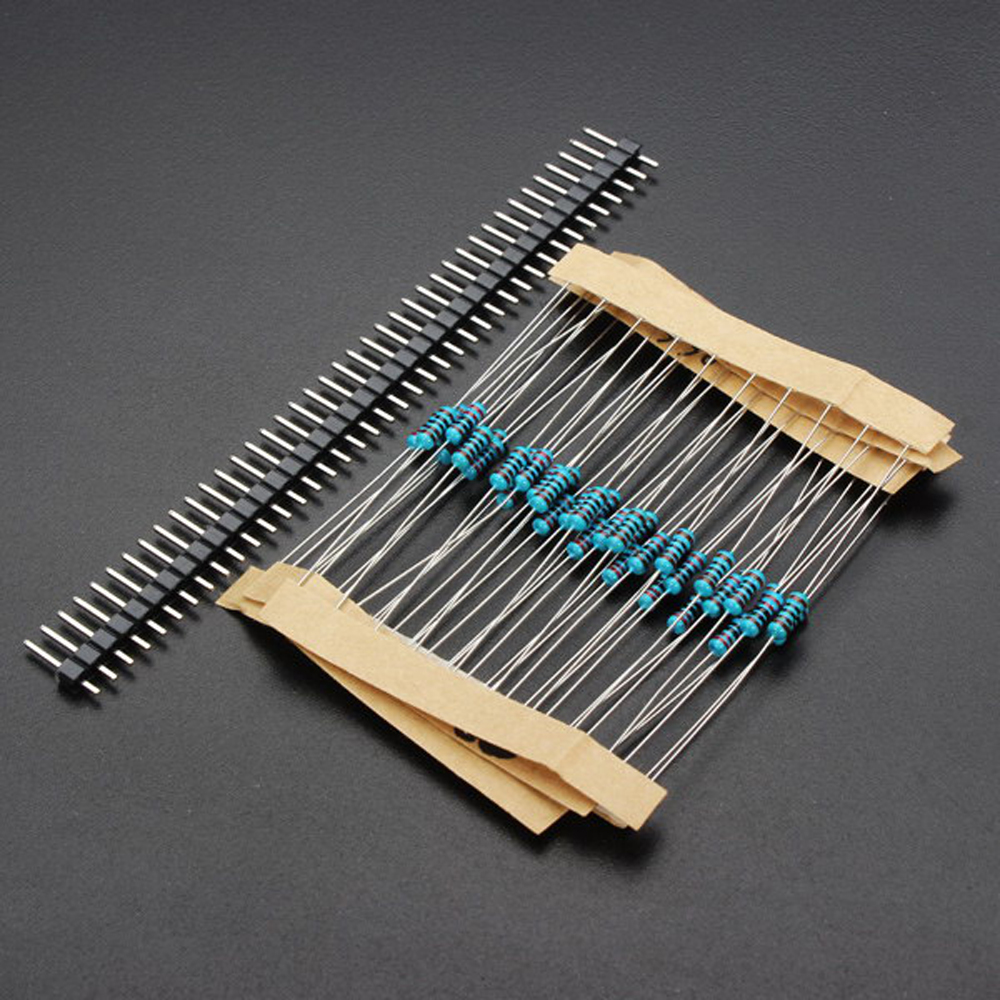
1 x 10p DuPont line 30 x Breadboard line(approximately) 1 x 220ohm resistance 1 x 8*8 dot matrix 1 x One digit eight segment tube 1 x Four digit eight segment tube 1 x IC 74HC595 1 x Battery Holder 1 x 1K resistor plug 1 x 10K resistor plug 1 x 2.54mm 40pin pin header