
1 / 4 · Click to enlarge
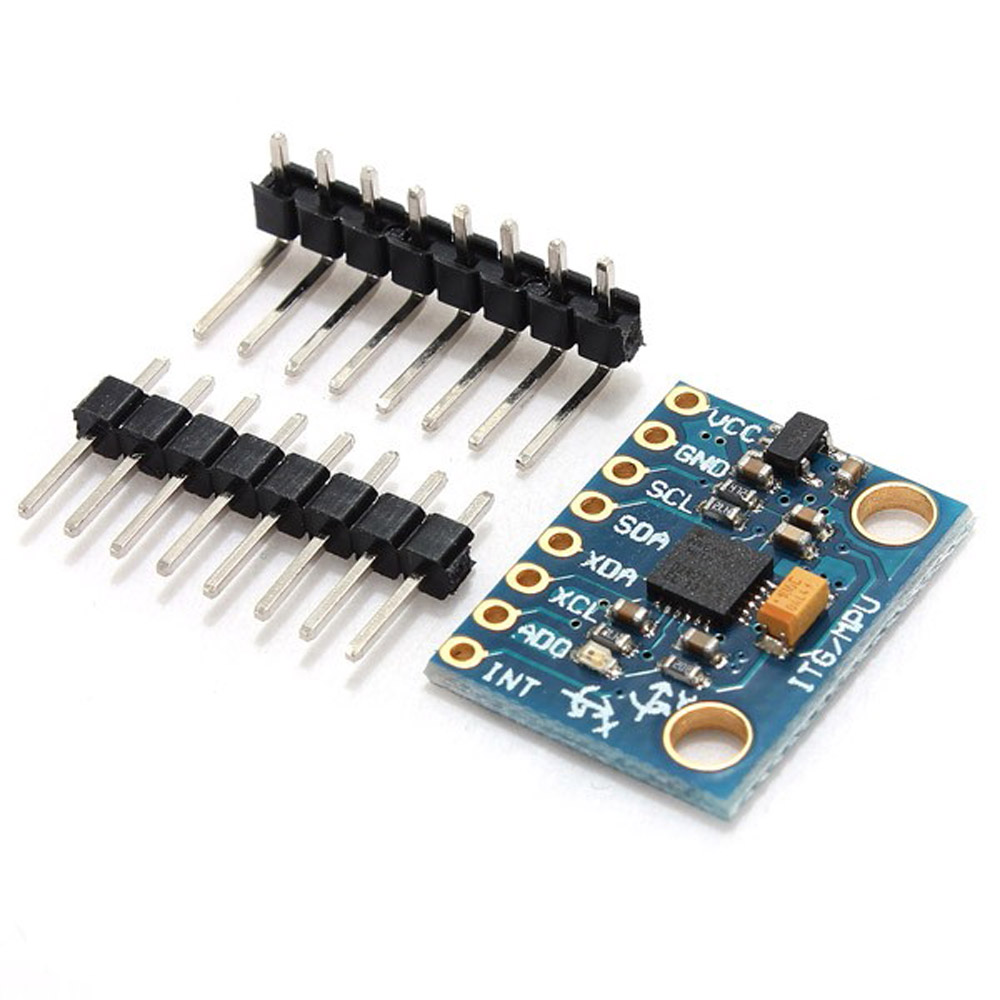
3pcs 6DOF MPU-6050 3 Axis Gyro With Accelerometer Sensor Controller Module Geekc
5.0139 ratingsThe 3pcs 6DOF MPU-6050 3 Axis Gyro With Accelerometer Sensor Controller Module Geekc by Geekcreit is a mid-range electronics designed for everyday users. Customers praise its excellent build quality and great value for money. 100% of buyers rate it 4★ or above.
Available Offers
Free Delivery on this order. No minimum order value.
15-Day Easy Returns — hassle-free return & full refund.
Secure Payment — 100% safe checkout with UPI, Cards & Net Banking.
Available Offers
5% Cashback
Pay with UPI & get 5% cashback (up to ₹50) via Razorpay
No-Cost EMI
Available on select bank cards at checkout. 0% interest for 3 months.
Free Shipping
Free delivery on all orders. No minimum order value.
Cash on Delivery
COD available on orders up to ₹5,000 across India.
Ideal For
About This Product
The 3pcs 6DOF MPU-6050 3 Axis Gyro With Accelerometer Sensor Controller Module Geekc by Geekcreit is a mid-range electronics designed for everyday users. Customers highlight its excellent build quality and great value for money.
Customer Verdict
100% of buyers rated this product 4 stars or above. The most appreciated qualities are: excellent build quality, great value for money, fast and responsive, clear and bright display.
Why Buy from Pricio?
Pricio sources this product directly, cutting out multiple middlemen. Every order includes free shipping, a 15-day return policy, and secure payment via Razorpay.
Description:
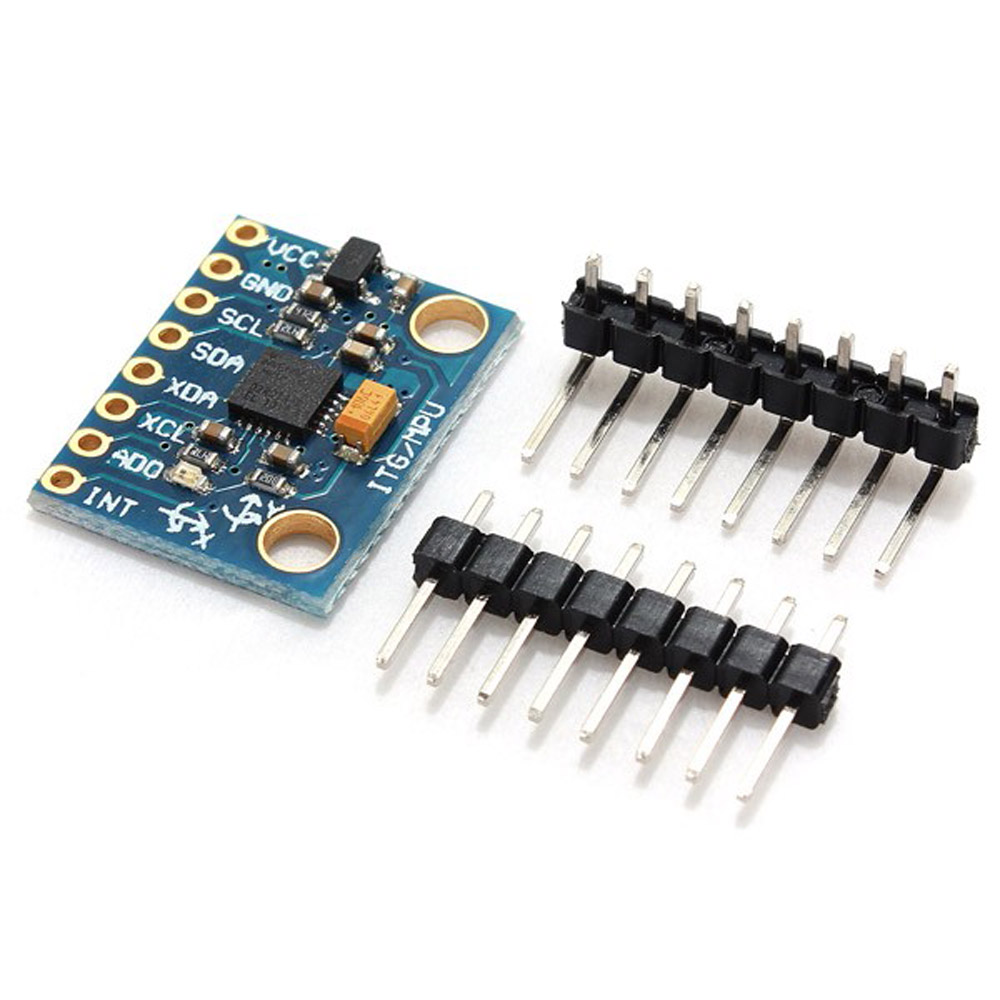
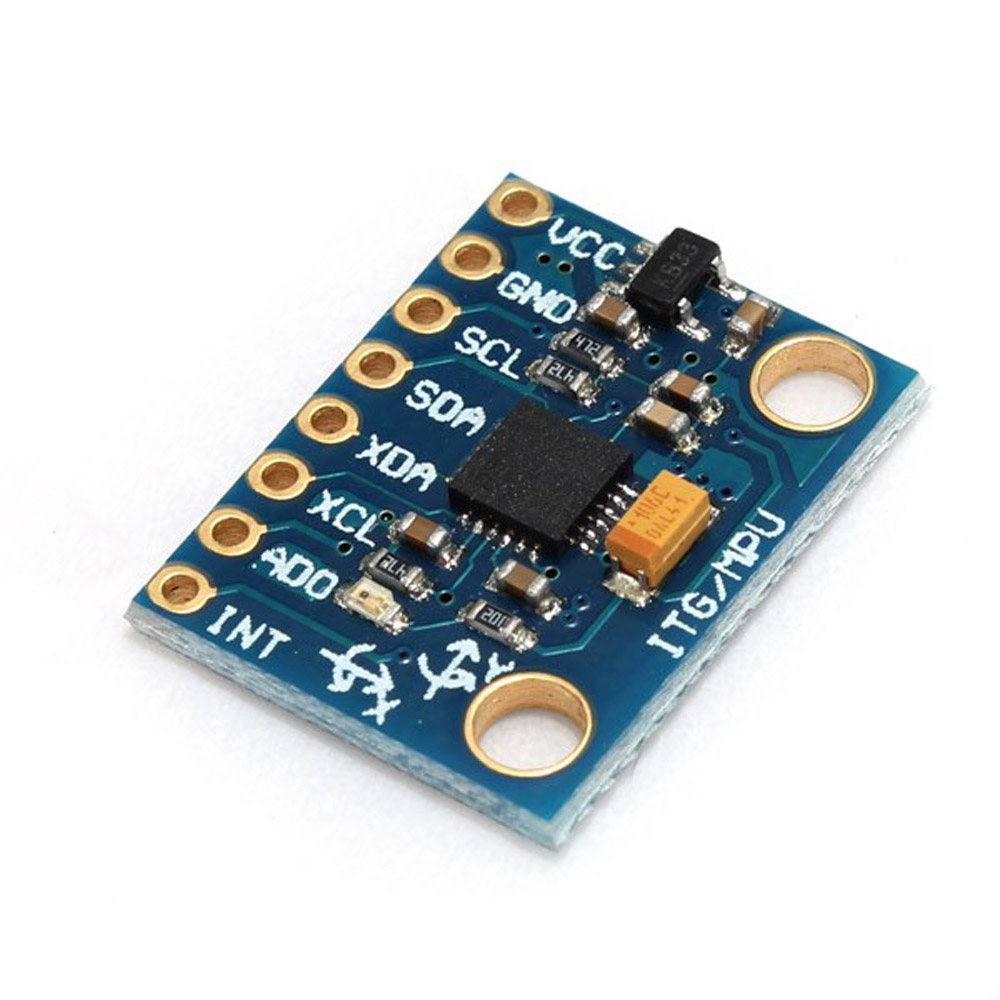
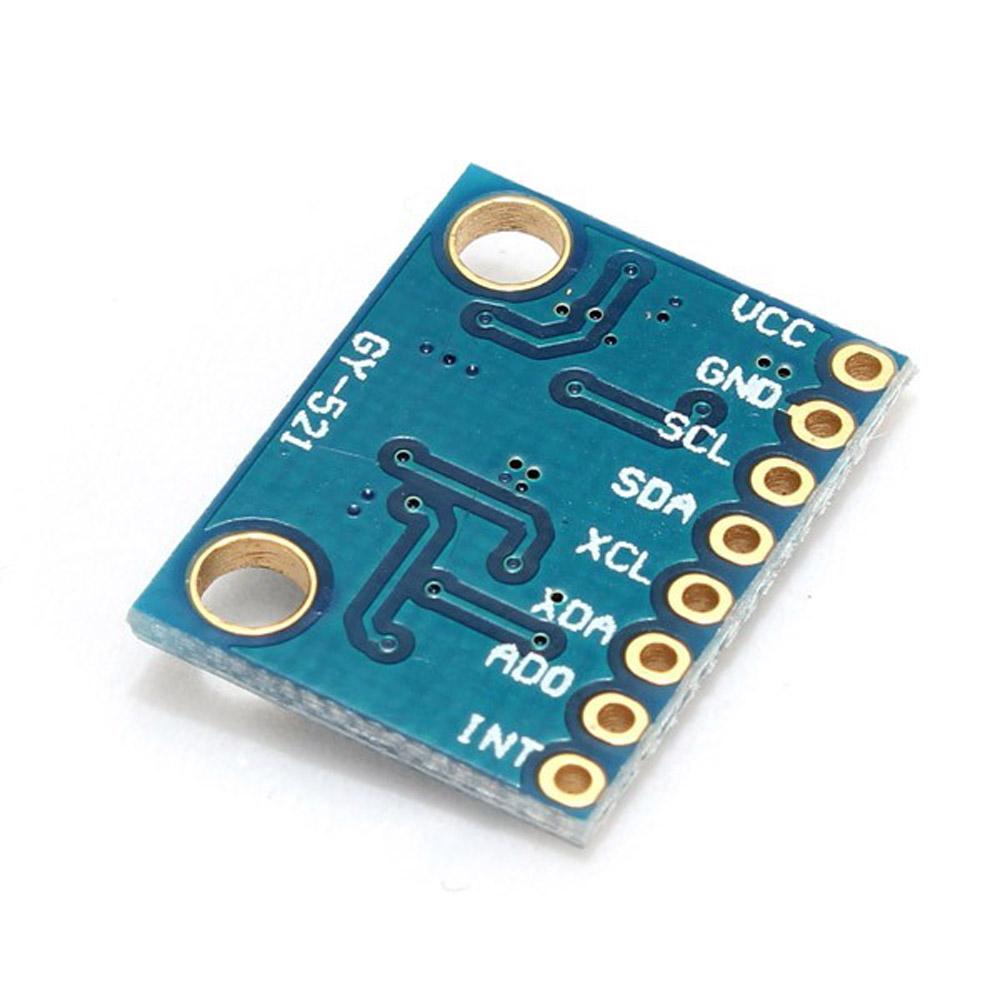
Name: MPU-6050 module (three-axis gyroscope + triaxial accelerometer)
2.54mm pin spacing
MPU-6050 Accelerometer + Gyro
The MPU-6050 sensor contains a MEMS accelerometer and a MEMS gyro in a single chip. It is very accurate, since it contains 16-bits analog to digital conversion hardware for each channel. Therefor it captures the x, y, and z channel at the same time.
Specification:
16bit AD converter-chip, 16-bit data output
Use Chip: MPU-6050
Power supply :3-5v (internal low dropout regulator)
Communication: IIC communication protocol standard
Gyro Range: ± 250 500 1000 2000 ° / s
Acceleration range: ± 2 ± 4 ± 8 ± 16g
Using Immersion Gold PCB, welding machines to ensure quality
Size: 2 x 1.6 x 0.1cm
Application:
Motion sensing games
Augmented Reality
Electronic Image Stabilization (EIS: Electronic Image Stabilization)
Optical Image Stabilization (OIS: Optical Image Stabilization)
"Zero-touch" gestures User Interface
Pedestrian navigation
Gesture shortcuts
Market:
Smart phone
Tablet device
Handheld games
3D remote controller
Portable navigation devices
Package included:
3 x MPU-6050 module







.jpg)
