

ZY12PDN Charging Module Type-C USB-C PD2.0 3.0 To DC USB Deception Fast Charge Trigger Polling Detector
5.01 ratingThe ZY12PDN Charging Module Type-C USB-C PD2.0 3.0 To DC USB Deception Fast Charge Trigger Polling Detector by Pricio is a mid-range power supply module designed for everyday users.
Available Offers
Free Delivery on this order. No minimum order value.
15-Day Easy Returns — hassle-free return & full refund.
Secure Payment — 100% safe checkout with UPI, Cards & Net Banking.
Available Offers
5% Cashback
Pay with UPI & get 5% cashback (up to ₹50) via Razorpay
No-Cost EMI
Available on select bank cards at checkout. 0% interest for 3 months.
Free Shipping
Free delivery on all orders. No minimum order value.
Cash on Delivery
COD available on orders up to ₹5,000 across India.
Ideal For
About This Product
The ZY12PDN Charging Module Type-C USB-C PD2.0 3.0 To DC USB Deception Fast Charge Trigger Polling Detector by Pricio is a mid-range power supply module designed for everyday users. It delivers reliable performance at an accessible price.
Why Buy from Pricio?
Pricio sources this product directly, cutting out multiple middlemen. Every order includes free shipping, a 15-day return policy, and secure payment via Razorpay.
Specifications:
Model: ZY12PDN Type-C USB-C PD2.0 3.0
Input Voltage: 3-20V
Input Current: 0-5A
Output Power: Up to 100W
Size: 15mm (width) x 30mm (length)
Type: Standard, With USB Port, With Screw Terminals
Compatibility: USB PD (Power Delivery) 2.0 and 3.0
Features:
1.Versatile Connectivity: The ZY12PDN Type-C USB-C PD Trigger Module supports a comprehensive range of USB Power Delivery (PD) protocols, including PD2.0 and PD3.0. This multipurpose feature makes it compatible with a wide variety of devices, ensuring seamless usage and enhanced flexibility in different scenarios.
2.High Power Output: Capable of supporting up to 100W of power, the ZY12PDN module provides ample power for fast charging extensive gadgets like laptops, tablets, and smartphones. This high power output is facilitated by the usage of 5A high-current PAL sockets, ensuring reliable and stable performance.
3.Robust Protection Mechanisms: Featuring TVS (Transient Voltage Suppression) diodes, the ZY12PDN module effectively mitigates risks of voltage spikes and reverse connections. These robust protection mechanisms protcet both the device and the connected equipment, ensuring safe operation in varied conditions.
4.Custom Voltage Setting: The module allows precise user configuration for different voltage settings via an easy setup including tactile switches and color-coded indicator lights. This customizable voltage feature ensures that you can adapt the output perfectly for any application, making it an ideal tool for DIY electronics enthusiasts.
5.Compact and Long-lasting Design: Measuring only 15mm x 30mm, the ZY12PDN is designed to be compact and space-efficient, making it easy to integrate into various projects. The design includes high-quality components like ALPS tactile switches and ceramic capacitors, ensuring minimal internal resistance and optimal performance.
Package Included:
1 x ZY12PDN Charging Module (Type Opitional)


Setup Guide
Cheaper Alternatives


Upgrade Options

Sinilink XY12530S DC Buck Power Supply Adjustable Module 3750W 125V 30A High Precision Efficient MPPT Solar Charging True Color LCD Display Reliable Voltage Current Control

Geekcreit® AC 100-240V to DC 12V 5A 60W Switching Power Supply Module Driver Adapter LED Strip Light
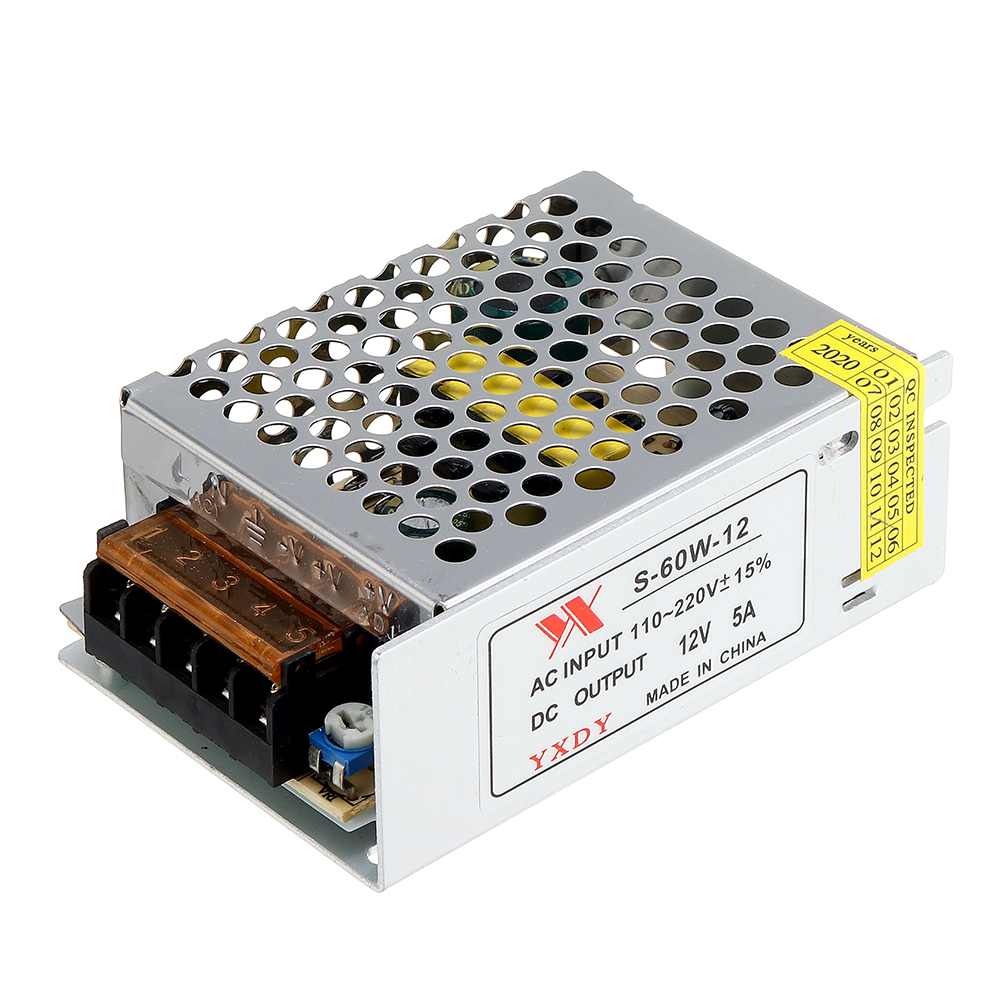
10pcs Geekcreit® AC 100-240V to DC 12V 5A 60W Switching Power Supply Module Driver Adapter LED Strip Light





