

Wireless External Computer Power Button Switch Remote Control PC Power Button Switch for Home Office
5.01 ratingThe Wireless External Computer Power Button Switch Remote Control PC Power Button Switch for Home Office by Pricio is a mid-range other module board designed for office workers and students.
Available Offers
Free Delivery on this order. No minimum order value.
15-Day Easy Returns — hassle-free return & full refund.
Secure Payment — 100% safe checkout with UPI, Cards & Net Banking.
17% Off — you save ₹399 on this product!
Type: One Button
Available Offers
5% Cashback
Pay with UPI & get 5% cashback (up to ₹50) via Razorpay
No-Cost EMI
Available on select bank cards at checkout. 0% interest for 3 months.
Free Shipping
Free delivery on all orders. No minimum order value.
Cash on Delivery
COD available on orders up to ₹5,000 across India.
Ideal For
About This Product
The Wireless External Computer Power Button Switch Remote Control PC Power Button Switch for Home Office by Pricio is a mid-range other module board designed for office workers and students. It delivers reliable performance at an accessible price.
Why Buy from Pricio?
Pricio sources this product directly, cutting out multiple middlemen. Every order includes free shipping, a 15-day return policy, and secure payment via Razorpay.
Specification:
Item Type: Wireless External Computer Power Button Switch
Material: ABS, PCB
Battery: CR2032 button battery x 1
Battery Capacity: 150mah (shipped with built in battery)
Size: 76*70*65mm
Weight: 164g
Features:
1. WIRELESS POWER BUTTON: This wireless desktop power switch allows you to conveniently turn on your computer within a range of 5 meters. Say goodbye to bending over or reaching for the power button on your computer case. With the option to enable the for BIOS USB power feature, it offers easy and wireless access without the need for charging and ensures long lasting standby functionality.
2. TIDY WORK SPACE: With this wireless external desktop power button, you can control your computer without long cables, keeping your work space neat and tidy. It helps maintain a clean and cool working environment, eliminating the clutter caused by traditional power buttons and cables.
3. REMOTE FUNCTIONALITY: This power switch enables remote operation, allowing you to effortlessly turn on or off the power of your PC tower from a distance. Say goodbye to the hassle of reaching behind your computer or crawling under your desk to access the power button.
4. EASY INSTALLATION: Installing this PC power switch is a breezes. Simply insert the control chip into the PCIE interface on your motherboard, and you're able to take control of your computer's power. Ensure that your motherboard has a PCIE interface before installation.
5. IMPROVED CONVENIENCE: With this wireless desktop power switch, you can enhance the convenience of controlling your computer. It provides a simple and efficient solution for powering on your PC, allowing you to focus on your work without any interruptions or cumbersome setups.
How to Use:
The motherboard boot 9 pin position is defined, and the side of the boot small board with a chip faces the side of the board edge.
Mainboard USB2.0 9 Pin definition. The single power bar cable on the startup board needs to be plugged into the USB and 5V.
1. Locate the 9 pin startup bar on the mainboard, remove the original bar, and insert the startup board.
2. Insert the eight cables on the mainboard into the startup board in the original sequences.
3. Connect the power bar on the startup pad to the USB 5V power supply pin on the mainboard.
4. At this point, the installation of the startup board is complete, and the power supply option of USB shutdown is enabled in the computer BIOS. Because there are many types of motherboards, please find out how to enable this option.
5. Press the nuclear explosion button to turn it on.
Package Include:
1 x Desktop Power Button Switch
1 x Mainboard Boot Board


Setup Guide
Helpful Buying Guides
Cheaper Alternatives

4 Slots AA Battery Box Battery Holder Board with Switch for 4xAA Batteries DIY k
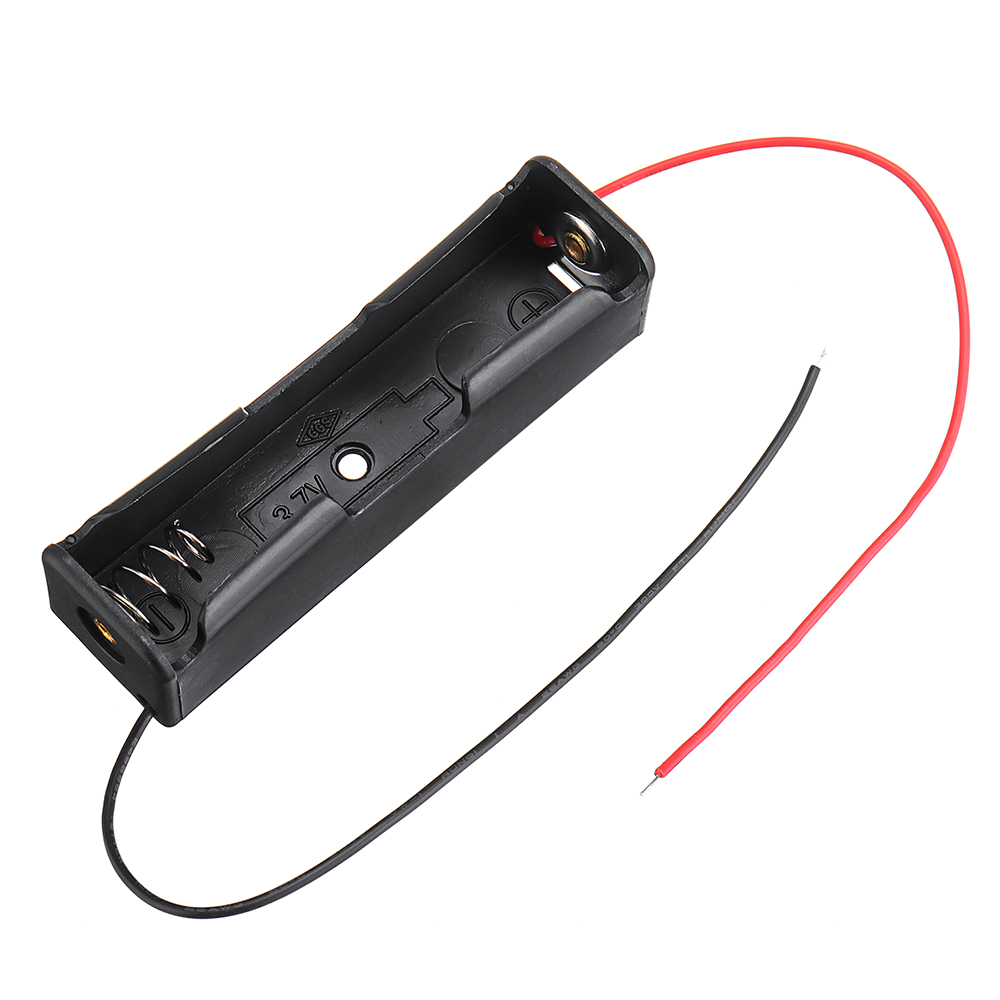
1 Slots 18650 Battery Box Rechargeable Battery Holder Board for 1x18650 Batteri

3pcs 1 Slots 18650 Battery Box Rechargeable Battery Holder Board for 1x18650 Batteries DIY kit Case
Upgrade Options

TL866 T48 Universal Programmer USB Multi-Interface Support 31000 Plus Chips NAND EMMC AVR PIC Adapter

LED2015 Music Spectrum Level Light Multi-mode DSP Equalizer EQ Voice Pickup Color Acrylic Shell

Maxgeek SSTC Mini Tesla Coil Music Double Class-E Solid State Tesla Coil Artificial Teaching Tool





