

1 / 6 · Click to enlarge
TL866 T48 Universal Programmer USB Multi-Interface Support 31000 Plus Chips NAND EMMC AVR PIC Adapter
5.02 ratingsThe TL866 T48 Universal Programmer USB Multi-Interface Support 31000 Plus Chips NAND EMMC AVR PIC Adapter by TL866 is a premium other module board designed for premium buyers.
Available Offers
Free Delivery on this order. No minimum order value.
15-Day Easy Returns — hassle-free return & full refund.
Secure Payment — 100% safe checkout with UPI, Cards & Net Banking.
Price: ₹11,186✓ In Stock
Available Offers
5% Cashback
Pay with UPI & get 5% cashback (up to ₹50) via Razorpay
No-Cost EMI
Available on select bank cards at checkout. 0% interest for 3 months.
Free Shipping
Free delivery on all orders. No minimum order value.
Cash on Delivery
COD available on orders up to ₹5,000 across India.
Ideal For
About This Product
The TL866 T48 Universal Programmer USB Multi-Interface Support 31000 Plus Chips NAND EMMC AVR PIC Adapter by TL866 is a premium other module board designed for premium buyers. It delivers reliable performance at an accessible price.
Why Buy from Pricio?
Pricio sources this product directly, cutting out multiple middlemen. Every order includes free shipping, a 15-day return policy, and secure payment via Razorpay.
Specifications:
Model: TL866 T48 USB Universal Programmer
Supported Devices: 31000+ chips, including NAND, EMMC, 24/25/26/93/39/49 series storages, AVR/PIC microcontrollers, and 74HC logics ICs0
Operating Parameters: Low-power USB input, no external power required
Burning Capability: Supports simultaneous programming of up to 4 programmers with 1 PC
Chip Interface Protection: Built-in 40-pin overcurrent protection, VPP/VCC-grade current overflow safeguards
Packaging Variants: Adapter options range from 4, 10, 12, 17, 39
Features:
1. Comprehensive Compatibility: With over 31,000 supported chips, this programmer offers extensive device coverage including NAND flash and EMMC chips, allowing for versatile operation across a wide array of applications.
2. High-Efficiency Multi-Programmer Support: The device enables simultaneous operation of up to 4 programmers on one PC, enhancing productivity for professional projects and large-scale tasks.
3. Integrated Power Supply: Eliminates the need for external power sources by relying on efficient USB connectivity, reducing setup complexity with reliable low power consumption.
4. Advanced Error Detection: Includes automatic testing of chip pin contact issues to prevent damage to the programmer, ensuring a secure and safe programming process.
5. Enhanced Chip Protection: Equipped with optimal 40-pin internal voltage safeguards and advanced VPP/VCC-grade overcurrent protection, reducing risks during operational tasks.
Package Included:
1 x TL866 T48 Universal Programmer
1 x SOP8-DIP8 Clip
1 x USB Cable
Adapter Packages (based on variants):
4 x Adapters (optional)
10 x Adapters (optional)
12 x Adapters (optional)
17 x Adapters (optional)
39 x Adapters(optional)


Setup Guide
Cheaper Alternatives
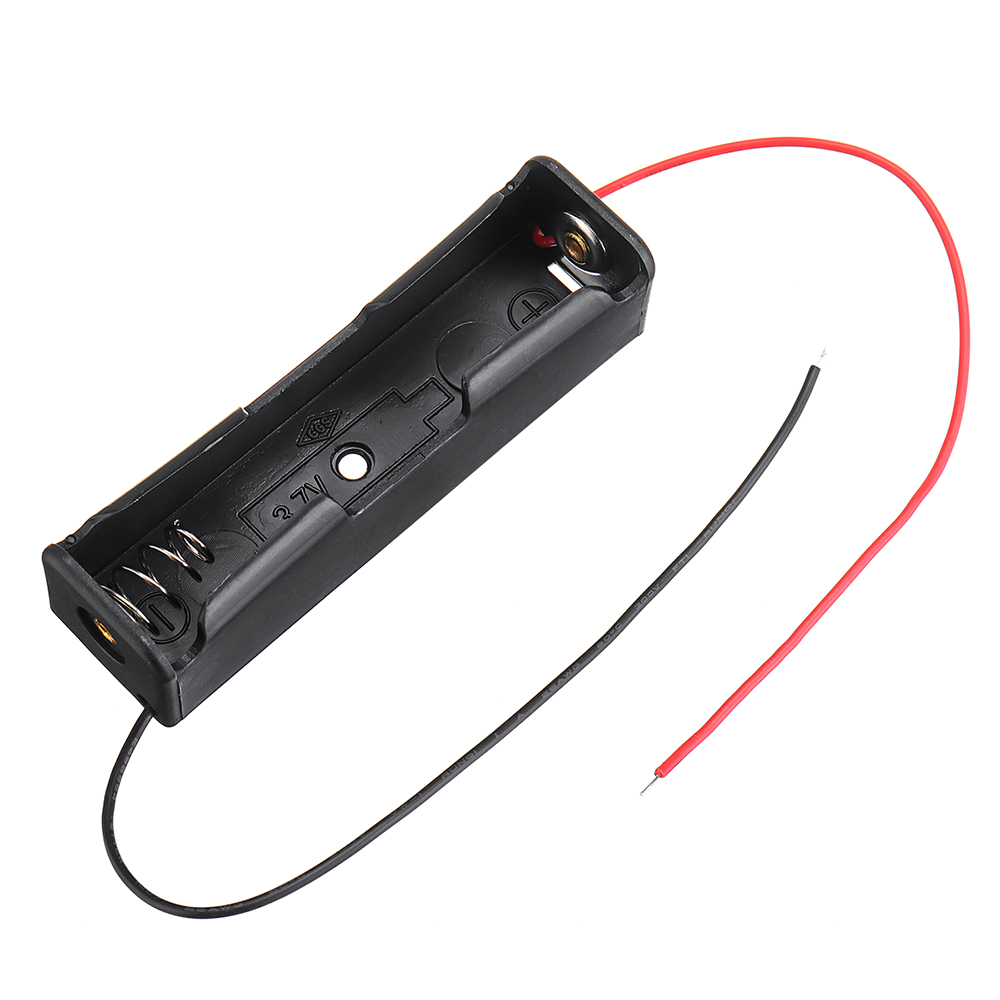
1 Slots 18650 Battery Box Rechargeable Battery Holder Board for 1x18650 Batteri

4 Slots AA Battery Box Battery Holder Board with Switch for 4xAA Batteries DIY k

3pcs 1 Slots 18650 Battery Box Rechargeable Battery Holder Board for 1x18650 Batteries DIY kit Case


