

QC3.0 3S 4S 5S 65W 100W Power Bank Double USB Two way Fast Charge Mobile Power Module with C-Port 18650 Charging Temperature Protection
5.010 ratingsThe QC3.0 3S 4S 5S 65W 100W Power Bank Double USB Two way Fast Charge Mobile Power Module with C-Port 18650 Charging Temperature Protection by Pricio is a mid-range power supply module designed for everyday users. Customers praise its excellent build quality and fast and responsive. 100% of buyers rate it 4★ or above.
Available Offers
Free Delivery on this order. No minimum order value.
15-Day Easy Returns — hassle-free return & full refund.
Secure Payment — 100% safe checkout with UPI, Cards & Net Banking.
Price: ₹2,079✓ In Stock
Available Offers
5% Cashback
Pay with UPI & get 5% cashback (up to ₹50) via Razorpay
No-Cost EMI
Available on select bank cards at checkout. 0% interest for 3 months.
Free Shipping
Free delivery on all orders. No minimum order value.
Cash on Delivery
COD available on orders up to ₹5,000 across India.
Ideal For
About This Product
The QC3.0 3S 4S 5S 65W 100W Power Bank Double USB Two way Fast Charge Mobile Power Module with C-Port 18650 Charging Temperature Protection by Pricio is a mid-range power supply module designed for everyday users. Customers highlight its excellent build quality and fast and responsive.
Customer Verdict
100% of buyers rated this product 4 stars or above. The most appreciated qualities are: excellent build quality, fast and responsive, clear and bright display, accurate and reliable.
Why Buy from Pricio?
Pricio sources this product directly, cutting out multiple middlemen. Every order includes free shipping, a 15-day return policy, and secure payment via Razorpay.
Specification:
Battery Type: Lithium Polymer Battery
Maximum Output Power: 65W/100W
Power Display: Digital Tube Display
USB Ports: Dual USB charging ports, one TYPE-C port, one Android charging port, one Apple charging port, one 5.5*2.1 port
Input Voltage Support: 5V/9V/12V/15V/20V
PPS Output Support: 3.3V-21V/3A
QC2.0 Output Support: 5V3A/9V3A/12V3A
QC3.0 Output Support: 5V-12V (200mV/Step)
AFC Output Support: 5V3A/9V2A/12V2A
FCP Output Support: 5V3A/9V2A/12V1.5A
SCP Output Support: 5V4.5A, 10V2.2A
VOOC Output Support: 5V@4A
Simultaneous Discharge: Supports Type-A1/Type-A2/Type-C ports for external discharge
Maximum Fast Charging: 5V@3A (using a single port)
Product Size: 72x27x6mm
Features:
1. High Power Output: The lithium polymer battery offers a maximum output power of 65W/100W, allowing for fast charging of compatible devices.
2. Compact and Portable: The power bank's slim design, measuring 72x27x6mm, ensures easy portability and convenience for on-the-go charging.
3. Simultaneous Discharge: The power bank allows for simultaneous external discharge through Type-A1, Type-A2, and Type-C ports, enabling you to power multiple devices simultaneously.
Package Include:
1× Power Supply Module


Setup Guide
Cheaper Alternatives

5V Lithium Battery Charger Step Up Protection Board Boost Power Module Micro USB Li-Po Li-ion 18650 Power Bank Charger Board DIY

LM317 DC-DC Converter Buck Step Down Module Linear Regulator Adjustable Voltage Regulator Power Supply Board

DC-DC 3V-35V To 4V-40V Adjustable Step Up Power Module 3V 5V 12V To 19V 24V 30V 36V Boost Converter
Upgrade Options

Sinilink XY12530S DC Buck Power Supply Adjustable Module 3750W 125V 30A High Precision Efficient MPPT Solar Charging True Color LCD Display Reliable Voltage Current Control

Geekcreit® AC 100-240V to DC 12V 5A 60W Switching Power Supply Module Driver Adapter LED Strip Light
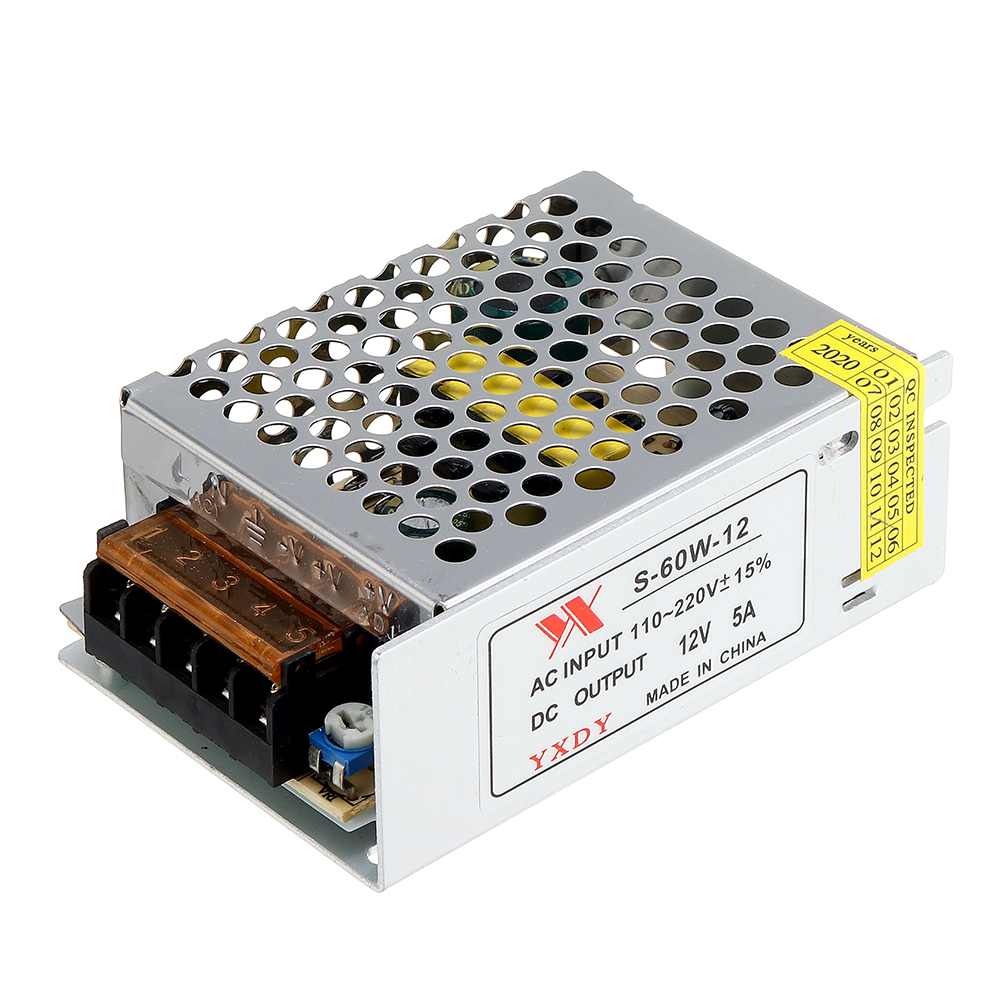
10pcs Geekcreit® AC 100-240V to DC 12V 5A 60W Switching Power Supply Module Driver Adapter LED Strip Light





