

1 / 5 · Click to enlarge
MINI SI4732 Radio Plum Blossom Shaft Rotary Encoder 20-Step 360 Degree Switch 10mm Shaft Smooth Frequency Adjustment High Temperature Resistant Eco-Friendly
5.01 ratingThe MINI SI4732 Radio Plum Blossom Shaft Rotary Encoder 20-Step 360 Degree Switch 10mm Shaft Smooth Frequency Adjustment High Temperature Resistant Eco-Friendly by MINI is a mid-range other module board designed for everyday users. Customers praise its excellent build quality.
Available Offers
Free Delivery on this order. No minimum order value.
15-Day Easy Returns — hassle-free return & full refund.
Secure Payment — 100% safe checkout with UPI, Cards & Net Banking.
Available Offers
5% Cashback
Pay with UPI & get 5% cashback (up to ₹50) via Razorpay
No-Cost EMI
Available on select bank cards at checkout. 0% interest for 3 months.
Free Shipping
Free delivery on all orders. No minimum order value.
Cash on Delivery
COD available on orders up to ₹5,000 across India.
Ideal For
About This Product
The MINI SI4732 Radio Plum Blossom Shaft Rotary Encoder 20-Step 360 Degree Switch 10mm Shaft Smooth Frequency Adjustment High Temperature Resistant Eco-Friendly by MINI is a mid-range other module board designed for everyday users. Customers highlight its excellent build quality.
Why Buy from Pricio?
Pricio sources this product directly, cutting out multiple middlemen. Every order includes free shipping, a 15-day return policy, and secure payment via Razorpay.
Specifications:
Type: Encoder with push button switch
Shaft Type: Plum Blossom Shaft
Positions: 20-step
Shaft Diameter: 6mm
Overall Height: 15mm
Adjustment: 360° rotary
Net Weight: 3.2g
Compatible with MINI SI4732 Radio
Features:
1. Precisely Designed for MINI SI4732:
Specifically tailored to fit and function seamlessly with MINI SI4732 radios, ensuring optimal compatibility and performance.
2. Enhanced Frequency Adjustment:
Equipped with a 360° rotary mechanism and 20-step encoder for smooth and accurate frequency tuning, allowing for effortless station selection.
3. Ergonomic Flower Axis Design:
The unique flower-shaped shaft improves grip, offering better anti-slip and anti-loosening properties for secure and reliable use during operation.
4. High-Sensitivity Push Button Switch:
The integrated push-button switch responds swiftly and effectively, with rigorous quality control ensuring reliable operational consistency.
5. Temperature and Environment Friendly:
Manufactured with eco-conscious materials capable of withstanding high temperatures while adhering to environmental standards.
Package Included:
1 x 10mm Plum Blossom Shaft Rotary Encoder
(The MINI SI4732 Radio is not includes)


Setup Guide
Cheaper Alternatives

4 Slots AA Battery Box Battery Holder Board with Switch for 4xAA Batteries DIY k
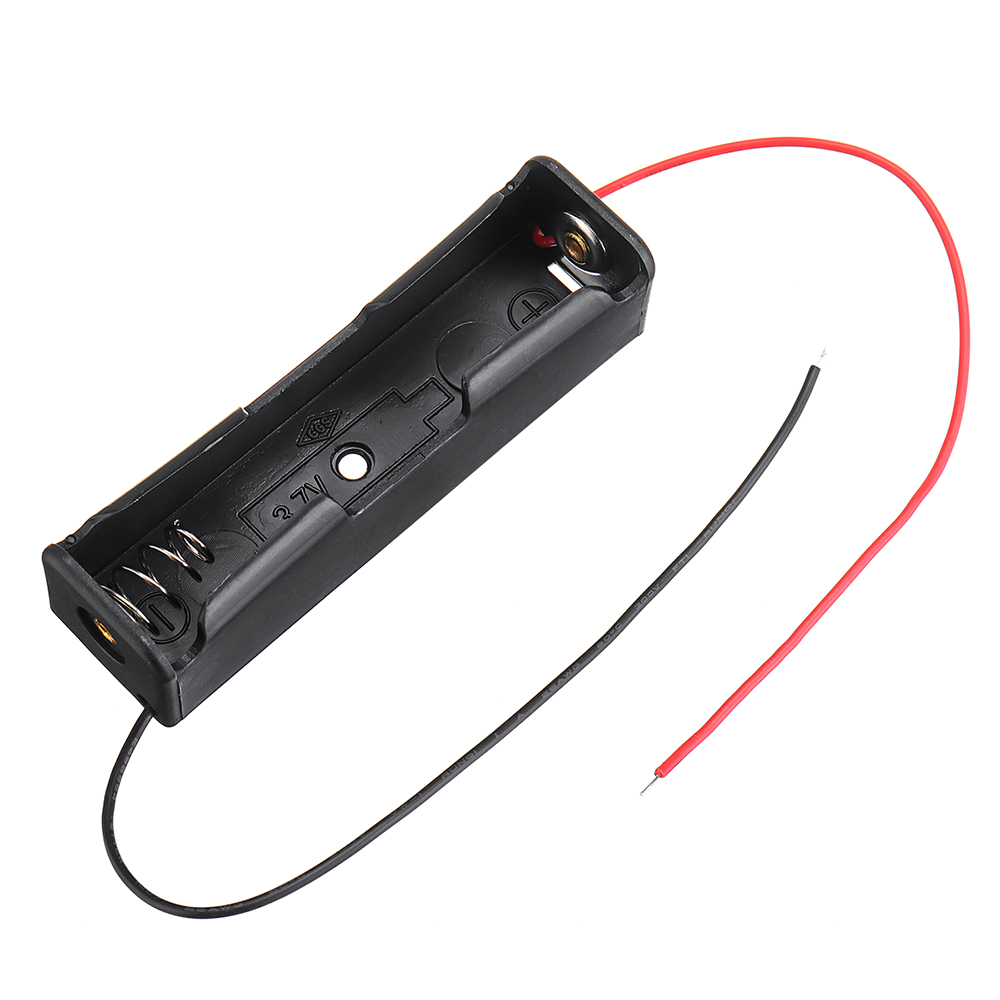
1 Slots 18650 Battery Box Rechargeable Battery Holder Board for 1x18650 Batteri

3pcs 1 Slots 18650 Battery Box Rechargeable Battery Holder Board for 1x18650 Batteries DIY kit Case
Upgrade Options

TL866 T48 Universal Programmer USB Multi-Interface Support 31000 Plus Chips NAND EMMC AVR PIC Adapter

LED2015 Music Spectrum Level Light Multi-mode DSP Equalizer EQ Voice Pickup Color Acrylic Shell

Maxgeek SSTC Mini Tesla Coil Music Double Class-E Solid State Tesla Coil Artificial Teaching Tool


