

LCR-TC1 Multifunction Transistor Tester Full Color LCD Screen Automatic Component Infrared Decoder Rechargeable Portable Electronics Testing
5.02 ratingsThe LCR-TC1 Multifunction Transistor Tester Full Color LCD Screen Automatic Component Infrared Decoder Rechargeable Portable Electronics Testing by Pricio is a mid-range test & measuring module designed for everyday users.
Available Offers
Free Delivery on this order. No minimum order value.
15-Day Easy Returns — hassle-free return & full refund.
Secure Payment — 100% safe checkout with UPI, Cards & Net Banking.
Color: White
Available Offers
5% Cashback
Pay with UPI & get 5% cashback (up to ₹50) via Razorpay
No-Cost EMI
Available on select bank cards at checkout. 0% interest for 3 months.
Free Shipping
Free delivery on all orders. No minimum order value.
Cash on Delivery
COD available on orders up to ₹5,000 across India.
Ideal For
About This Product
The LCR-TC1 Multifunction Transistor Tester Full Color LCD Screen Automatic Component Infrared Decoder Rechargeable Portable Electronics Testing by Pricio is a mid-range test & measuring module designed for everyday users. It delivers reliable performance at an accessible price.
Why Buy from Pricio?
Pricio sources this product directly, cutting out multiple middlemen. Every order includes free shipping, a 15-day return policy, and secure payment via Razorpay.
Specifications:
Model: LCR-TC1 Multifunction Transistor Tester
Screen Type: Full-color LCD TFT display
Dimensions: 90mm x 70mm x 27mm
Supported Components: Automatic identification and testing of NPN/PNP transistors, diodes, triodes, capacitors, resistors, and other components (Voltage range: 0.01~30V).
Power Supply: Built-in lithium battery
Additional Features: Infrared decoding function for remote control pairing; supports a wide testing range of electronic components; supports Chinese and English menus.
Features:
1. High precision and automatic identification: Automatically detects component types, including NPN and PNP transistors, diodes, triodes, and capacitors, providing results with high accuracy and voltage measurements ranging from 0.01V to 30V.
2. Full-color display: Equipped with a TFT LCD screen, the tester provides clear and vibrant results, simplifying the readability during both professional and DIY electronics projects.
3. Infrared decoding function: Supports infrared remote control decoding and pairing, displaying IR waveform and receiver indication for seamless compatibility testing.
4. Easy operation and one-click testing: User-friendly design allows one-touch operation to test and display measurement results, enhancing efficiency for all skill levels.
5. Portable and rechargeable design: Compact dimensions and a built-in rechargeable lithium battery ensure excellent portability and convenience for on-the-go electronics testing.
Package Included:
1 x LCR-TC1 Multifunction Transistor Tester


Setup Guide
Cheaper Alternatives
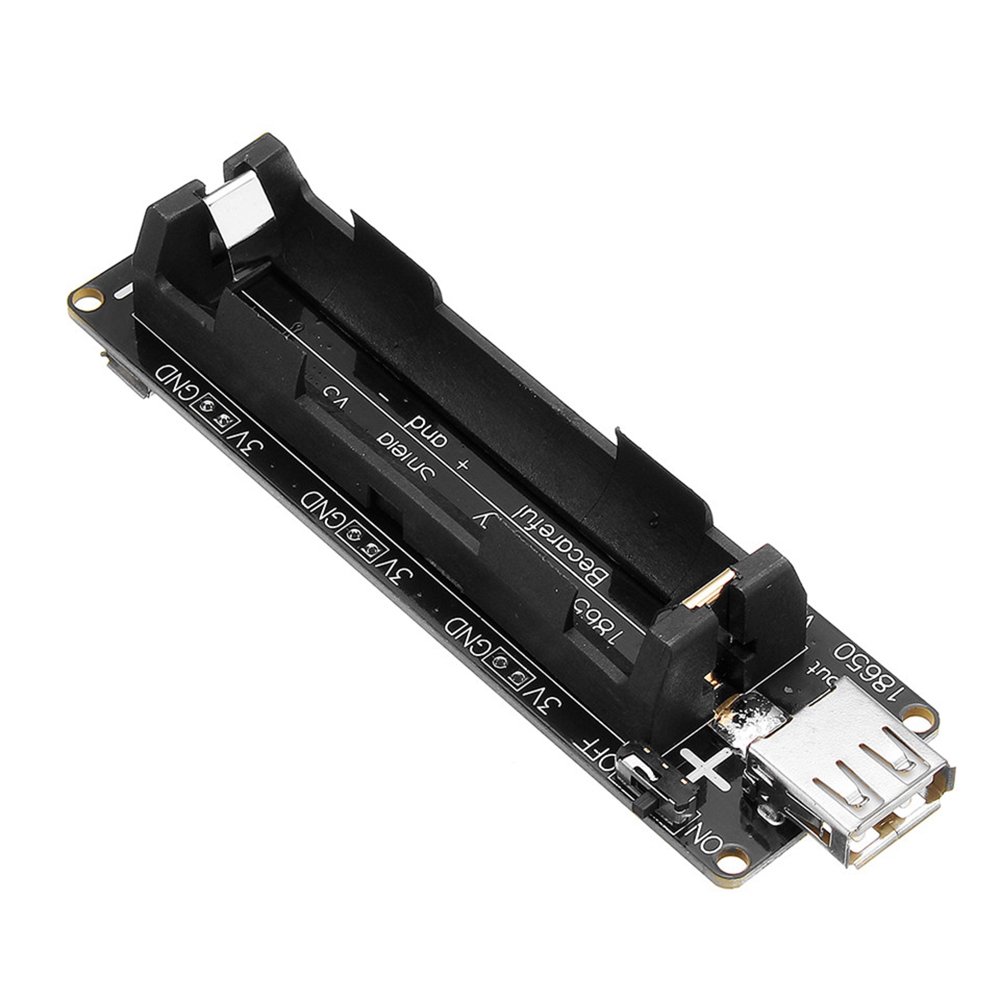
Geekcreit? ESP32 ESP32S 18650 Battery Charge Shield V3 Micro USB Type-A USB 0.5A

3Pcs Geekcreit® 0.28 Inch Yellow LED 2.6V-30V Mini Digital Volt Meter Voltage Tester Two Line Voltmeter
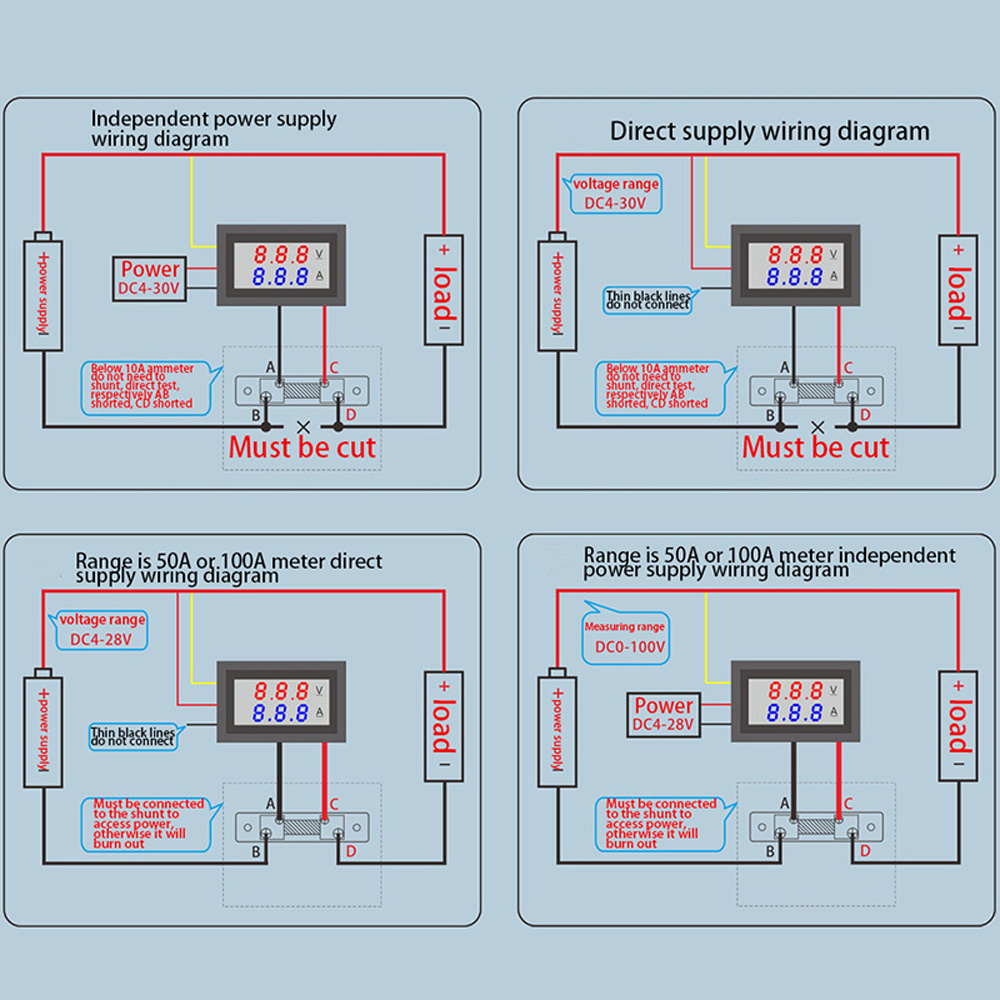
0.56" Blue Red Dual LED Display Mini Digital Voltmeter Ammeter DC 100V 100A Panel Amp Volt Voltage Current Meter Tester
Upgrade Options

LCD GNSS Disciplined Oscillator GPS BDS GLONASS GALILEO High Precision Timing Device OCXO Alternative Square Sine Wave

ESP138D ESP32 H-RADIO SI4732 Full Band FM AM SSB AIR Band Receiver + TEF6686 FM Receiver 2 in 1 Handheld Radio with Bluetooth

MX-S3 SDR Radio Transceiver Switcher/Auxiliary Receiver Compatible with IC7100 FT-891 450D 991A





