

1 / 8 · Click to enlarge
FT857 FT897 External S Meter SWR Power Meter Digital Receive Transmit Display Voltage Control Standing Wave Ratio Transmit Power Multi Function
The FT857 FT897 External S Meter SWR Power Meter Digital Receive Transmit Display Voltage Control Standing Wave Ratio Transmit Power Multi Function by FT857 is a mid-range test & measuring module designed for everyday users.
Available Offers
Free Delivery on this order. No minimum order value.
15-Day Easy Returns — hassle-free return & full refund.
Secure Payment — 100% safe checkout with UPI, Cards & Net Banking.
26% Off — you save ₹1,294 on this product!
Available Offers
5% Cashback
Pay with UPI & get 5% cashback (up to ₹50) via Razorpay
No-Cost EMI
Available on select bank cards at checkout. 0% interest for 3 months.
Free Shipping
Free delivery on all orders. No minimum order value.
Cash on Delivery
COD available on orders up to ₹5,000 across India.
Ideal For
About This Product
The FT857 FT897 External S Meter SWR Power Meter Digital Receive Transmit Display Voltage Control Standing Wave Ratio Transmit Power Multi Function by FT857 is a mid-range test & measuring module designed for everyday users. It delivers reliable performance at an accessible price.
Why Buy from Pricio?
Pricio sources this product directly, cutting out multiple middlemen. Every order includes free shipping, a 15-day return policy, and secure payment via Razorpay.
Specifications:
Material: Metal, Plastic
Color: White, Black
Size: Approximately 120 x 90 x 70 mm
Features:
1. Designed exclusively for use with FT-857 and FT-897 models, providing seamless integration and specific compatibility.
2. Offers clear and accurate digital display of automatic level control voltage, modulation level, SWR values, supply voltage, and input signal strength.
3. Equipped with adjustable calibration settings for precise meter readings and enhanced functionality.
4. Compact structure with high performance and stable output, ensuring consistent operational efficiency.
5. Simple and intuitive operation with extended menu customization options to tailor performance to user preferences.
Package Included:
1 x External S Meter SWR Power Meter
Receive Display Settings:
1. Press [FUNC] key to enter the setup menu, enable the extended menu.
2. Rotate [SELECT] to call up the setup menu item No-060 [MTR ARX SEL].
3. Rotate [DIAL] to select an external instrument display:
SIG: the input signal strength display
CTR: Discriminator Center Meter
VLT: battery voltage
N / A: blank
FS: buckle in the instrument 1mA full scale output signal calibration standard external instruments
OFF:Turn off the meter.
4. Press [FUNC] button to save the settings and exit the setup menu.
Emission Display Settings:
1. Press [FUNC] key to enter the setup menu, enable the extended menu.
2. Rotate [SELECT] to call up the setup menu item No-061 [MTR ATX SEL].
3. Rotate [DIAL] to select an external instrument display:
PWR: transmit power display
ALC: Automatic Level Control voltage display
MOD: Modulation Level Display
SWR: SWR display
VLT: Display Supply Voltage
N / A: blank
OFF: Turn off the meter.
Calibration method is as follows:
1. Press [FUNC] key to enter the setup menu, enable the extended menu.
2. Rotate [SELECT] to call up the setup menu item No-060 [MTR ARX SEL].
3. Rotate [DIAL] to select FS.
4. With a small flathead screwdriver to adjust the calibration adjustment hole rear, so the header pointer to full scale.
5. The calibration is complete!
Note:
1. If you can not find the numbers 60, 61 menu, is this two radio hide menu. Long press the F key to open the menu settings,
the 1st menu set to ON, press the F key to open the exit to save the hide menu.
2. Due to the light and screen difference, the item's color may be slightly different from the pictures.
3. Please allow 0.5-2 cm differences due to manual measurement.


Setup Guide
Cheaper Alternatives
Geekcreit? ESP32 ESP32S 18650 Battery Charge Shield V3 Micro USB Type-A USB 0.5A

3Pcs Geekcreit® 0.28 Inch Yellow LED 2.6V-30V Mini Digital Volt Meter Voltage Tester Two Line Voltmeter
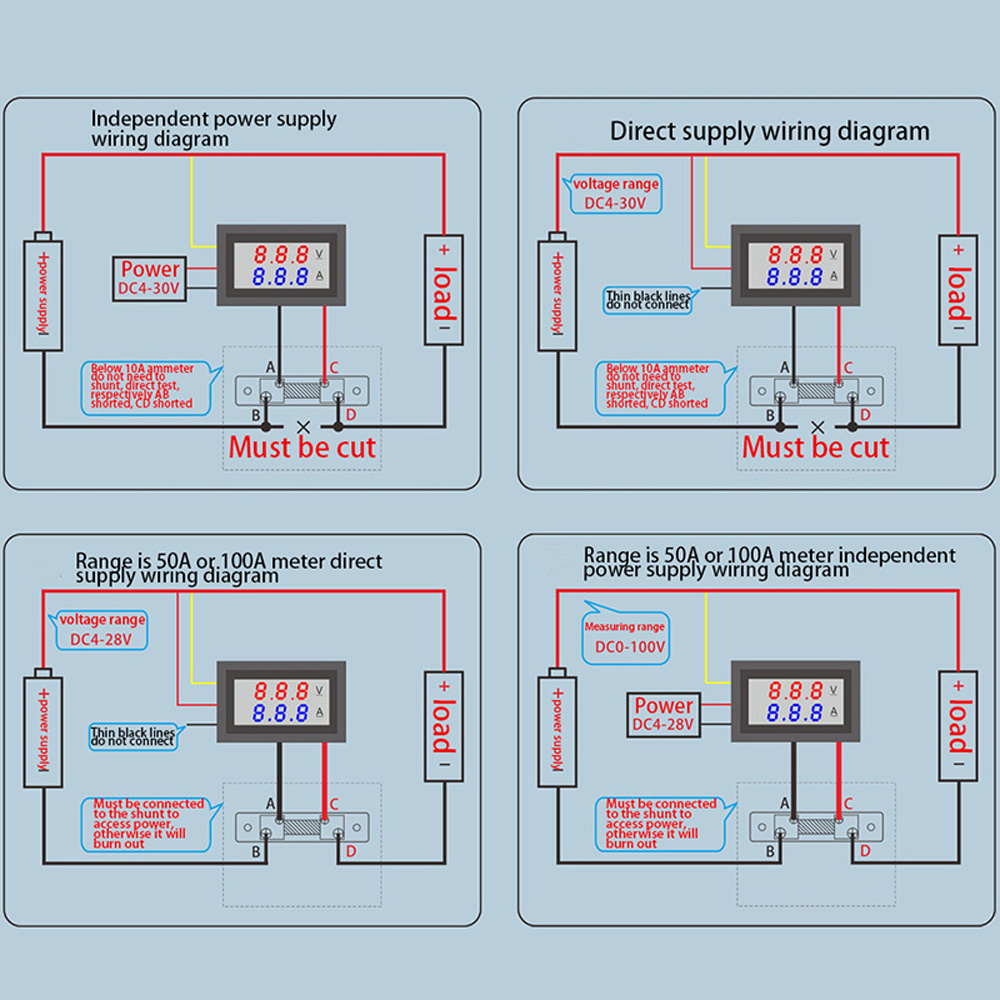
0.56" Blue Red Dual LED Display Mini Digital Voltmeter Ammeter DC 100V 100A Panel Amp Volt Voltage Current Meter Tester
Upgrade Options

LCD GNSS Disciplined Oscillator GPS BDS GLONASS GALILEO High Precision Timing Device OCXO Alternative Square Sine Wave

ESP138D ESP32 H-RADIO SI4732 Full Band FM AM SSB AIR Band Receiver + TEF6686 FM Receiver 2 in 1 Handheld Radio with Bluetooth

MX-S3 SDR Radio Transceiver Switcher/Auxiliary Receiver Compatible with IC7100 FT-891 450D 991A


