

CH341B 24 25 Series EEPROM Flash BIOS USB Programmer 2-3 Megabits/Min Erase Speed Includes 1.8V Adapter and SOIC8 Test Clip
5.07 ratingsThe CH341B 24 25 Series EEPROM Flash BIOS USB Programmer 2-3 Megabits/Min Erase Speed Includes 1.8V Adapter and SOIC8 Test Clip by Pricio is a mid-range other module board designed for everyday users. Customers praise its fast and responsive. 100% of buyers rate it 4★ or above.
Available Offers
Free Delivery on this order. No minimum order value.
15-Day Easy Returns — hassle-free return & full refund.
Secure Payment — 100% safe checkout with UPI, Cards & Net Banking.
Available Offers
5% Cashback
Pay with UPI & get 5% cashback (up to ₹50) via Razorpay
No-Cost EMI
Available on select bank cards at checkout. 0% interest for 3 months.
Free Shipping
Free delivery on all orders. No minimum order value.
Cash on Delivery
COD available on orders up to ₹5,000 across India.
Ideal For
About This Product
The CH341B 24 25 Series EEPROM Flash BIOS USB Programmer 2-3 Megabits/Min Erase Speed Includes 1.8V Adapter and SOIC8 Test Clip by Pricio is a mid-range other module board designed for everyday users. Customers highlight its fast and responsive.
Customer Verdict
100% of buyers rated this product 4 stars or above. The most appreciated qualities are: fast and responsive.
Why Buy from Pricio?
Pricio sources this product directly, cutting out multiple middlemen. Every order includes free shipping, a 15-day return policy, and secure payment via Razorpay.
Application: TV memory, desktop motherboard, LCD monitors, laptops, routers, cards, DVD players, set-top boxes, unlocking software, backup, erasing, programming, checking, repair, etc.
Features:
1.High Erase Speed: Erases data at a speed of approximately 2-3 megabits per minute, ensuring quick and efficient data processing for various applications.
2.Advanced USB Communication: Utilizes the specifically designed CH341B USB chip for USB/USB1.1 communication, offering a significant speed advantage compared to regular programmers, especially for the ATMEGA8 25 series.
3.Enhanced Programming Speed: This programmer is 2-3 times faster than typical ATMEGA8 25 series programmers, allowing for rapid and efficient data programming, making it ideal for both amateur and professional use.
4.Fine Workmanship and Reliable Performance: Crafted with precision, the programmer guarantees stable and reliable performance, ensuring consistent results across different programming tasks.
5.Versatile Compatibility: Designed for longevity and suitable for the 24 and 25 series FLASH, this programmer meets the needs of amateur programmers with its extensive compatibility and robust performance.
Package Included:
1 x 24 25 Series EEPROM Flash BIOS USB Programmer
1 x 1.8V Adapter 1.8V SPI Flash SOP8 DIP8
1 x SOP8 SOIC8 to DIP8 EZ Programmer Adapter Socket Converter Module 150mil
1 x SOIC8 SOP8 Flash Chip IC Test Clip Socket Adapter BIOS / 24/25/93 Programmer


Setup Guide
Cheaper Alternatives

4 Slots AA Battery Box Battery Holder Board with Switch for 4xAA Batteries DIY k
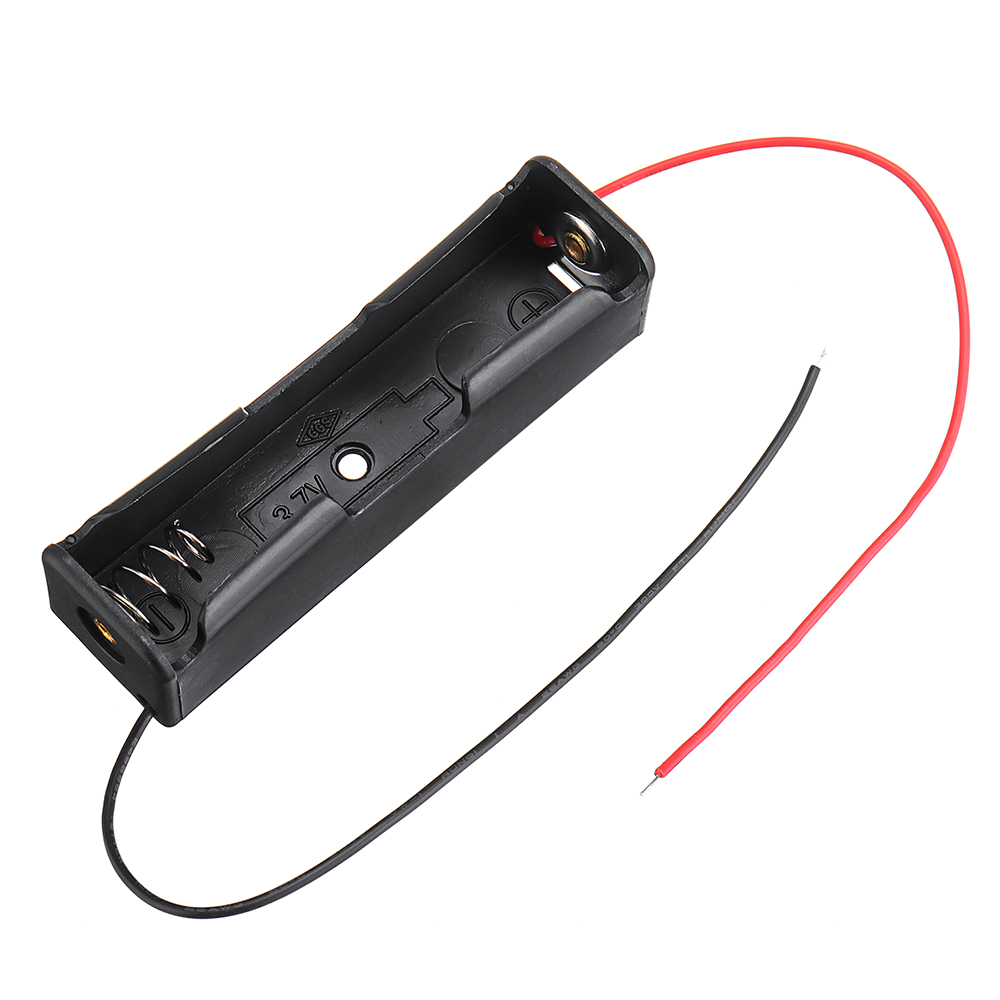
1 Slots 18650 Battery Box Rechargeable Battery Holder Board for 1x18650 Batteri

3pcs 1 Slots 18650 Battery Box Rechargeable Battery Holder Board for 1x18650 Batteries DIY kit Case
Upgrade Options

TL866 T48 Universal Programmer USB Multi-Interface Support 31000 Plus Chips NAND EMMC AVR PIC Adapter

LED2015 Music Spectrum Level Light Multi-mode DSP Equalizer EQ Voice Pickup Color Acrylic Shell

Maxgeek SSTC Mini Tesla Coil Music Double Class-E Solid State Tesla Coil Artificial Teaching Tool





