

18W PD Fast Charge Module QC3.0 USB-A Output Synchronous Boost for Multiple Devices With Indicator
5.01 ratingThe 18W PD Fast Charge Module QC3.0 USB-A Output Synchronous Boost for Multiple Devices With Indicator by Pricio is a mid-range power supply module designed for everyday users. Customers praise its excellent build quality and fast and responsive.
Available Offers
Free Delivery on this order. No minimum order value.
15-Day Easy Returns — hassle-free return & full refund.
Secure Payment — 100% safe checkout with UPI, Cards & Net Banking.
Color: Black
Available Offers
5% Cashback
Pay with UPI & get 5% cashback (up to ₹50) via Razorpay
No-Cost EMI
Available on select bank cards at checkout. 0% interest for 3 months.
Free Shipping
Free delivery on all orders. No minimum order value.
Cash on Delivery
COD available on orders up to ₹5,000 across India.
Ideal For
About This Product
The 18W PD Fast Charge Module QC3.0 USB-A Output Synchronous Boost for Multiple Devices With Indicator by Pricio is a mid-range power supply module designed for everyday users. Customers highlight its excellent build quality and fast and responsive.
Why Buy from Pricio?
Pricio sources this product directly, cutting out multiple middlemen. Every order includes free shipping, a 15-day return policy, and secure payment via Razorpay.
Model: SW6106
Compatible Protocols: QC3.0, PD, FCP, PE, iOS 2.4A, SFCP
Input Voltage: DC 5V
Output Voltage: DC 5V/9V/12V
Maximum Output Power: 18W
Charging Interface: USB-A
Battery Type: Lithium Battery
Power Management: Synchronous Boost
Protective Function: Over-Temperature Protection
Features:
1.Versatile Protocol Support: The SW6106 module supports multiple fast-charging protocols including QC3.0, PD, Huawei FCP, and iOS 2.4A. This adaptability ensures compatibility with a wide range of devices, making it an ideal option for users with different fast-charging needs.
2.High Efficiency and Power Output: Capable of delivering an output power of up to 18W, this module guarantees rapid charging. The high efficiency switch charging and synchronous boost features optimize the power delivery, reducing charging times substantially.
3.Intelligent Power Management: Equipped with advanced power metering and control management, the SW6106 ensures precise power distribution. The module features indicators that show the charging status and health of the battery, enhancing user convenience and awareness.
4.Effective Thermal Management: Designed with a large-area heat dissipation system on the backside, the module offers effective thermal management. This means the device stays cool during operation, maintaining optimal performance and safety.
5.Compact and Lightweight Design: The SW6106 module's small size and lightweight build make it easy to integrate into various devices. Its compact nature does not compromise its functionality, enabling powerful performance in a portable form factor.
Package Included:
1 x 18W PD Fast Charge QC3.0 Mobile Power Module


Setup Guide
Cheaper Alternatives

Upgrade Options

Sinilink XY12530S DC Buck Power Supply Adjustable Module 3750W 125V 30A High Precision Efficient MPPT Solar Charging True Color LCD Display Reliable Voltage Current Control

Geekcreit® AC 100-240V to DC 12V 5A 60W Switching Power Supply Module Driver Adapter LED Strip Light
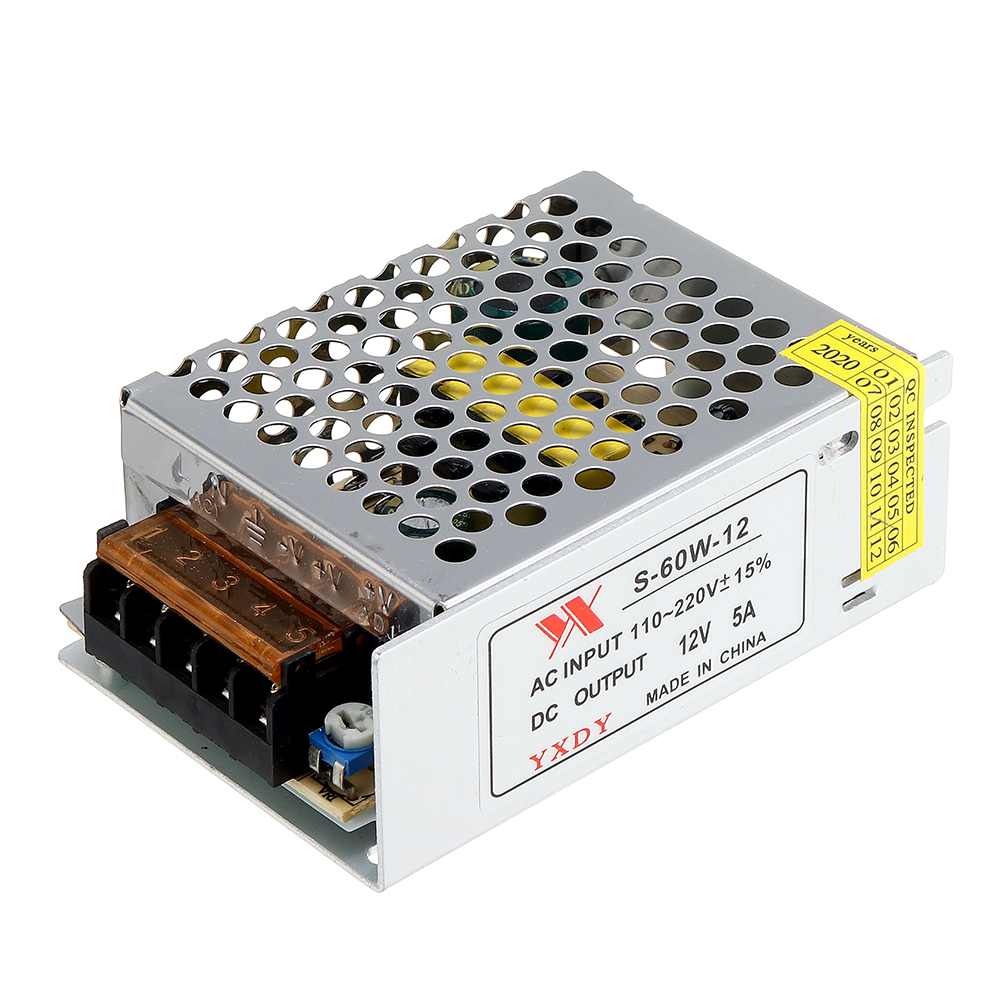
10pcs Geekcreit® AC 100-240V to DC 12V 5A 60W Switching Power Supply Module Driver Adapter LED Strip Light





