

1 / 8 · Click to enlarge
TB6560 3A CNC Router 1 Axis Driver Board Stepper Motor Drivers
5.0223 ratingsThe TB6560 3A CNC Router 1 Axis Driver Board Stepper Motor Drivers by TB6560 is a mid-range driver module designed for everyday users. Customers praise its easy to set up and use and excellent build quality. 100% of buyers rate it 4★ or above.
Available Offers
Free Delivery on this order. No minimum order value.
15-Day Easy Returns — hassle-free return & full refund.
Secure Payment — 100% safe checkout with UPI, Cards & Net Banking.
Available Offers
5% Cashback
Pay with UPI & get 5% cashback (up to ₹50) via Razorpay
No-Cost EMI
Available on select bank cards at checkout. 0% interest for 3 months.
Free Shipping
Free delivery on all orders. No minimum order value.
Cash on Delivery
COD available on orders up to ₹5,000 across India.
Ideal For
About This Product
The TB6560 3A CNC Router 1 Axis Driver Board Stepper Motor Drivers by TB6560 is a mid-range driver module designed for everyday users. Customers highlight its easy to set up and use and excellent build quality.
Customer Verdict
100% of buyers rated this product 4 stars or above. The most appreciated qualities are: easy to set up and use, excellent build quality, great value for money, fast and responsive.
Why Buy from Pricio?
Pricio sources this product directly, cutting out multiple middlemen. Every order includes free shipping, a 15-day return policy, and secure payment via Razorpay.
Specification:
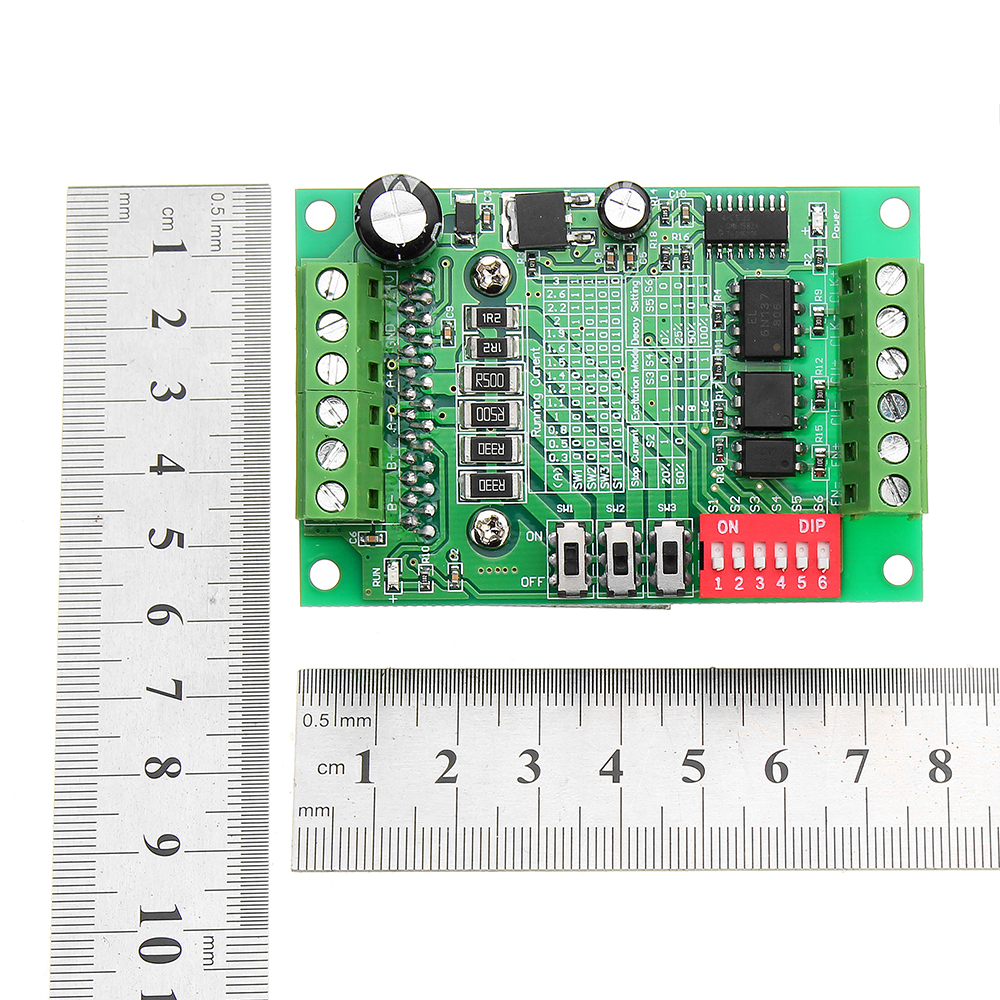
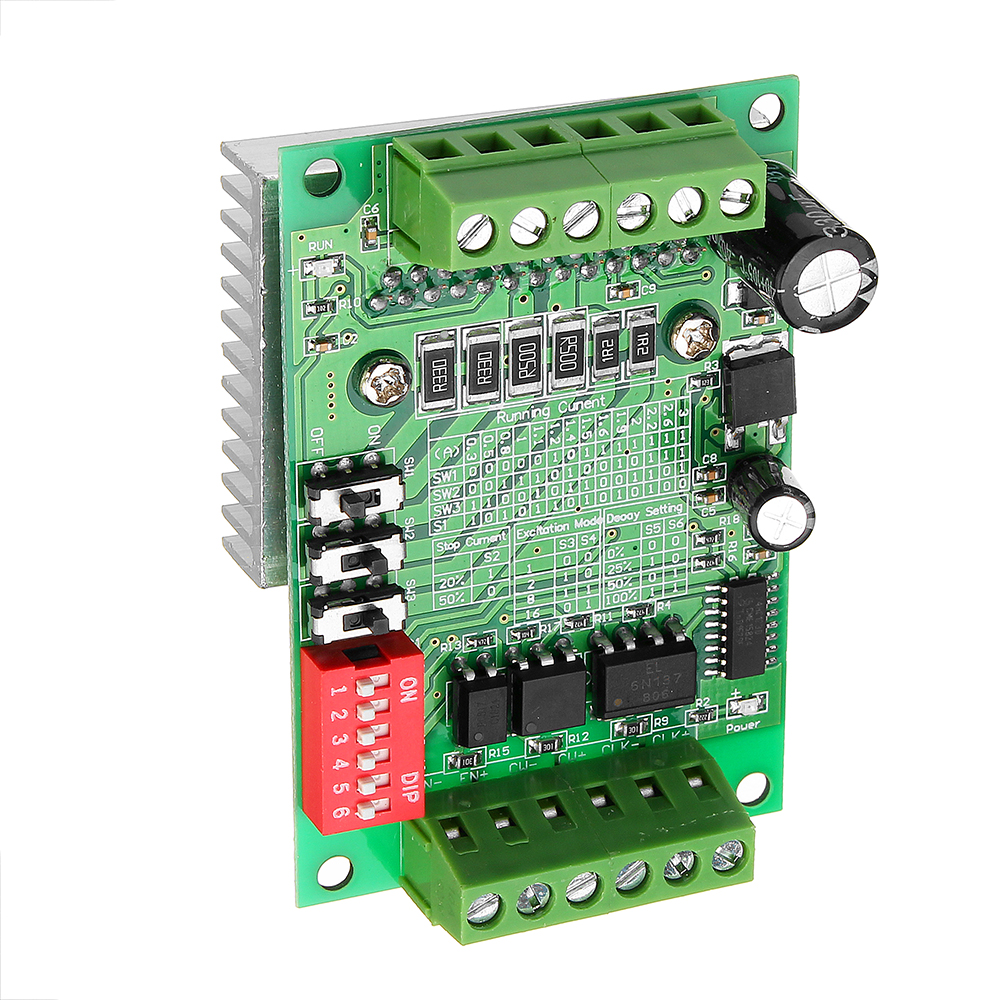
Size: 75 x 50 x 35mm / 2.95 x 1.96 x 1.37inch (L x W x H)
Rated maximum output: ± 3A, peak 3.5A
Working voltage: DC 10V-35V
Recommended to use a switching power supply: DC24V power supply
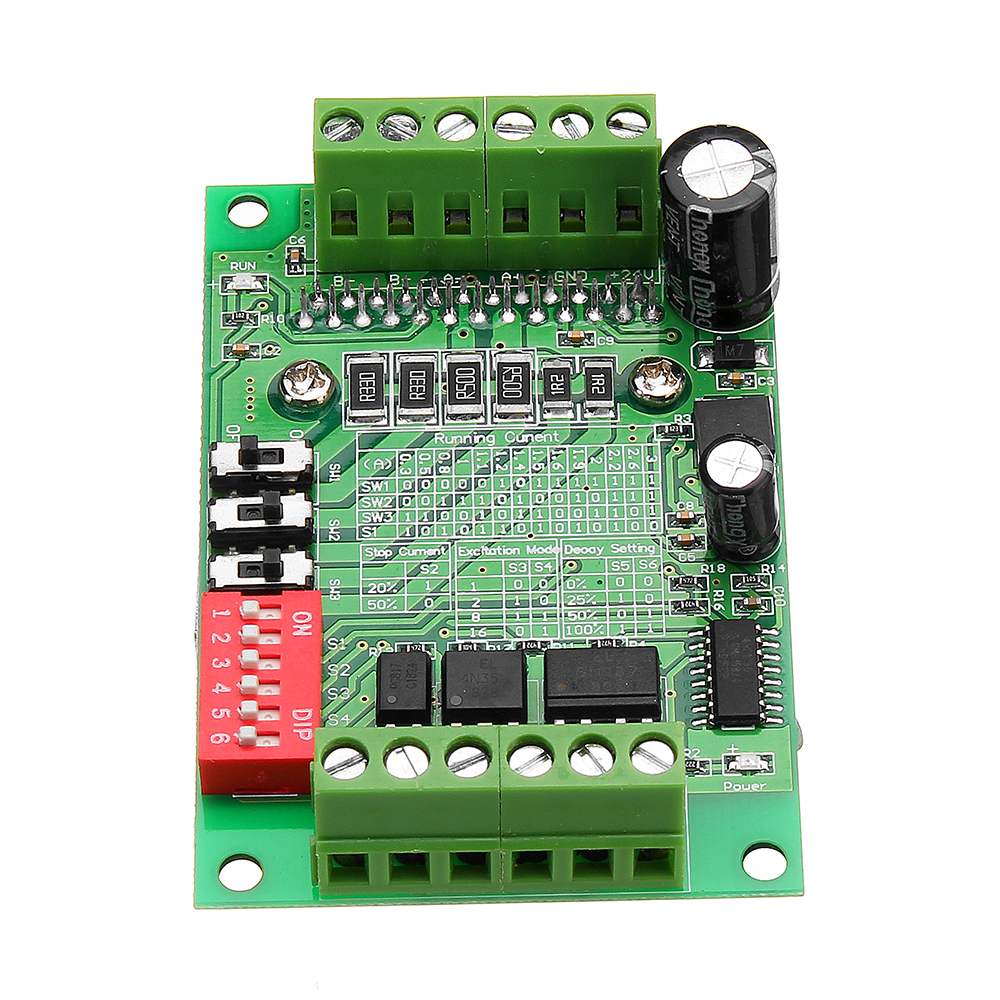
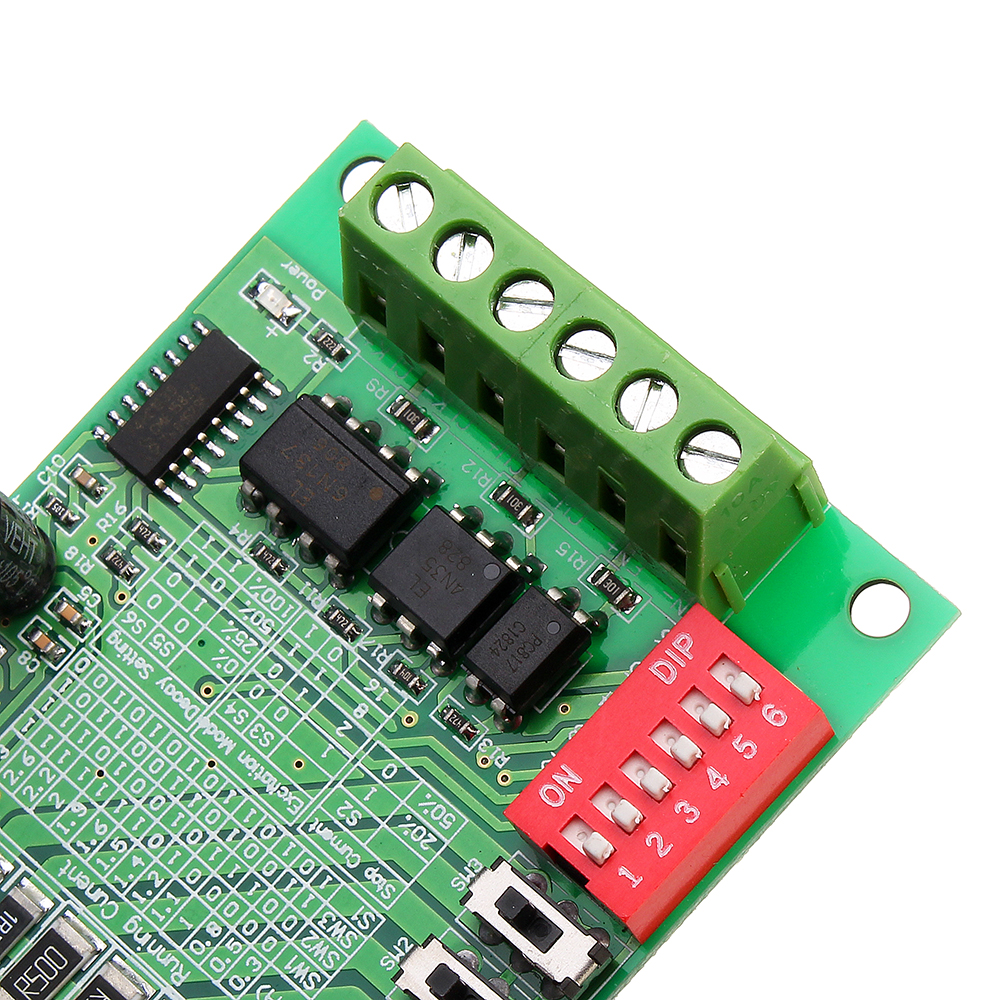
Subdivision: whole step, half-step, step 1/8, 1/16 step, a maximum of 16 Subdivisions.
Feature:
- Using the TB6560AHQ new original chip with low voltage shutdown, overheating stop and over current protection circuit to ensure optimal performance.
- For two-phase within 42, 57 stepping 3A / four-phase / of line four / six-wire stepper motor, and is not suitable for more than 3A stepper motor.
- Automatic half current function.
- 6N137 high-speed optical coupling, guarantee high speed without losing step.
Features similar products:
1. Current grade-by-adjustable to meet your demand for a variety of applications.
2. Semi-automatic flow adjustable.
3. 6N137 high-speed optical coupling, guarantee high speed without losing step.
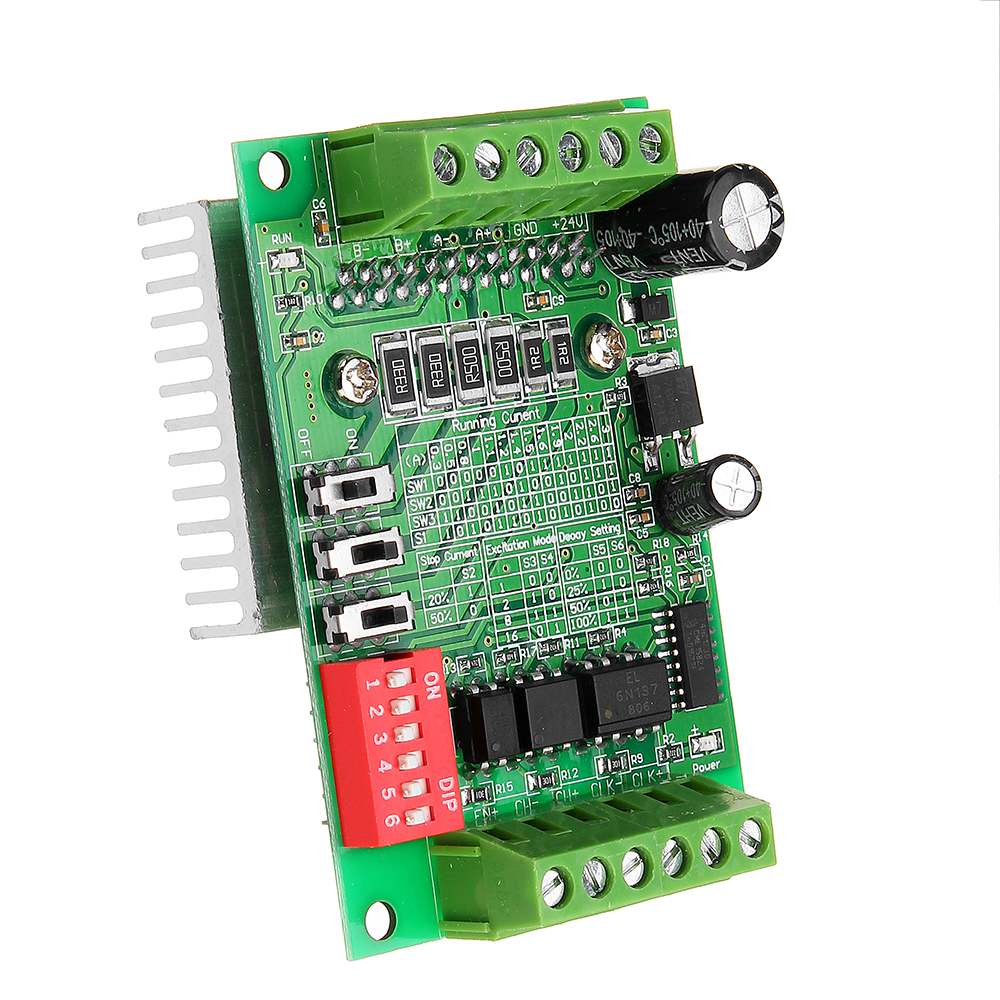
4. Plate printed setup instructions operation without manual also.
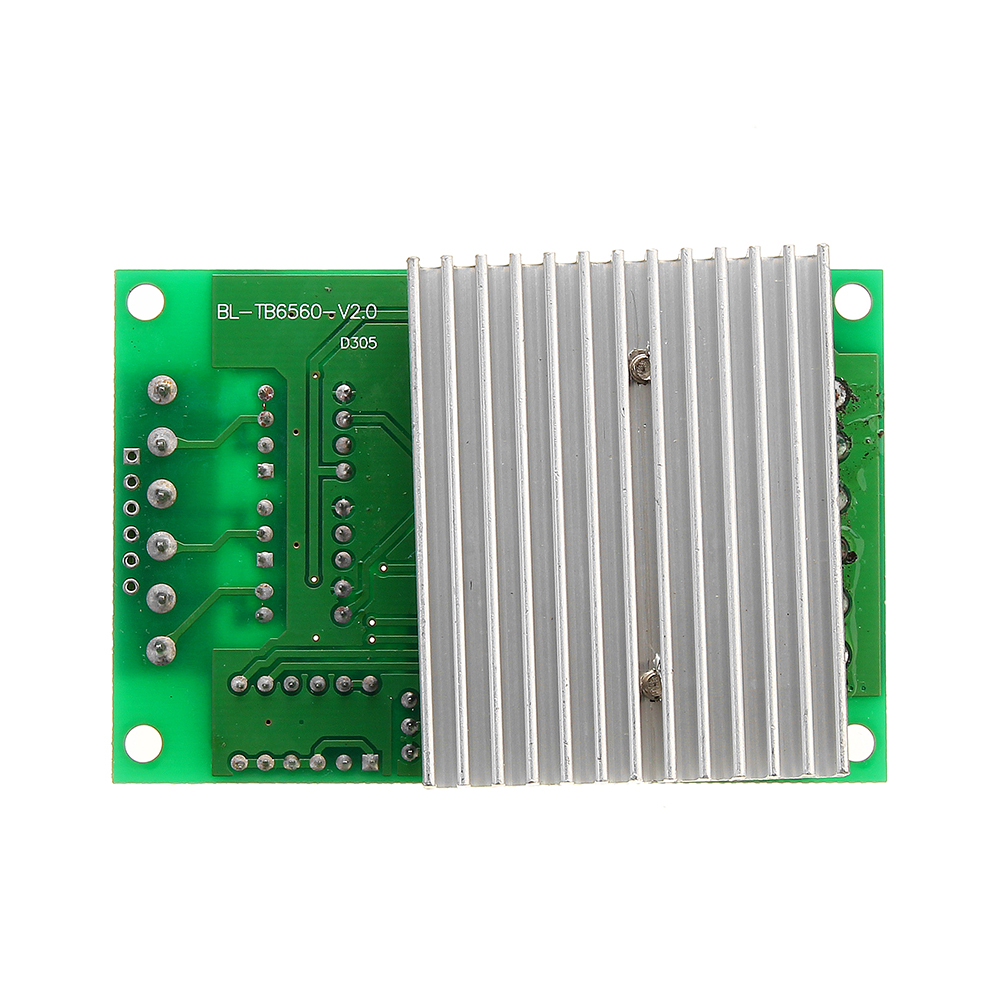
5. Thick teeth radiator, good heat dissipation.
Package included:
1 x TB6560 1 axis driver board

Setup Guide
Cheaper Alternatives

Upgrade Options

Ubertooth One Bluetooth Protocol Analyzer for Bluetooth Sniffer Experimentation Build-in LPC175x ARM Cortex M3 Controller RP SMA Connector Premium PCB 2.4 GHz

AC 220V 60W-100W Ultrasonic Cleaner Power Driver Board With 2Pcs 50W 40KHZ Transducers

10 Pcs Geekcreit L298N Dual H Bridge Stepper Motor Driver Board


