
1 / 6 · Click to enlarge
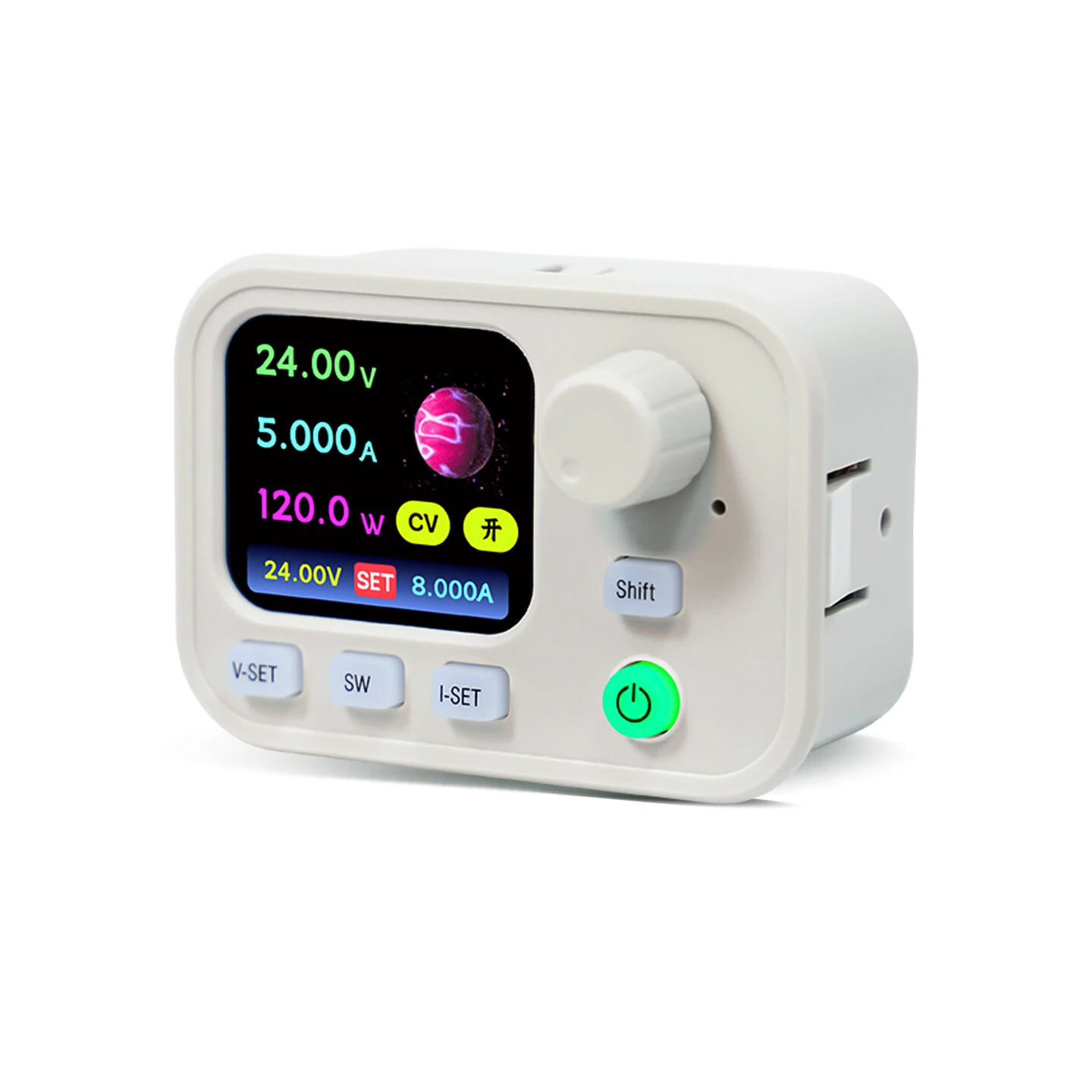
Sinilink XY-SK200W DC Buck-Boost Power Supply Module 6-36V Input 0-40V Output 0-9A 200W WiFi Bluetooth IPS LCD MPPT Daul System
The Sinilink XY-SK200W DC Buck-Boost Power Supply Module 6-36V Input 0-40V Output 0-9A 200W WiFi Bluetooth IPS LCD MPPT Daul System is a mid-range product designed for everyday users.
Available Offers
Free Delivery on this order. No minimum order value.
15-Day Easy Returns — hassle-free return & full refund.
Secure Payment — 100% safe checkout with UPI, Cards & Net Banking.
34% Off — you save ₹1,590 on this product!
Color: White
Available Offers
5% Cashback
Pay with UPI & get 5% cashback (up to ₹50) via Razorpay
No-Cost EMI
Available on select bank cards at checkout. 0% interest for 3 months.
Free Shipping
Free delivery on all orders. No minimum order value.
Cash on Delivery
COD available on orders up to ₹5,000 across India.
Ideal For
About This Product
The Sinilink XY-SK200W DC Buck-Boost Power Supply Module 6-36V Input 0-40V Output 0-9A 200W WiFi Bluetooth IPS LCD MPPT Daul System is a mid-range designed for everyday users. It delivers reliable performance at an accessible price.
Why Buy from Pricio?
Pricio sources this product directly, cutting out multiple middlemen. Every order includes free shipping, a 15-day return policy, and secure payment via Razorpay.
Specification
Product name: Buck-Boost power supply
Model: XY-SK200W
Input voltage: 6.000~36.00V
Output voltage: 0~40.00V
Output current: 0~9.000A
Power output: 200W
Accuracy of voltage: ±0.5%+1 word
Accuracy of current: ±0.5%+3 word
Resolution of voltage: 0.01V
Resolution of current: 0.001A
Storage data group: 10 groups
Soft start: YES
Screen size: 1.69-Inch Full-View IPS True-Color LCD Screen
Output ripple typical value: vpp-150mv
MPPT function: Support MPPT solar charging
Buzzer: YES
Efficiency of conversion: About 88%
Number of buttons: 6
Product size: 68x48x49mm
Product weight: 98g
Anti-reverse: YES
Output reverse current protection: YES
Input Overcurrent Protection (ICP): Yes, hardware + software protection @13A (fixed)
Input under-voltage (LVP): 5.5-36V, default 5.5V
Over-voltage (OVP): 0-42V, default 42V
Over-current (OCP): 0-9.2A, default 9.2A
Over-power (OPP): 0-220W, default 200W
Over-temp (OTP): 60-110°C, default 110°C
Over-time out (OHP): 1 minute - 9999 minutes, off by default
Over-capacity (OAH): 0-9999Ah, off by default
Over-energy (OWH): 0-4200KWh, off by default
EXT over-temp (ETP): 0-110°C, off by default
Features
1) 6.000~36.00V input, 0~40.00V output, 0~9.000A output current, and 200W power output.
2) 1.69-inch full-view IPS true-color LCD screen with 280 x 240 high resolution.
3) Standard with WiFi and Bluetooth, and supports Modbus protocol for serial communication.
4) Supports MPPT solar charging, firmware upgrade, one-key sequences, and automatic voltage and current sweep.
5) Includes reverse polarity protection, reverse current protection, and input overcurrent protection.
Package included
1x XY-SK200W Buck-Boost Power Supply Module


