1 / 9 · Click to enlarge
SEQUER SI012 Pro Max T12 Portable OLED Soldering Iron with Color Ambience Light Chinese, English and Russian Menu Applicable T12 Soldering Iron Tips Support PD
5.04 ratingsThe SEQUER SI012 Pro Max T12 Portable OLED Soldering Iron with Color Ambience Light Chinese, English and Russian Menu Applicable T12 Soldering Iron Tips Support PD by SEQURE is a premium pocket hole jig designed for premium buyers.
Available Offers
Free Delivery on this order. No minimum order value.
15-Day Easy Returns — hassle-free return & full refund.
Secure Payment — 100% safe checkout with UPI, Cards & Net Banking.
Available Offers
5% Cashback
Pay with UPI & get 5% cashback (up to ₹50) via Razorpay
No-Cost EMI
Available on select bank cards at checkout. 0% interest for 3 months.
Free Shipping
Free delivery on all orders. No minimum order value.
Cash on Delivery
COD available on orders up to ₹5,000 across India.
Ideal For
About This Product
The SEQUER SI012 Pro Max T12 Portable OLED Soldering Iron with Color Ambience Light Chinese, English and Russian Menu Applicable T12 Soldering Iron Tips Support PD by SEQURE is a premium pocket hole jig designed for premium buyers. It delivers reliable performance at an accessible price.
Why Buy from Pricio?
Pricio sources this product directly, cutting out multiple middlemen. Every order includes free shipping, a 15-day return policy, and secure payment via Razorpay.
Features:
Introducing the SEQUER SI012 Pro Max Portable OLED Soldering Iron - your go-to tool for high-precision soldering tasks. Compact, versatile, and powerful, this soldering iron is designed to meet the needs of both professionals and hobbyists.
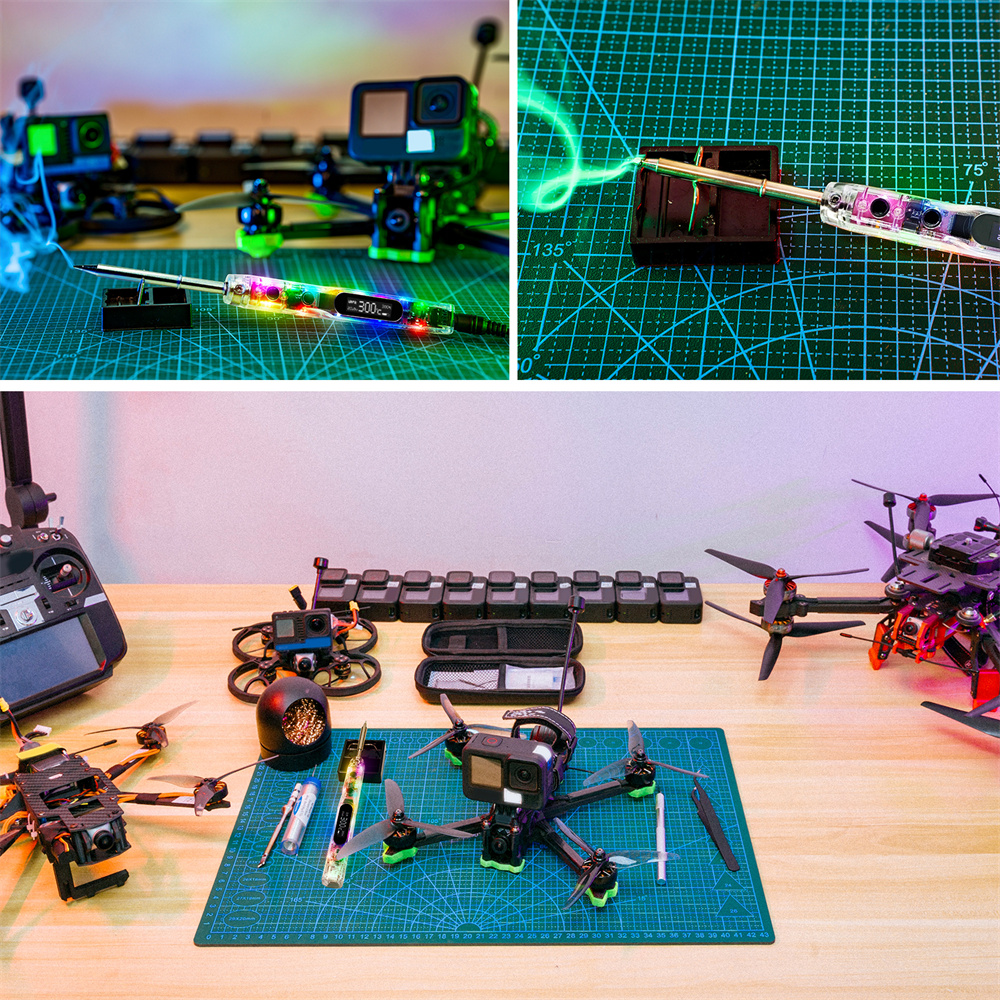
Color Ambience Light: This soldering iron features a built-in color ambience light, adding a touch of comfort to your soldering process.
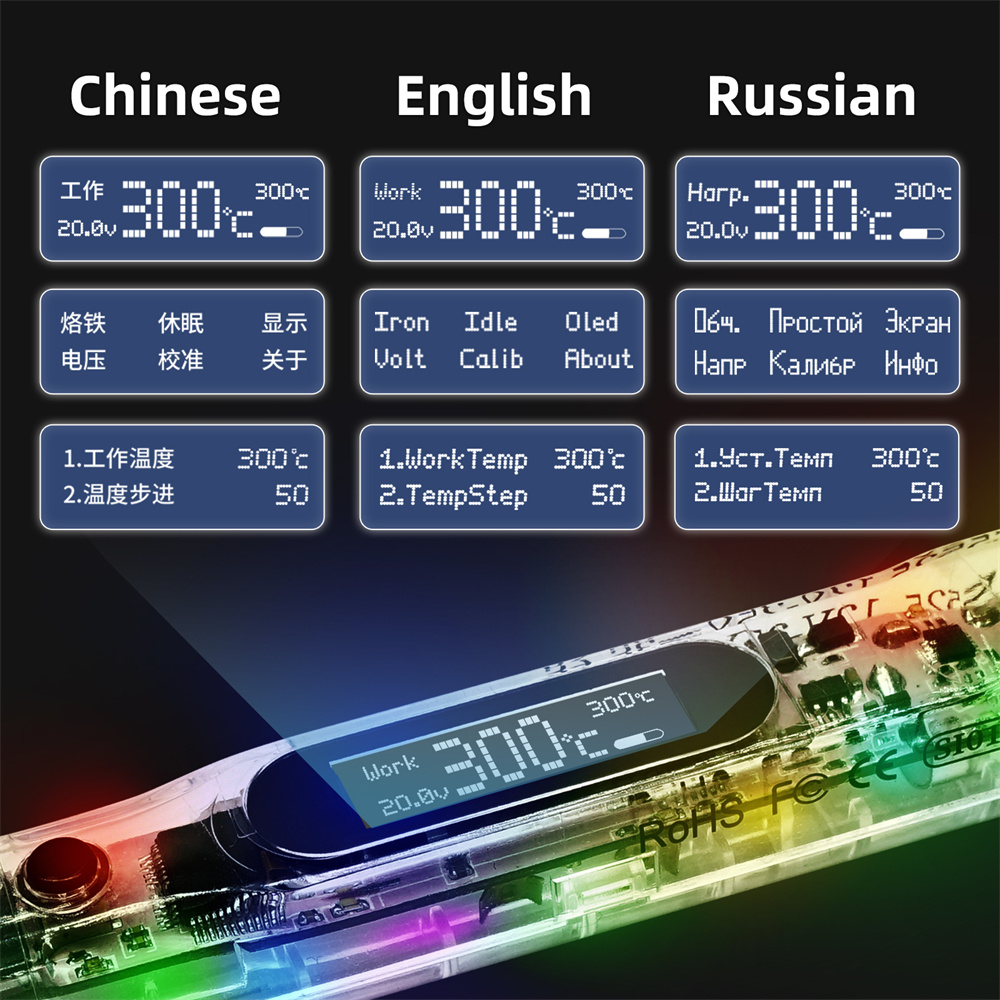
Multilingual Menu: The SI012 Pro Max supports Chinese, English, and Russian language menus, making it accessible to users worldwide.
Support for TS Soldering Iron Tips: This device is compatible with TS soldering iron tips, offering a wide range of options for various soldering requirements.
Various Power Supply Modes: The soldering iron supports PD, QC, and DC5525 power supply modes, along with 3S-6S Battery Power Supply, making it versatile and adaptable to different power sources.
High-Performance OLED Screen: The soldering iron boasts a 128*32 OLED screen, providing clear, high-contrast readings.
Brand: SEQUER
Model: SI012 Pro Max-T12-B2
Power Supply Modes: PD/QC/DC5525
Screen Parameter: 128*32 OLED
USB Interface: Type-C
Working Voltage: DC 12V-25V, 65W (Max)
Temperature Control Range: 50℃-450℃
Host Size: 112mm
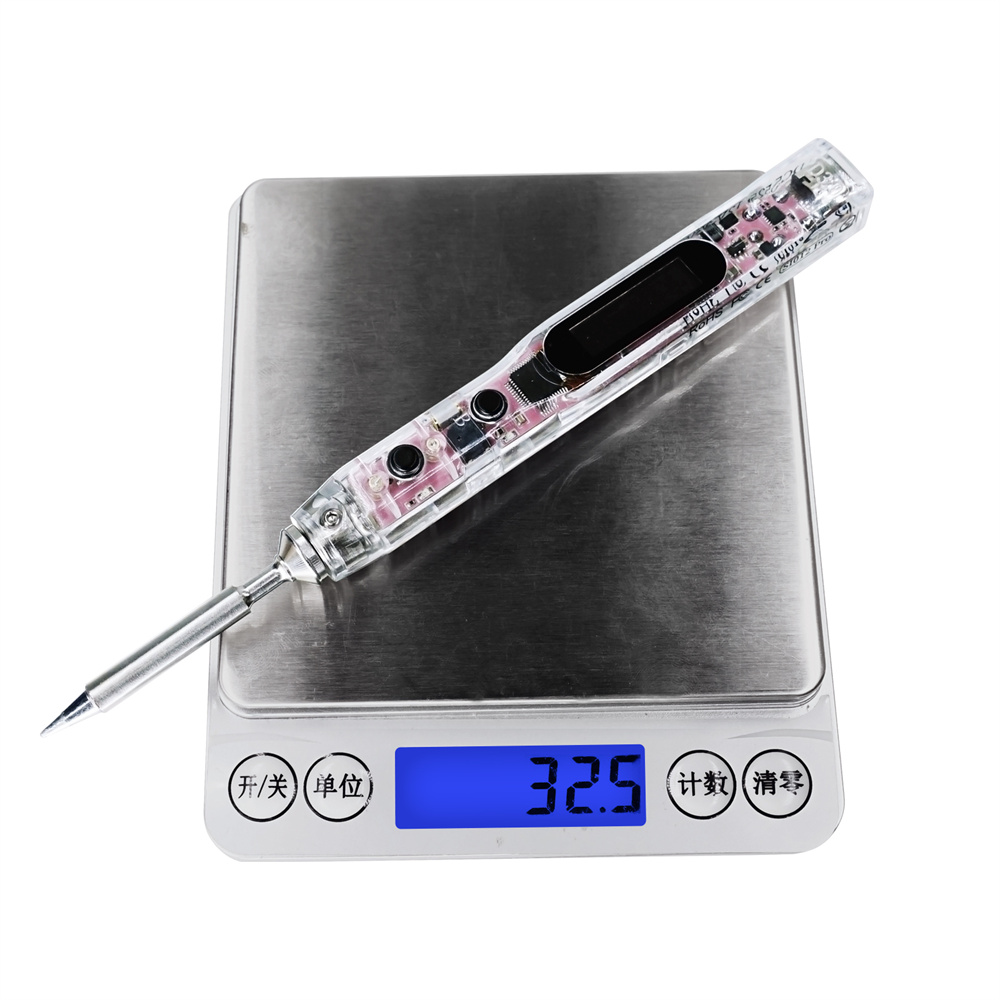
Host Weight: 25g
Package Included:
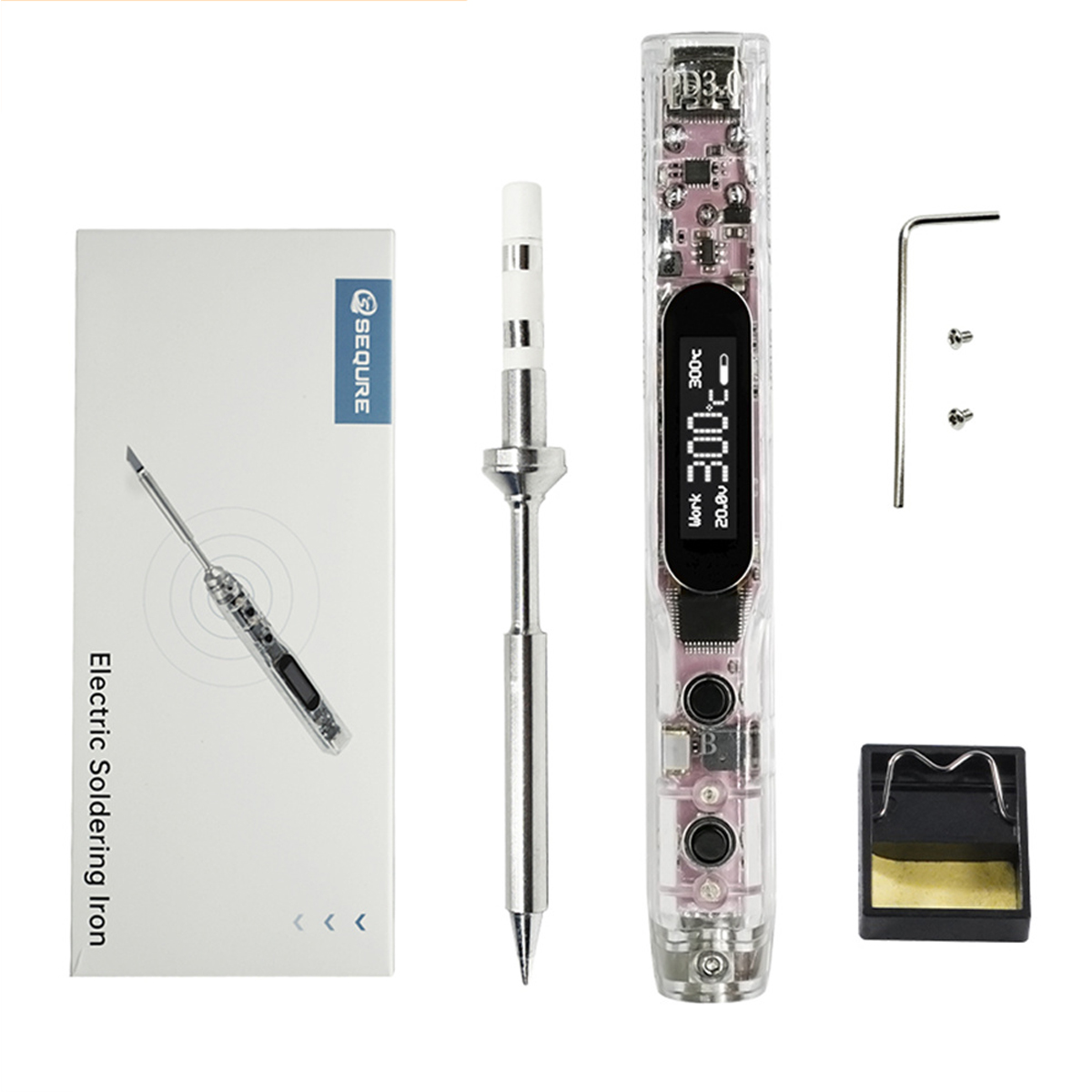
1 x Soldering Iron Tip
1 x Soldering Iron Stand
1 x Host
1 x Screw Wrench
1 x Storage Box
1 x Solder Wire
1 x XT60 To DC5525