
1 / 7 · Click to enlarge
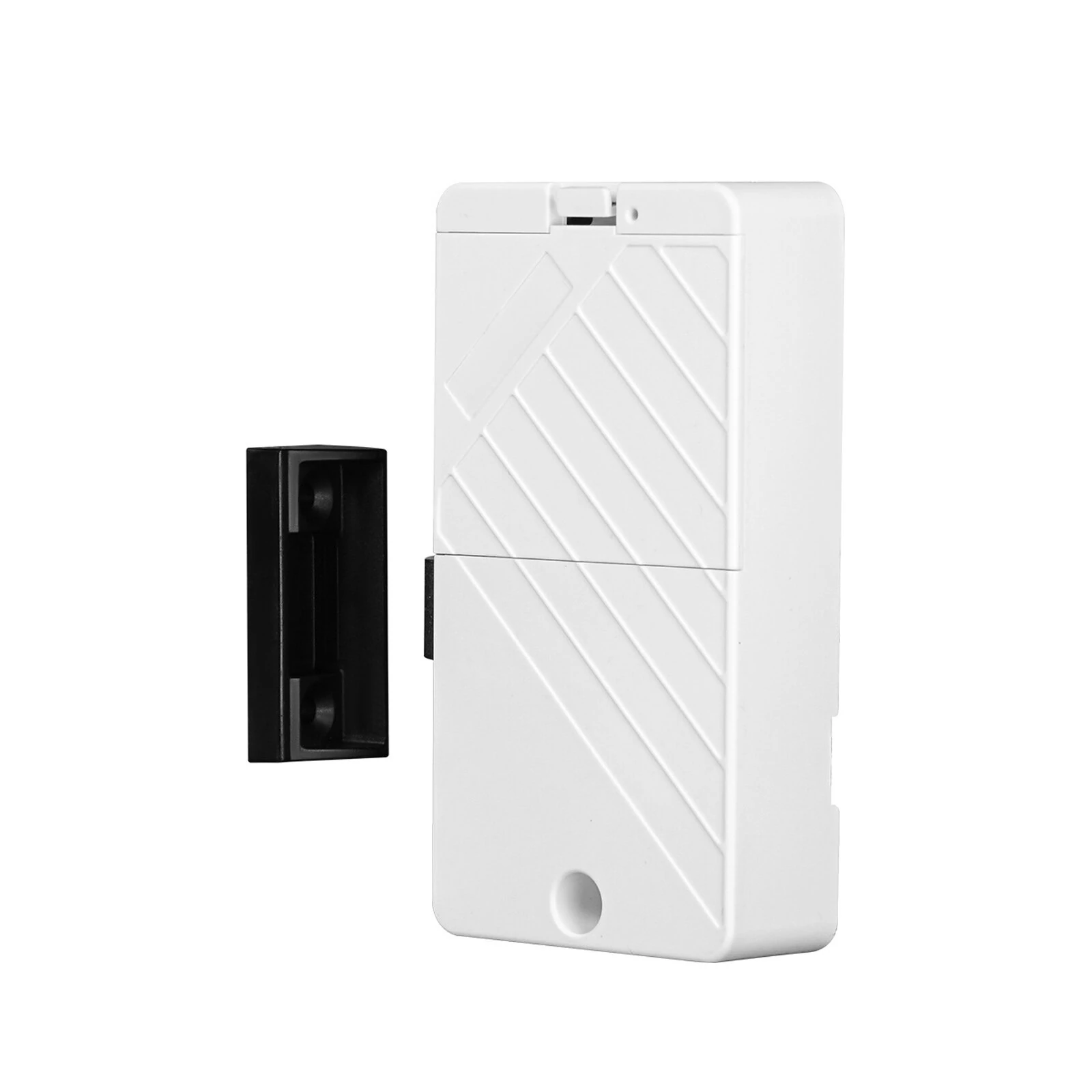
MOES Tuya Bluetooth Smart Lock ID Card NFC Unlock App Remote Control Security for Cabinets and Drawers Ultra-long Battery Life Easy Installation
The MOES Tuya Bluetooth Smart Lock ID Card NFC Unlock App Remote Control Security for Cabinets and Drawers Ultra-long Battery Life Easy Installation is a value-for-money product designed for everyday users.
Available Offers
Free Delivery on this order. No minimum order value.
15-Day Easy Returns — hassle-free return & full refund.
Secure Payment — 100% safe checkout with UPI, Cards & Net Banking.
40% Off — you save ₹897 on this product!
Color.: White
Available Offers
5% Cashback
Pay with UPI & get 5% cashback (up to ₹50) via Razorpay
No-Cost EMI
Available on select bank cards at checkout. 0% interest for 3 months.
Free Shipping
Free delivery on all orders. No minimum order value.
Cash on Delivery
COD available on orders up to ₹5,000 across India.
Ideal For
About This Product
The MOES Tuya Bluetooth Smart Lock ID Card NFC Unlock App Remote Control Security for Cabinets and Drawers Ultra-long Battery Life Easy Installation is a value-for-money designed for everyday users. It delivers reliable performance at an accessible price.
Why Buy from Pricio?
Pricio sources this product directly, cutting out multiple middlemen. Every order includes free shipping, a 15-day return policy, and secure payment via Razorpay.
- Unlocking methods supported: Mobile phone Bluetooth/Card
- Number of card users supported: 250
- Local management function: Supported
- Supporting APP: MOES, SmartLife
- Power supply: 4 No. 7 alkaline batteries (not included)
- Standby current: More than 180 days of normal use
- Working current: <50mA
- Working temperature: -20°C to 60°C
- Relative humidity: 20% to 85% (non-condensing)
- Antistatic ability (ESD): Contact discharge ±8kV, non-contact discharge ±15kV
Features:
1. Versatile Unlocking Methods:
The smart cabinet door lock supports IC card unlocking, remote unlocking via mobile app, and NFC unlocking, providing a range of options for accessing your spaces conveniently.
2. Long Battery Life:
With an energy-saving design, the lock boasts over 180 days of usage on a single battery replacement, minimizing the hassle of frequent battery changes and ensuring continuous operation.
3. Efficient Access Management:
The smart lock app allows for comprehensive history checks, giving you real-time insights into entry and exit activities, which enhances security and facilitates ease of management.
4. Streamlined Installation Process:
Designed for ease of installation, the smart lock features a user-friendly setup process that can be completed quickly. The solid structural design also delivers long-term reliability.
5. Wide Compatibility:
Suitable for various scenarios and materials, the smart lock offers extensive compatibility with wood, glass, and other non-metal doors, making it an adaptable solution for diverse environments.
Package Included:
1 x Smart Cabinet Door Lock Kit


