

M.2 M Key To Oculink Adapter For OCULINK GPU Dock Mini PC Laptop To External Graphic Card High Speed Conveter Module
The M.2 M Key To Oculink Adapter For OCULINK GPU Dock Mini PC Laptop To External Graphic Card High Speed Conveter Module by Pricio is a mid-range converter board designed for everyday users.
Available Offers
Free Delivery on this order. No minimum order value.
15-Day Easy Returns — hassle-free return & full refund.
Secure Payment — 100% safe checkout with UPI, Cards & Net Banking.
26% Off — you save ₹699 on this product!
Quantity: 1pc
Available Offers
5% Cashback
Pay with UPI & get 5% cashback (up to ₹50) via Razorpay
No-Cost EMI
Available on select bank cards at checkout. 0% interest for 3 months.
Free Shipping
Free delivery on all orders. No minimum order value.
Cash on Delivery
COD available on orders up to ₹5,000 across India.
Ideal For
About This Product
The M.2 M Key To Oculink Adapter For OCULINK GPU Dock Mini PC Laptop To External Graphic Card High Speed Conveter Module by Pricio is a mid-range converter board designed for everyday users. It delivers reliable performance at an accessible price.
Why Buy from Pricio?
Pricio sources this product directly, cutting out multiple middlemen. Every order includes free shipping, a 15-day return policy, and secure payment via Razorpay.
Specification:
Color: Green
Material: PC
Package Included:
1 x NVME M.2 M Key to OCuLink Adapter
(Due to different product batches, the appearance may vary, which does not affect the use)
Only the above package content, other products are not included.
Note: Light reflection and different displays may cause the color of the item in the picture a little different from the real thing. The measurement allowed error is +/- 1-3cm.


Setup Guide
Cheaper Alternatives
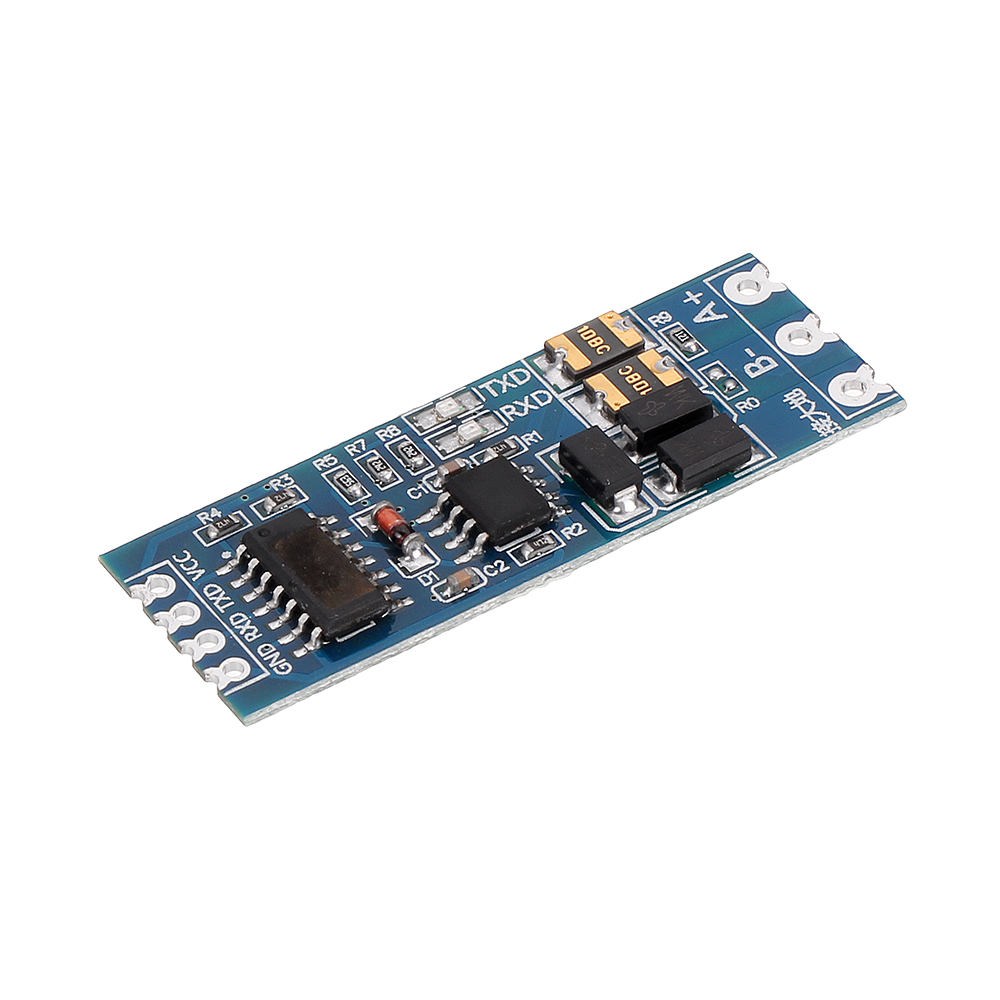
3pcs TTL to RS485 RS485 to TTL Bilateral Module UART Port Serial Converter Modul

Mini RS232 to TTL Converter Module Board Adapter MAX3232 120kbps 3-5V Serial Por
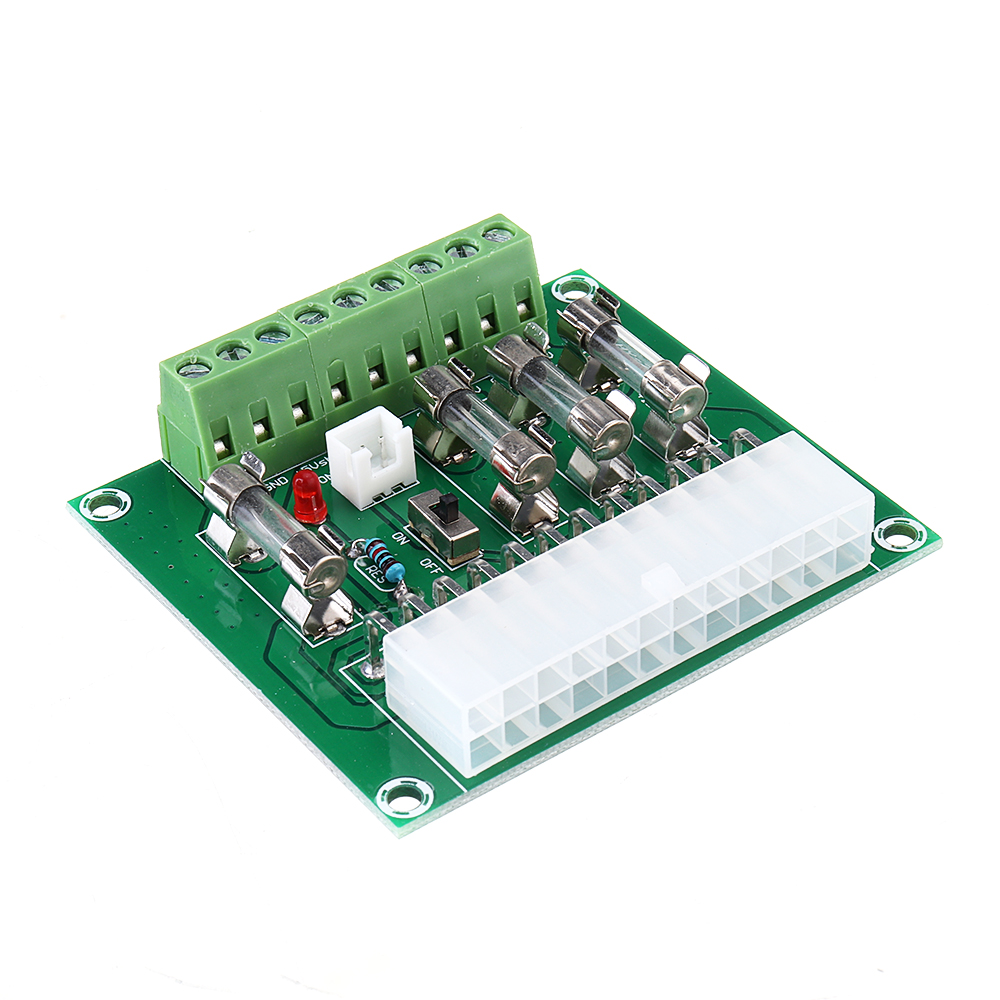
ATX Power Adapter ATX Computer PC Power Module Power Supply DC Plug Connector +3.3V +5V -12V +12V +5V





