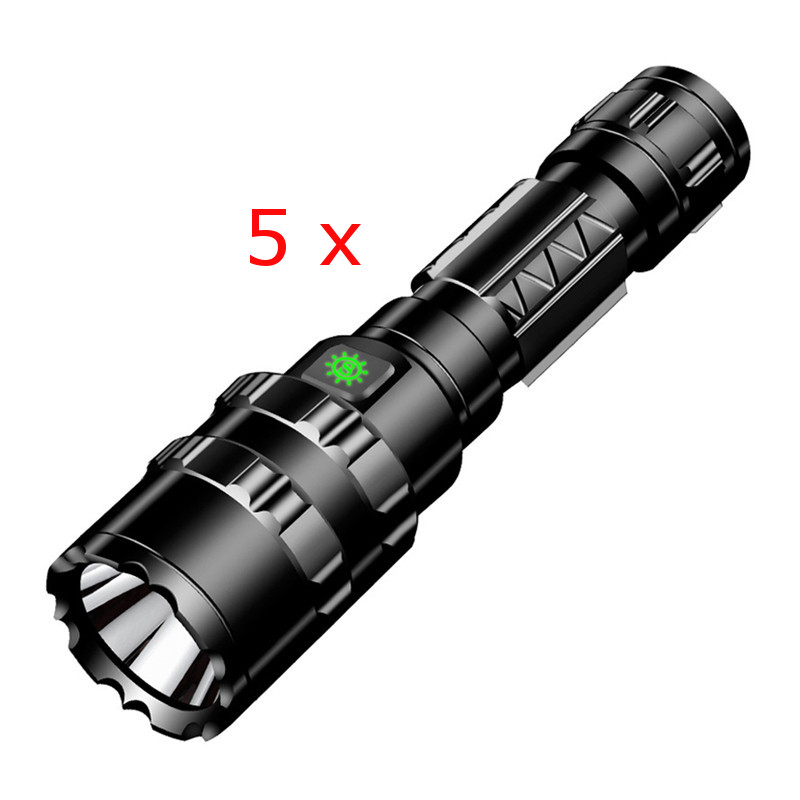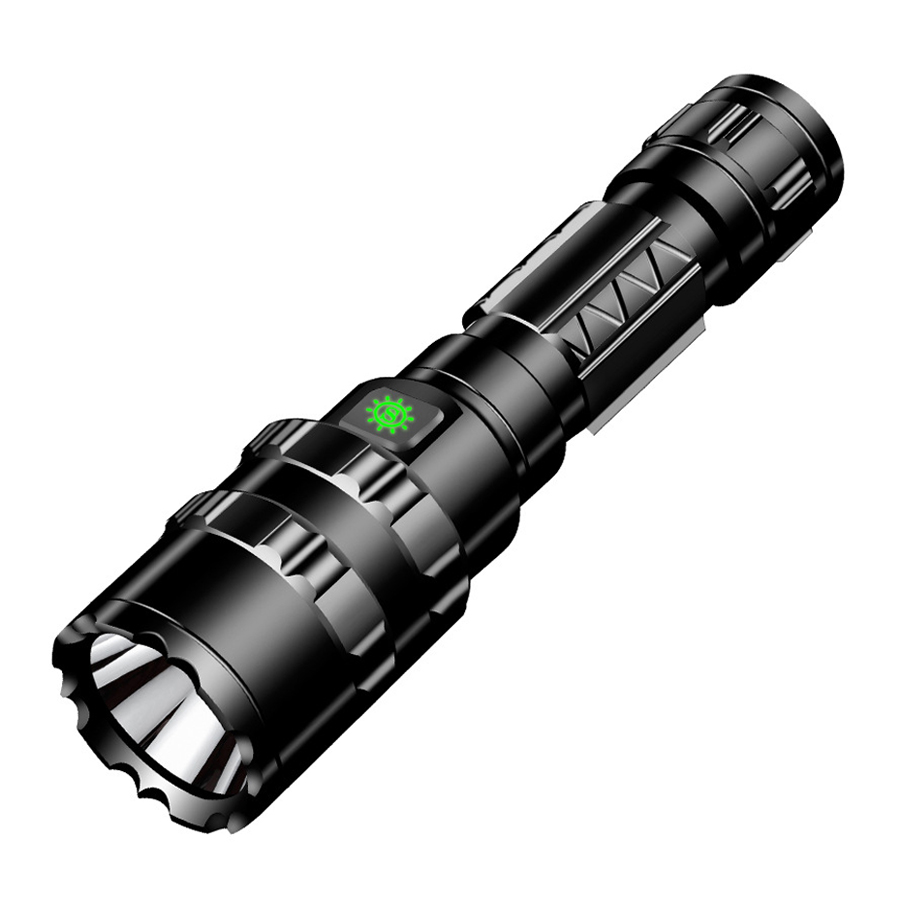

Lumintop Pixel Light 1200LM 265M Smart Flat EDC Flashlight Rotary Dial Control RGB AUX, 365nm UV, Green LEP, Flood & Spot Light & Gravity Pixel Mode, Multi-function USB-C Charging LCD Strong Work Lamp Hiking Camping Outdoor Emergency LED Torch
5.01 ratingThe Lumintop Pixel Light 1200LM 265M Smart Flat EDC Flashlight Rotary Dial Control RGB AUX, 365nm UV, Green LEP, Flood & Spot Light & Gravity Pixel Mode, Multi-function USB-C Charging LCD Strong Work Lamp Hiking Camping Outdoor Emergency LED Torch by Lumintop is a premium led flashlight designed for outdoor enthusiasts. It features Output: Flood Light and Spot Light: 10LM.
Available Offers
Free Delivery on this order. No minimum order value.
15-Day Easy Returns — hassle-free return & full refund.
Secure Payment — 100% safe checkout with UPI, Cards & Net Banking.
Available Offers
5% Cashback
Pay with UPI & get 5% cashback (up to ₹50) via Razorpay
No-Cost EMI
Available on select bank cards at checkout. 0% interest for 3 months.
Free Shipping
Free delivery on all orders. No minimum order value.
Cash on Delivery
COD available on orders up to ₹5,000 across India.
Quick Specs
Ideal For
About This Product
The Lumintop Pixel Light 1200LM 265M Smart Flat EDC Flashlight Rotary Dial Control RGB AUX, 365nm UV, Green LEP, Flood & Spot Light & Gravity Pixel Mode, Multi-function USB-C Charging LCD Strong Work Lamp Hiking Camping Outdoor Emergency LED Torch by Lumintop is a premium led flashlight designed for outdoor enthusiasts. It delivers reliable performance at an accessible price.
Key Specifications
- Output: Flood Light
- Spot Light: 10LM
- Runtime: Flood Light
- Spot Light: 40H
Why Buy from Pricio?
Pricio sources this product directly, cutting out multiple middlemen. Every order includes free shipping, a 15-day return policy, and secure payment via Razorpay.
Operating Instructions & Features:
1. Spotlight & Floodlight
1) While the flashlight is off, single dick the switch to turn on Spotlight (mode memory enabled, Turbo excluded). 2) Rotate the rotary dial to adjust outputs. 3) Rotate the rotary dial to adjust outputs. 4) Triple dick to enter Strobe; triple click again to cydle through SOS →Beacon → Strobe. 5) Single click to turn off. Note: Turbo is unavailable when the battery is low. Please rechargein time.
2. Green LEP Pointer & UV Light 1) While off, press and hold the switch to tur on the Green LEP Pointer. 2) press and hold again to activate the UV light. 3) Whille the green LEP Pointer is on, rotate the rotary dial to activate Spotlight simultaneously. 4) Single dlick to turn off.
3.RGB Light & Starry Flash 1) While off, double click to enter RGB Light. 2) Rotate the rotary dial to switch modes: .Coor Light (press and hold to change color)
.Coor Flash (press and hold to change coor) .Rainbow .Fast Bounce (press and hold to adjust speed) .Continuous Dots (press and hold to change collor) *Auto Color Continuous Dots ·Snake (press and hold to change color) .Meteor (press and hold to adjust speed) 3) Triple click to enter Red & Blue Flash; rotate the rotary dial to activate Spotlight. 4) While in RGB Light, double click to enter Starry Flash. Rotate the rotary dial to switch modes: Starry Flash → Dice(point)→Rock-Paper-Clippers 1(guese 1)→ Rock-Paper-Clippers 2 (guese 2). Single cllick to turn off.
4. RGB Hourglass Whille off, triple dick to enter RGB Hourglass. Rotate the rotary dial to set the timer; press and hold to change color. Timing starts via gravity sensing.
5.Dice (point) / Rock-Paper-Scissor (guese) 1 & 2 Shake to activate. Press and hold to change color (Dice mode excluded). Single click to turn off.
6.Silent Mode While on, quadruple click to enable or disable sound.
7. Lock Function
While off, quadruple click to lock or unlock the flashlight.
Display Screen
The smart display shows real-time information, including:Current
mode, Output level, Battery status, Charging status, Timer information.
Charging Instructions
Charge the flashlight via the built-in USB-C port. The display battery bars flash while charging and stay solid when fully charged. Full charging time is approximately 3 hours.
Multi-Protection
1. Thermal Protection: Automaticaly reduces output when the body temperature is too high.
2.Overcharge Protection: Automatically cuts off input current when fully charged
3. Over-discharge Protection: Automatically shuts down when voltage drops critically low to prevent battery damage
Package Include:
1x Pixel Light
1x Charging Cable
1x Manual
1x Package Box


Setup Guide
Helpful Buying Guides
Cheaper Alternatives

Dual Core LED Flashlight Waterproof Lightweight Rechargeable Outdoor Camping Strong Light Long-range Portable Keychain Light

E-Smarter K91 Powerful Zoomable LED Flashlight with 18350 Battery USB Rechargeable Flash Light Camping Lamp IP64 Waterproof Fishing Lantern Lamp

BIKIGHT 885 LED+COB 500m Long Range Strong LED Flashlight With COB Side Light Type-C USB Rechargeable Portable LED Torch Lamp Powerful Spotlight