Free Delivery  ·  COD Available  ·  15-Day Returns
Pricio
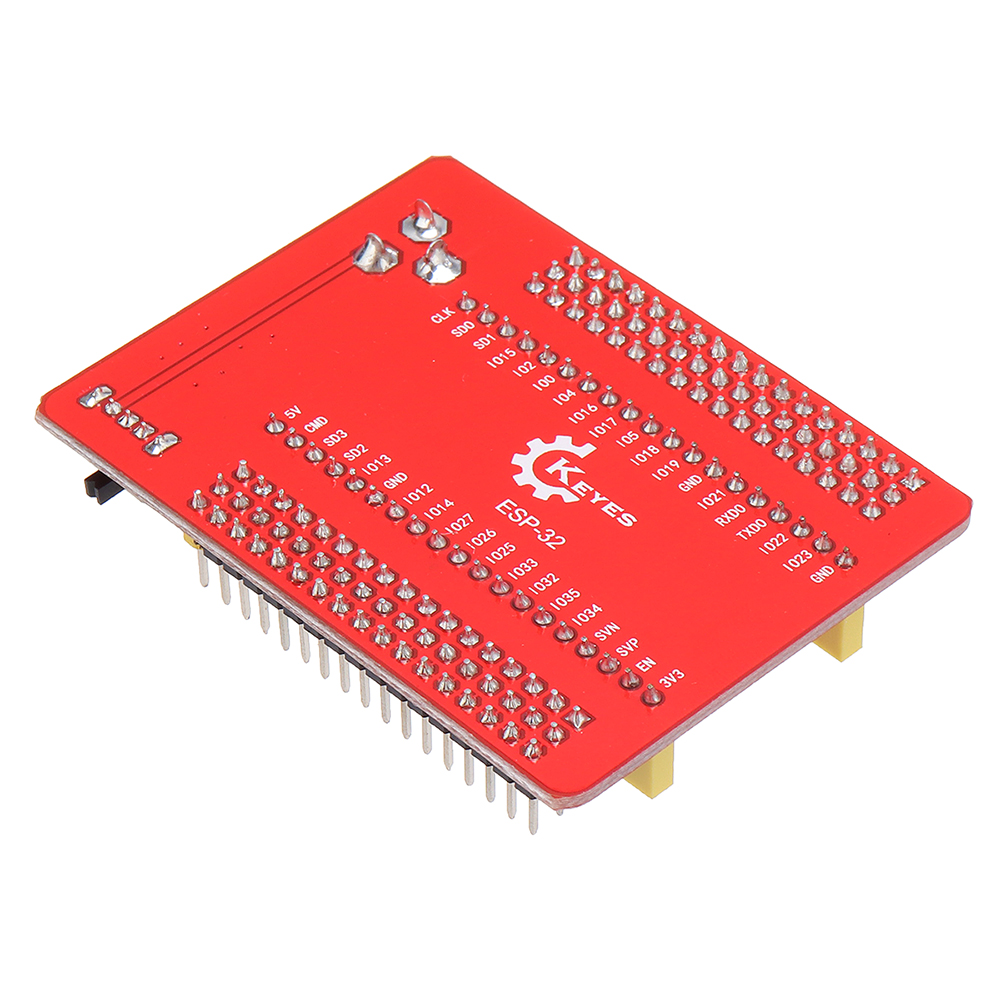
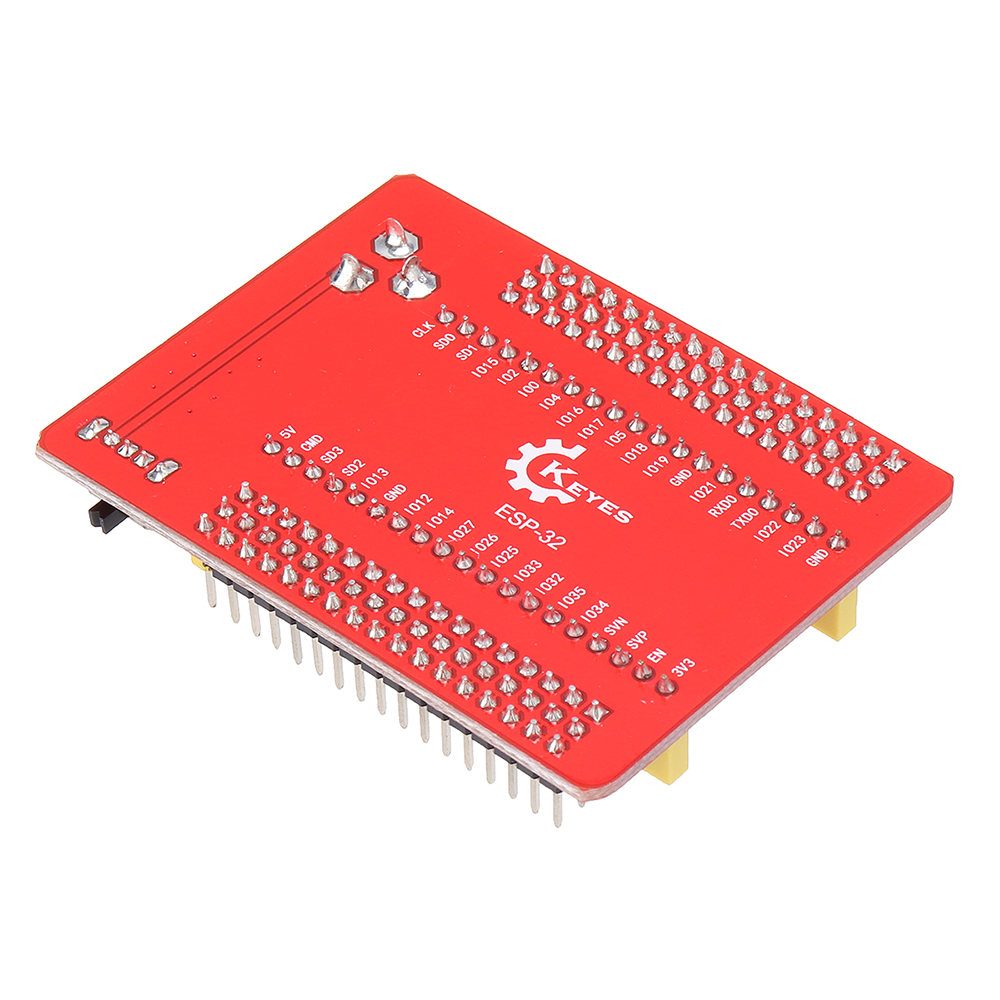
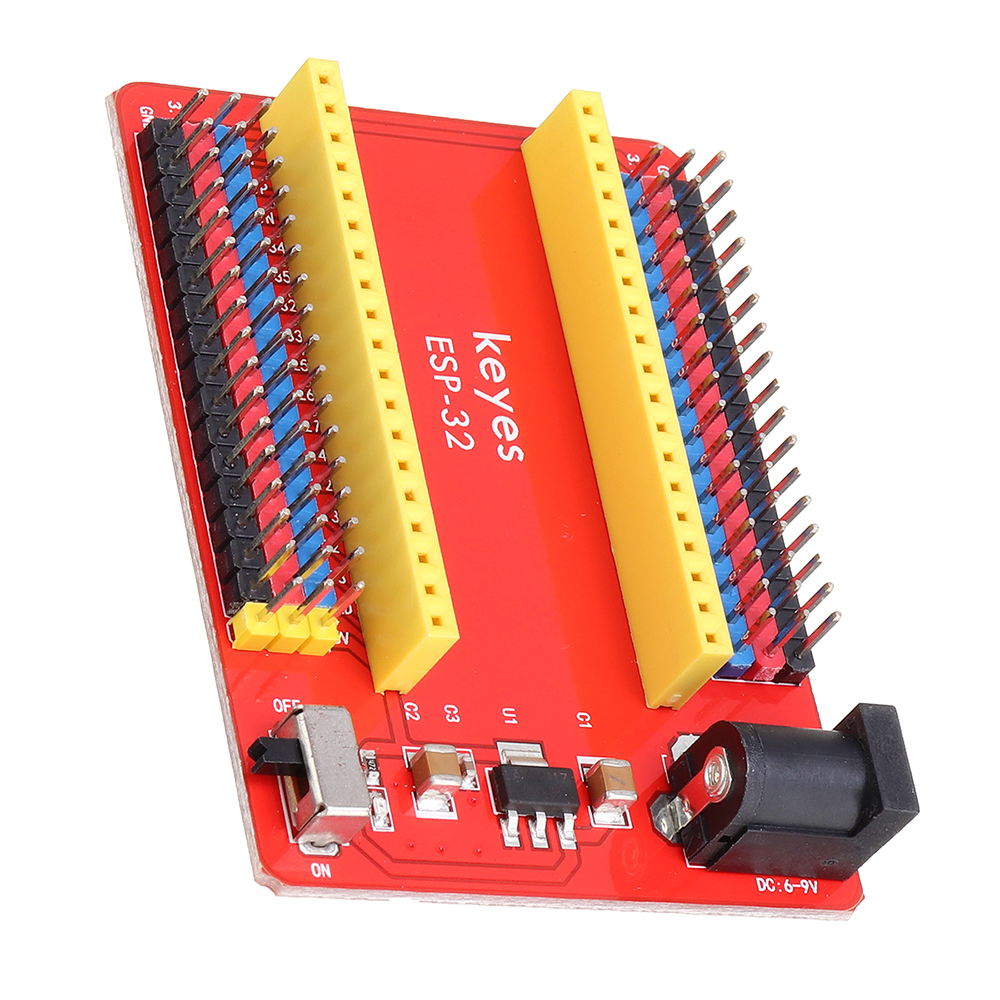
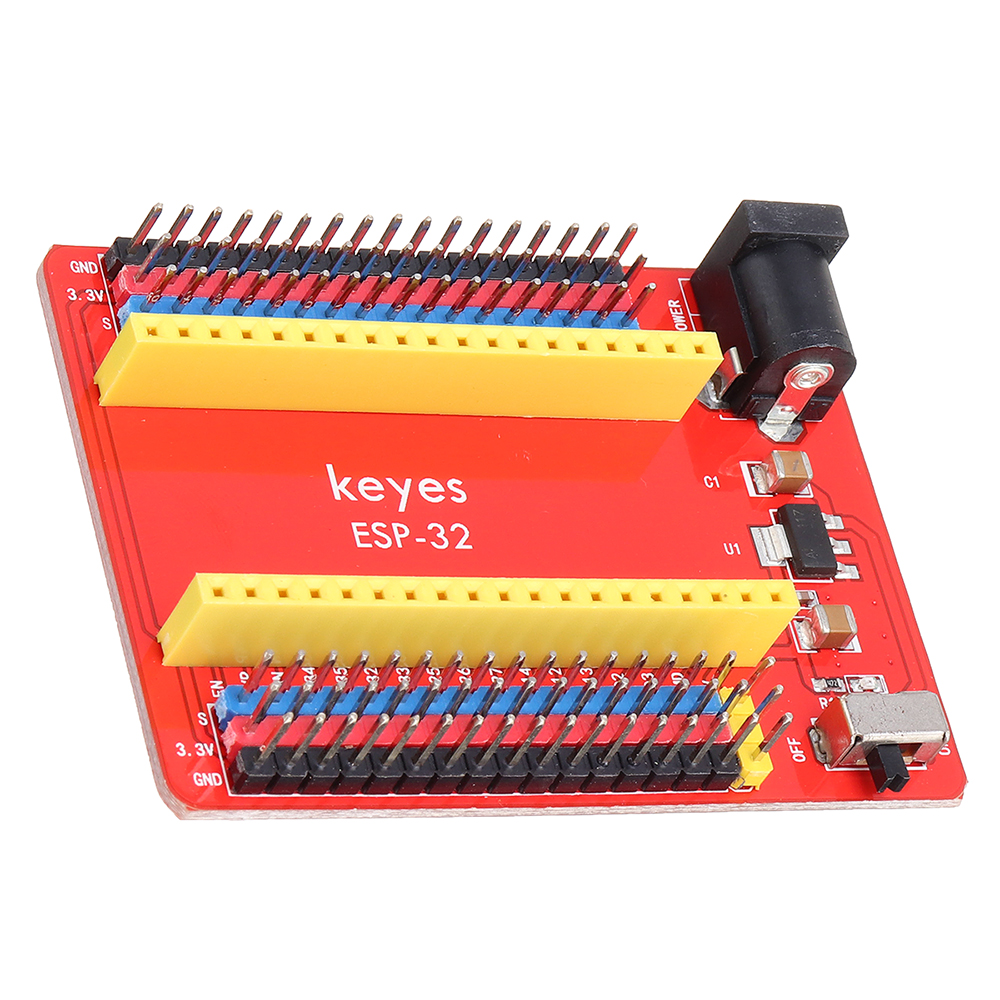
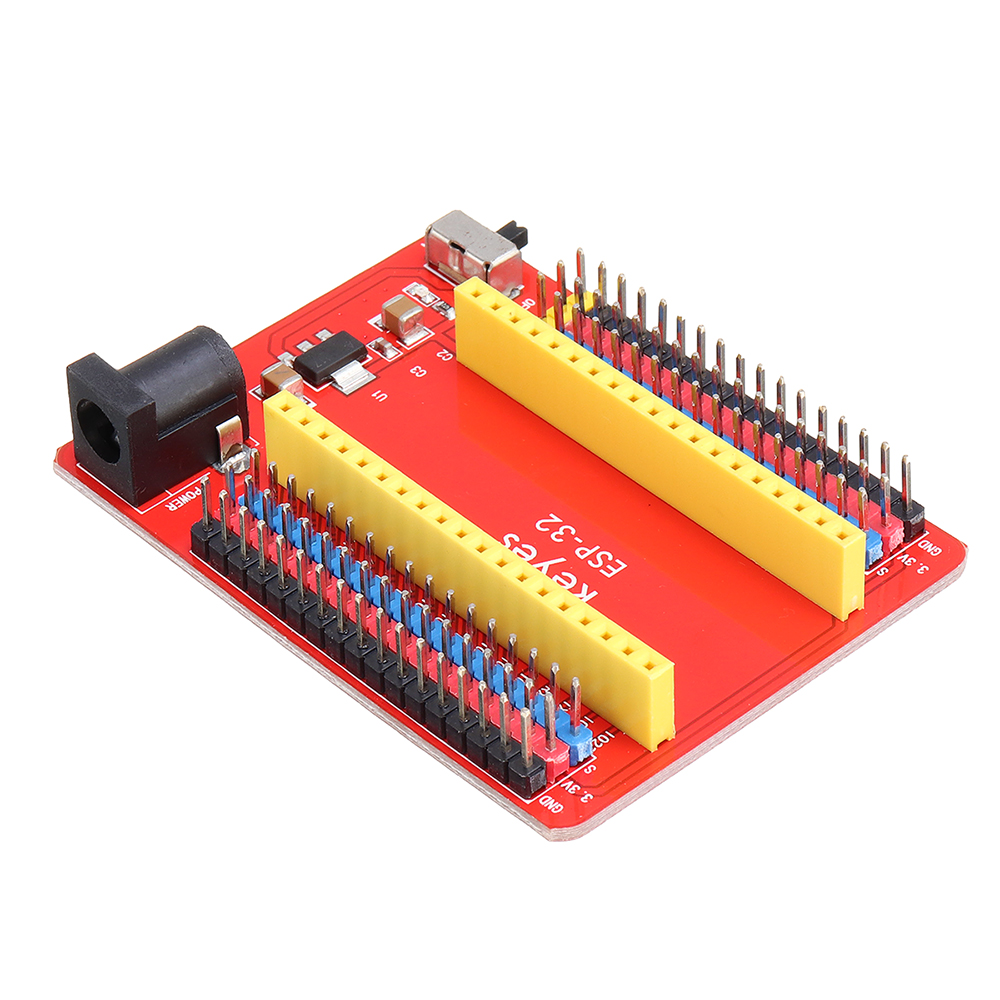
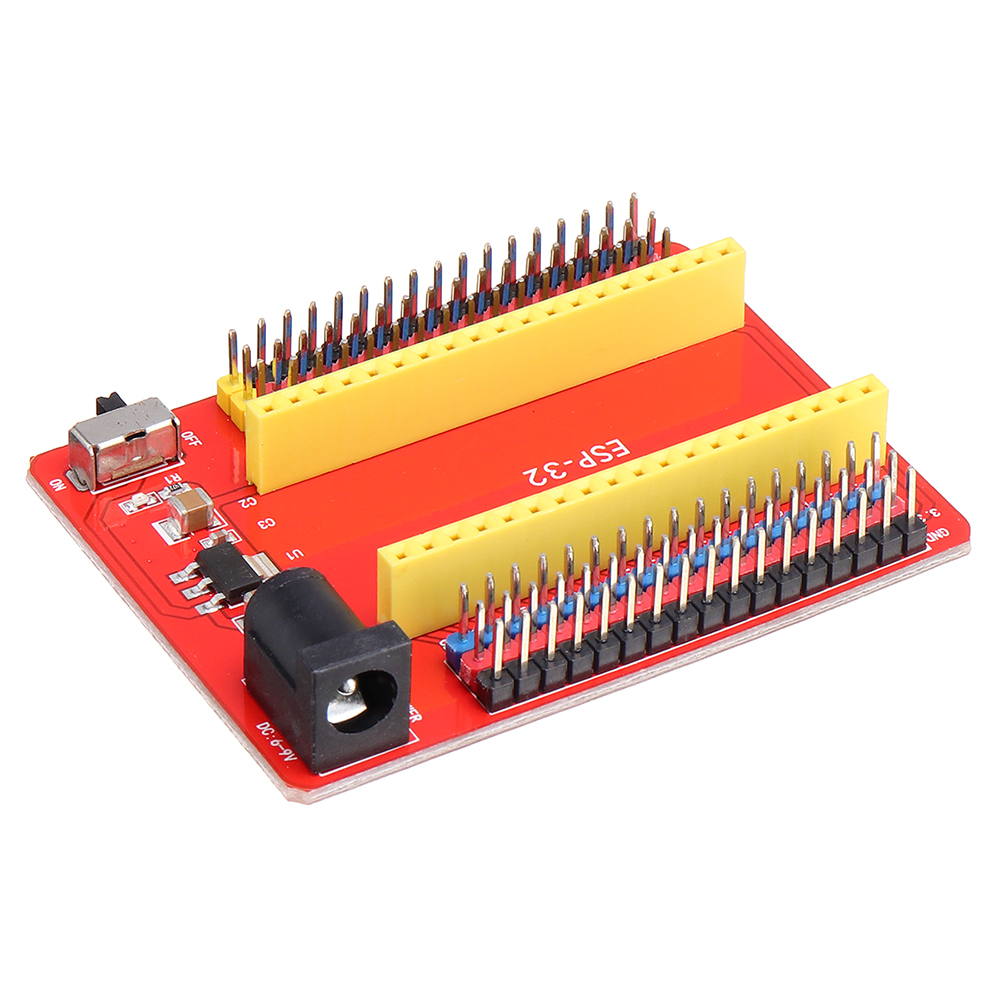
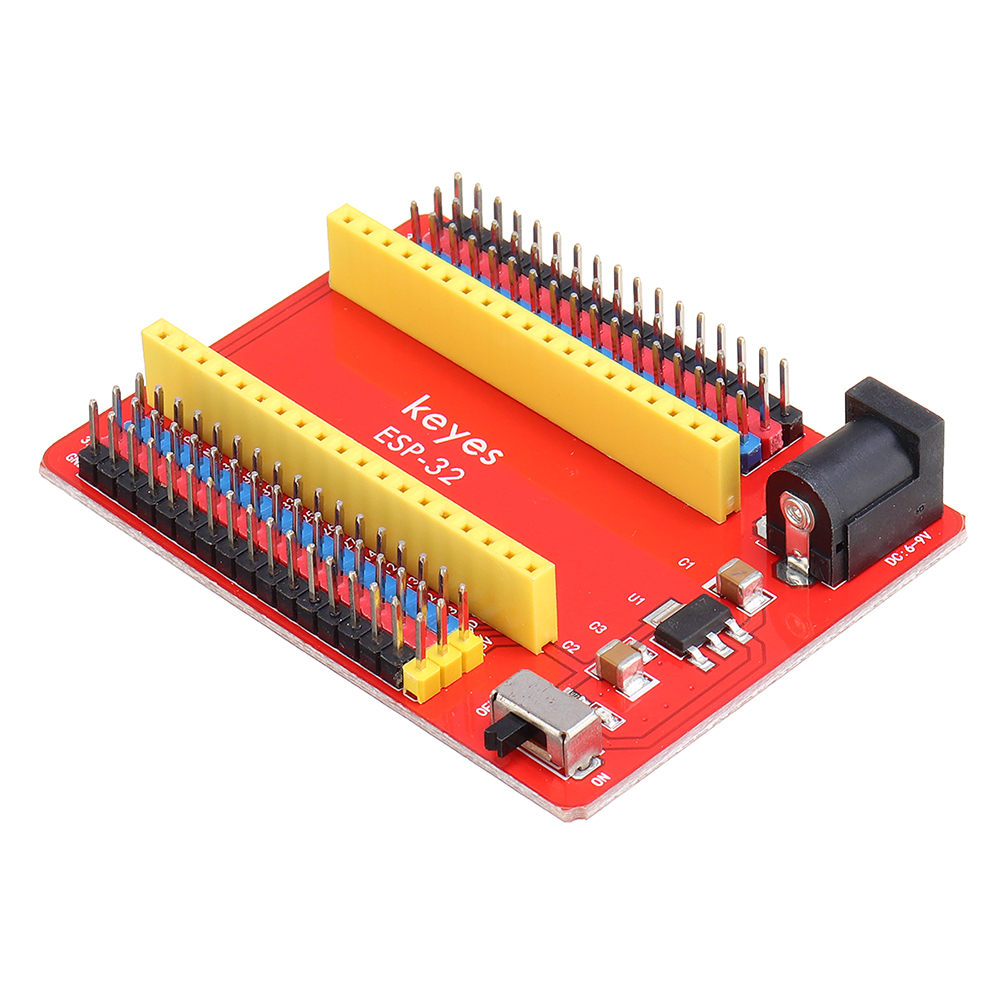
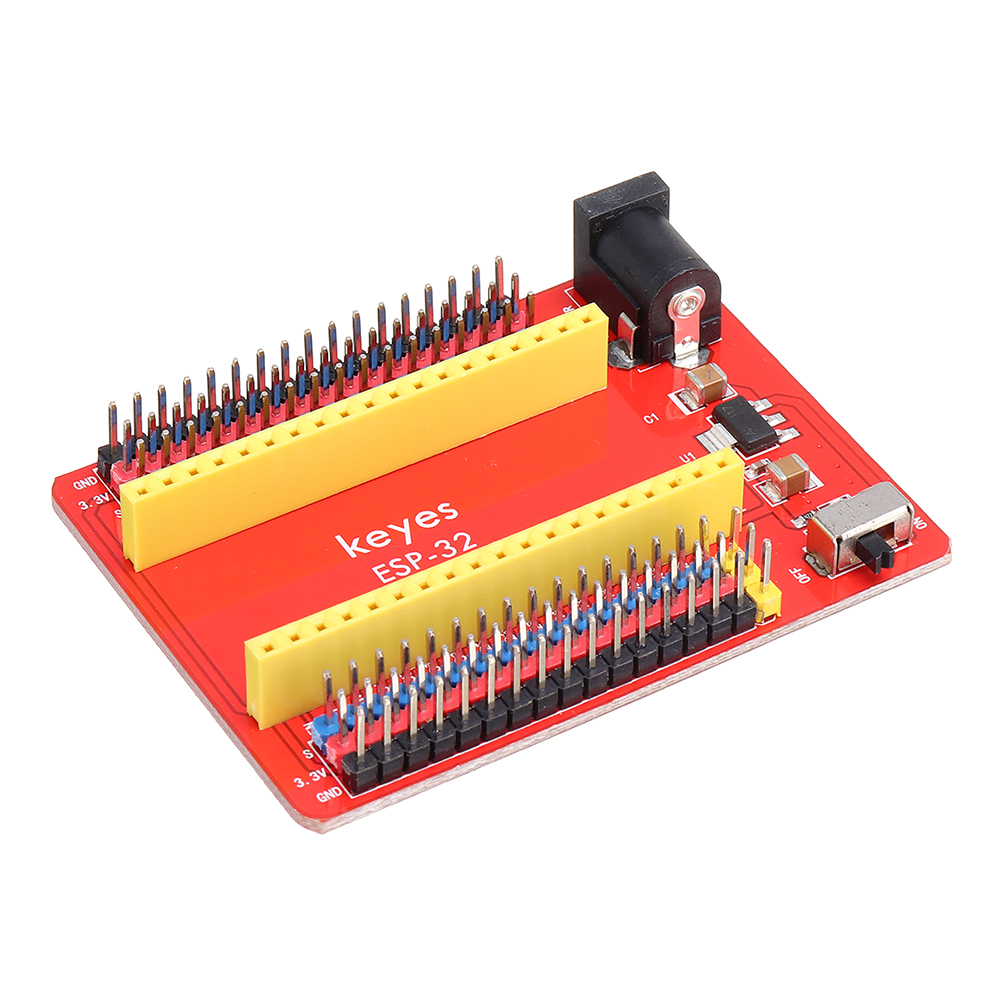
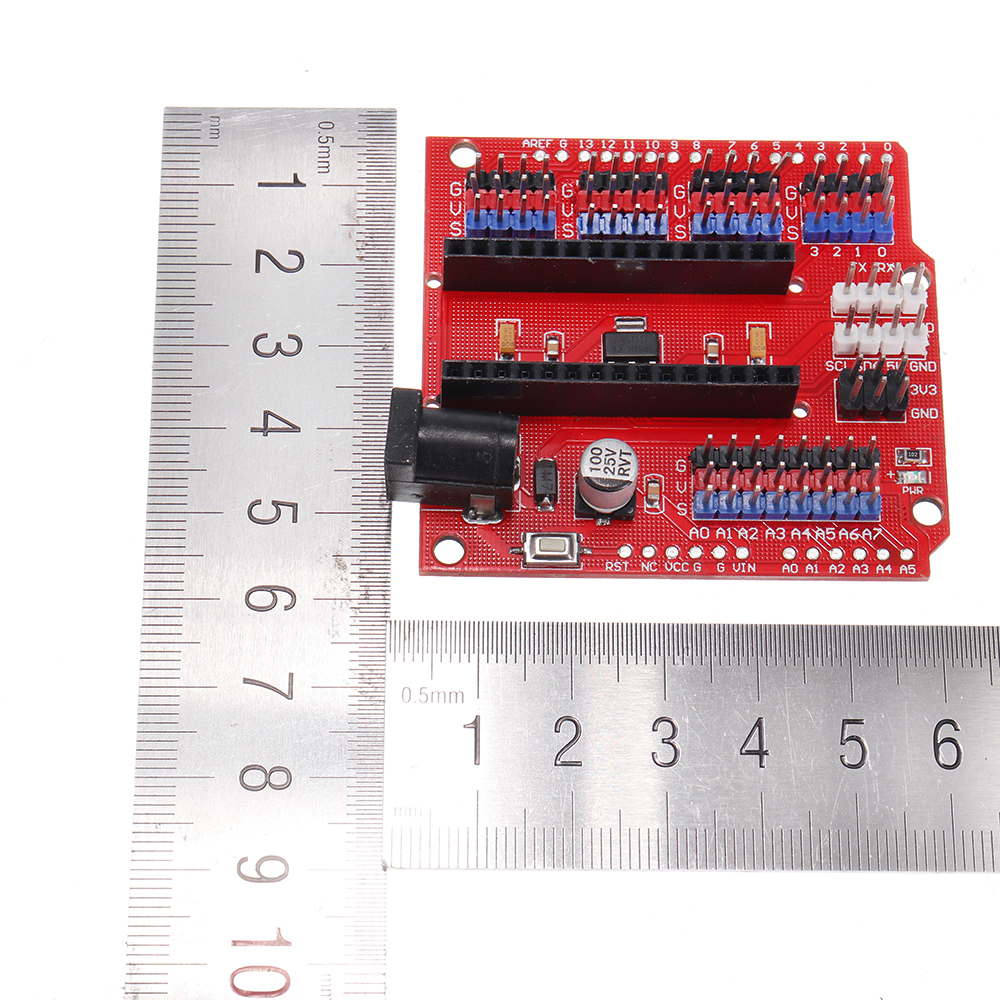
Keyes ESP32 Core Board Development Expansion Board Equipped with WROOM-32 Module — image 1
Hover to zoom

1 / 11 · Click to enlarge

Keyes

Keyes ESP32 Core Board Development Expansion Board Equipped with WROOM-32 Module

5.075 ratings
AI Summary
Expansion Board & Shield for everyday users

The Keyes ESP32 Core Board Development Expansion Board Equipped with WROOM-32 Module by Keyes is a mid-range expansion board & shield designed for everyday users. Customers praise its excellent build quality and fast and responsive. 100% of buyers rate it 4★ or above.

excellent build qualityfast and responsiveclear and bright display
₹2,000
Free Shipping💵 COD Available

Available Offers

Free Delivery on this order. No minimum order value.

15-Day Easy Returns — hassle-free return & full refund.

Secure Payment — 100% safe checkout with UPI, Cards & Net Banking.

Total: ₹2,000
Buying tip: A well-rounded choice at a fair price. Recommended for most buyers.
Estimated delivery: 4 Aug18 Aug
Free Shipping
Pan India delivery
15-Day Returns
Hassle-free policy
Secure Payment
Razorpay protected
Quality Assured
Vetted products only

Available Offers

💳

5% Cashback

Pay with UPI & get 5% cashback (up to ₹50) via Razorpay

🏦

No-Cost EMI

Available on select bank cards at checkout. 0% interest for 3 months.

📦

Free Shipping

Free delivery on all orders. No minimum order value.

💵

Cash on Delivery

COD available on orders up to ₹5,000 across India.

Ideal For

Everyday convenience
Share:
SKU: bg-1756023Category: Expansion Board & Shield

About This Product

The Keyes ESP32 Core Board Development Expansion Board Equipped with WROOM-32 Module by Keyes is a mid-range expansion board & shield designed for everyday users. Customers highlight its excellent build quality and fast and responsive.

Customer Verdict

100% of buyers rated this product 4 stars or above. The most appreciated qualities are: excellent build quality, fast and responsive, clear and bright display.

Why Buy from Pricio?

Pricio sources this product directly, cutting out multiple middlemen. Every order includes free shipping, a 15-day return policy, and secure payment via Razorpay.
Introduction:

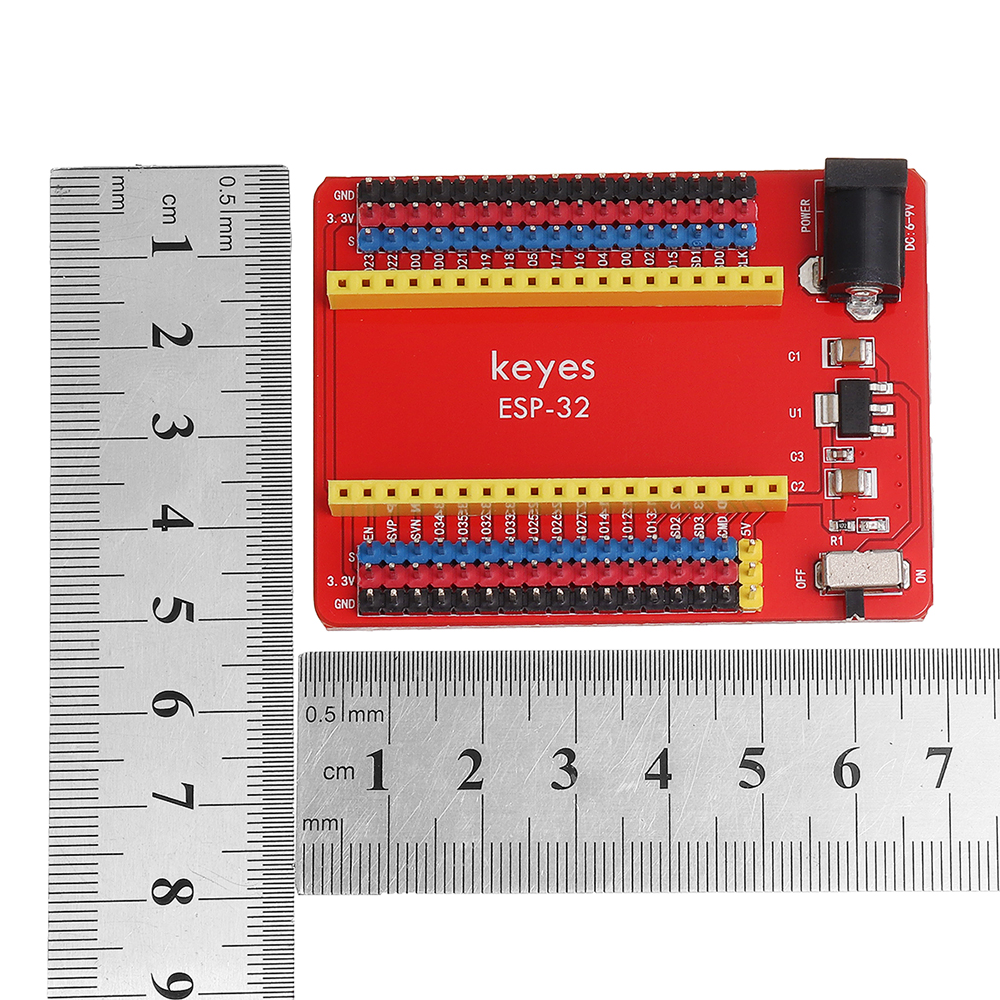
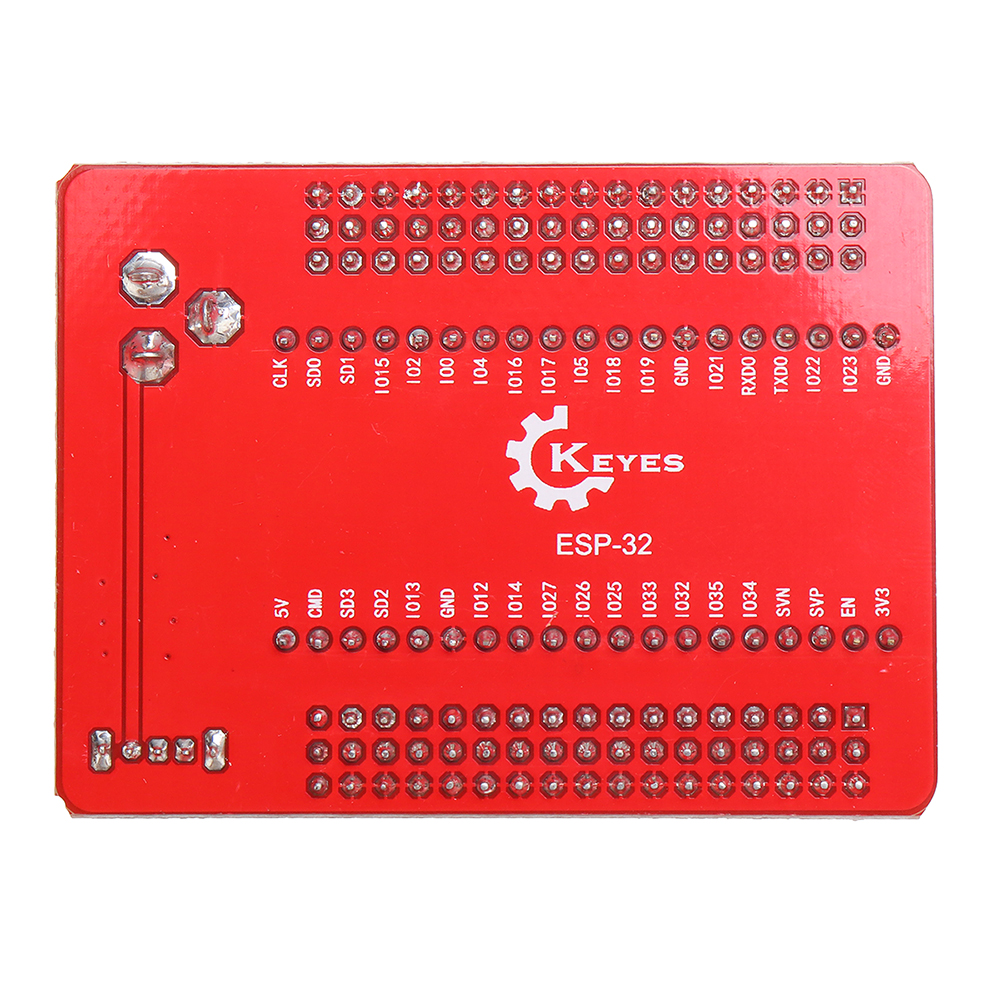
It consists of a keyes ESP32-IO expansion board and a keyes ESP32 Core board
Development board composition, when using, only need to input DC 7-12V voltage on the black DC head, then
It can supply power to the keyes ESP32 Core board. And the expansion board also comes with 1 dial code
Switch, used to control the power switch. Developers can connect peripherals according to their needs. Make
When using the development board for development and debugging, the standard headers on both sides can make your operation easier
Clean and convenient.
ESP-WROOM-32 module is the industry’s leading integrated WiH + Bluetooth solution,
Less than 10 external components, it integrates antenna switch, radio frequency balun, power amplifier
Converters, low-noise amplifiers, filters and power management modules. At the same time, it also integrates
TSMC low-power 40nm technology, power performance and radio frequency performance, safe and reliable, easy to expand
Expand to various applications.

Feature:

Microcontroller: ESP-WROOM-32 module
USB to serial port chip: CP2102-GMR
Power supply voltage: DC 7-12V
Working current: 60mA
Maximum power: 0.3W
Working temperature: -25°C to +65°C
WiFi mode: Station/SoftAP/SoftAP+Station/P2P
WiFi protocol: 802.11 b/g/n/e/i (802.11n, speed up to 150Mbps
WiFi frequency range: 2.4 GHz ~ 2.5 GHz
Bluetooth protocol: comply with Bluetooth V4.2BR/EDR and BLE standards
Size: 67*50*19mm
Weight: 32.8g

Package includes:

1 x Expansion board


Product Safety Information

Setup Guide

1
Identify the pins
Locate VCC (power), GND (ground), and data pins (SDA/SCL for I2C, MOSI/MISO for SPI, or TX/RX for UART). Refer to the pinout diagram on the product page.
2
Wire to your microcontroller
Connect VCC to 3.3V or 5V (check the module spec), GND to GND, and data pins to the appropriate GPIO pins on your Arduino or Raspberry Pi.
3
Install libraries
In Arduino IDE, go to Sketch → Include Library → Manage Libraries and search for the sensor library. Install the recommended version.
4
Upload example sketch
Open File → Examples → [library name] → Basic Example. Upload to your board and open Serial Monitor to view output.
5
Calibrate if needed
Some sensors (temperature, humidity, distance) may need a short warm-up period or calibration. Run the calibration sketch if provided.