IMars 10.1 Inch 2Din for Android 10.0 Car Stereo Radio 2+32G IPS 2.5D Touch Screen MP5 Player GPS WIFI FM with Backup Camera
5.0795 ratingsThe IMars 10.1 Inch 2Din for Android 10.0 Car Stereo Radio 2+32G IPS 2.5D Touch Screen MP5 Player GPS WIFI FM with Backup Camera by iMars is a premium automobiles & motorcycles designed for premium buyers. It features - Brand: iMars and - Screen Size: 10.1 inch. Customers praise its easy to set up and use and great value for money. 100% of buyers rate it 4★ or above.
Available Offers
Free Delivery on this order. No minimum order value.
15-Day Easy Returns — hassle-free return & full refund.
Secure Payment — 100% safe checkout with UPI, Cards & Net Banking.
22% Off — you save ₹4,227 on this product!
Available Offers
5% Cashback
Pay with UPI & get 5% cashback (up to ₹50) via Razorpay
No-Cost EMI
Available on select bank cards at checkout. 0% interest for 3 months.
Free Shipping
Free delivery on all orders. No minimum order value.
Cash on Delivery
COD available on orders up to ₹5,000 across India.
Quick Specs
Ideal For
About This Product
The IMars 10.1 Inch 2Din for Android 10.0 Car Stereo Radio 2+32G IPS 2.5D Touch Screen MP5 Player GPS WIFI FM with Backup Camera by iMars is a premium automobiles & motorcycles designed for premium buyers. Customers highlight its easy to set up and use and great value for money.
Key Specifications
- - Brand: iMars
- - Screen Size: 10.1 inch — crisp, vibrant visuals in any lighting
- - Installation Space: 2 DIN
- - Touch Screen: Yes
- - Thickness: 6.7mm/0.26 inch
- - Resolution: 1024*600
- - Capacitive or Resistance Screen: Capacitive
- - Built-in Clock and Calendar: Yes, show real time and can use network-provided time
Customer Verdict
100% of buyers rated this product 4 stars or above. The most appreciated qualities are: easy to set up and use, great value for money, fast and responsive, impressive sound quality.
Why Buy from Pricio?
Pricio sources this product directly, cutting out multiple middlemen. Every order includes free shipping, a 15-day return policy, and secure payment via Razorpay.
System:
WiFi:
GPS:
bluetooth:
Internet:
Audio:
Video:
Radio:
USB:
DVR:
DAB(+)-IN:
- Support (DAB+ BOX NEED TO BUY SEPARATELY)
DTV-IN:
Input:
Output:
Functions:
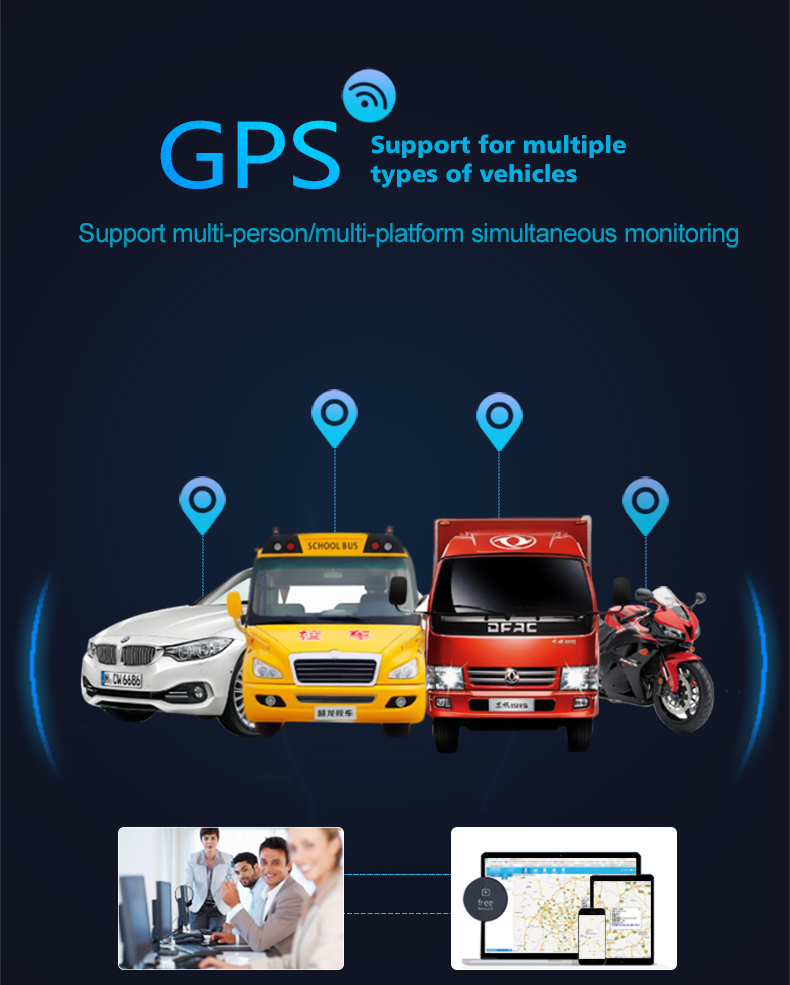
Support GPS navigation, WIFI, internet, OBD 2, rearview carema, bluetooth, audio, radio, video, DTV, DVR, DAB+, mirror link, steer wheel control, TPMS, etc.
Package Included: