
1 / 10 · Click to enlarge
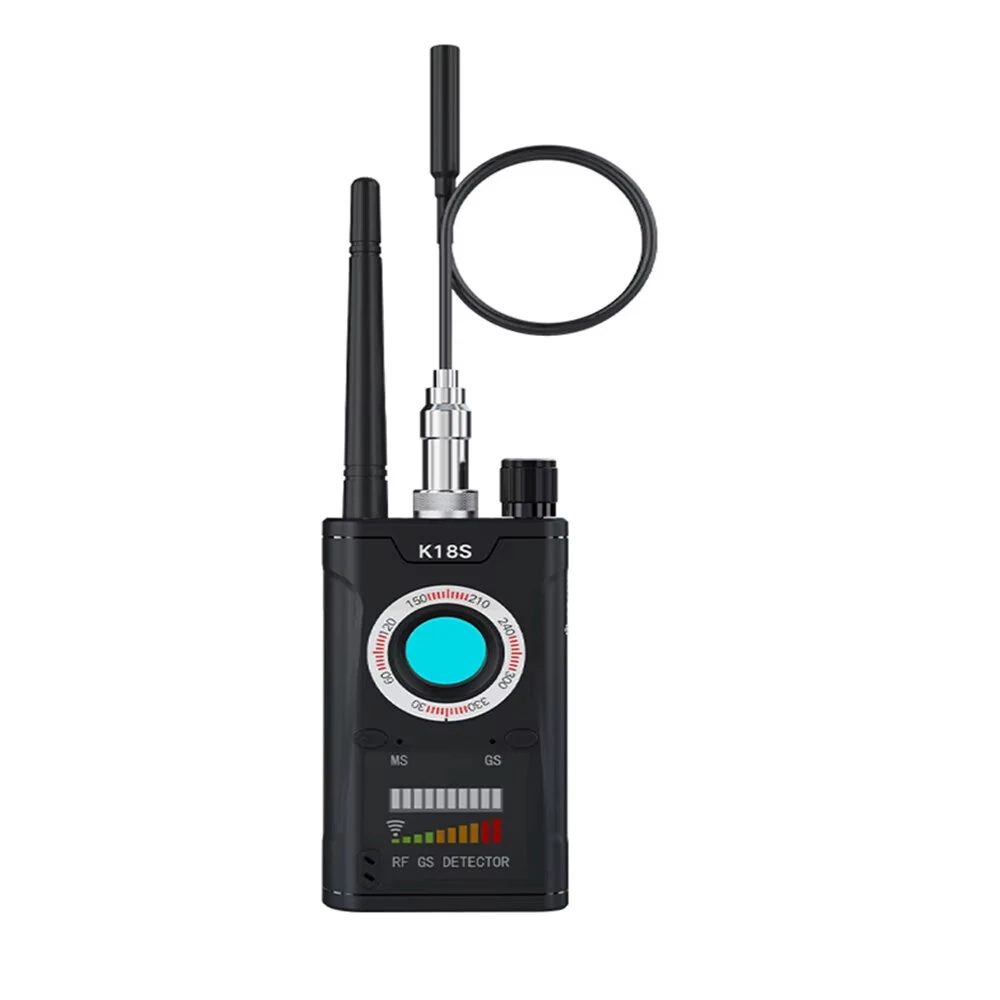
GPS Tracker Reverse Camera Detector GSM Audio Error Finder GPS Signal Scanner Upgrade RF Tracker Detect
5.01 ratingThe GPS Tracker Reverse Camera Detector GSM Audio Error Finder GPS Signal Scanner Upgrade RF Tracker Detect is a mid-range product designed for everyday users.
Available Offers
Free Delivery on this order. No minimum order value.
15-Day Easy Returns — hassle-free return & full refund.
Secure Payment — 100% safe checkout with UPI, Cards & Net Banking.
27% Off — you save ₹1,109 on this product!
Plug: EU Plug
Available Offers
5% Cashback
Pay with UPI & get 5% cashback (up to ₹50) via Razorpay
No-Cost EMI
Available on select bank cards at checkout. 0% interest for 3 months.
Free Shipping
Free delivery on all orders. No minimum order value.
Cash on Delivery
COD available on orders up to ₹5,000 across India.
Ideal For
About This Product
The GPS Tracker Reverse Camera Detector GSM Audio Error Finder GPS Signal Scanner Upgrade RF Tracker Detect is a mid-range designed for everyday users. It delivers reliable performance at an accessible price.
Why Buy from Pricio?
Pricio sources this product directly, cutting out multiple middlemen. Every order includes free shipping, a 15-day return policy, and secure payment via Razorpay.
Specifications:
Name: Wireless Detector
Body Material & Durability: Crafted with robust ABS and metal materials to ensure long-lasting performance and reliable use.
Detection Features: Supports wireless and magnetic detection capabilities suitable for a range of applications, including identifying cameras and tracking devices.
Frequency Range: Detects RF frequencies from 1 MHz to 6.5 GHz and supports detection for 2G, 3G, 4G signals, Wi-Fi, Bluetooth, and other wireless transmissions.
Compact & Lightweight: Features a sleek design with dimensions of 102 x 55 x 21 mm and a weight of only 95 g for portability.
Battery & Power: Equipped with a rechargeable 1000mAh battery offering 4-5 hours of continuous operation on a single charge.
Features:
- Versatile Detection Modes: Includes vibration and sound alarm options, along with headphone support for silent operation during RF signal detection. Perfect for discreet surveillance scenarios.
- High Precision Sensitivity: Presents a detection sensitivity of ≤0.03 m for the main frequency band, enabling accurate identification of even weak signals.
- Wide Detection Range: Covers up to 15㎡ for mobile phone frequency bands and 2.4G signals, ensuring an extensive wireless detection scope.
- Enhanced Lens Detection: Integrated bright red LED technology allows accurate detection of hidden cameras and visually identifies lens reflections.
- LED Indicator Design: Provides a 10-level signal strength indicator for intuitive adjustment and accurate detection performance tailored to your surroundings.
Package included:
1 x Wireless Detector
1 x Charging Cable
1 x User Manual


