Eluto Universal 2" 52mm 12V Oil Pressure Gauge Meter With Sensor 10 Color LED Tinted Face PSI
5.013 ratingsThe Eluto Universal 2" 52mm 12V Oil Pressure Gauge Meter With Sensor 10 Color LED Tinted Face PSI by ELUTO is a mid-range volt meters designed for everyday users.
Available Offers
Free Delivery on this order. No minimum order value.
15-Day Easy Returns — hassle-free return & full refund.
Secure Payment — 100% safe checkout with UPI, Cards & Net Banking.
22% Off — you save ₹1,330 on this product!
Available Offers
5% Cashback
Pay with UPI & get 5% cashback (up to ₹50) via Razorpay
No-Cost EMI
Available on select bank cards at checkout. 0% interest for 3 months.
Free Shipping
Free delivery on all orders. No minimum order value.
Cash on Delivery
COD available on orders up to ₹5,000 across India.
Ideal For
About This Product
The Eluto Universal 2" 52mm 12V Oil Pressure Gauge Meter With Sensor 10 Color LED Tinted Face PSI by ELUTO is a mid-range volt meters designed for everyday users. It delivers reliable performance at an accessible price.
Why Buy from Pricio?
Pricio sources this product directly, cutting out multiple middlemen. Every order includes free shipping, a 15-day return policy, and secure payment via Razorpay.
Description :
Eluto Universal 2" 52mm 12V Oil Pressure Gauge Meter W/Sensor 10 Color LED Tinted Face PSI
Feature :
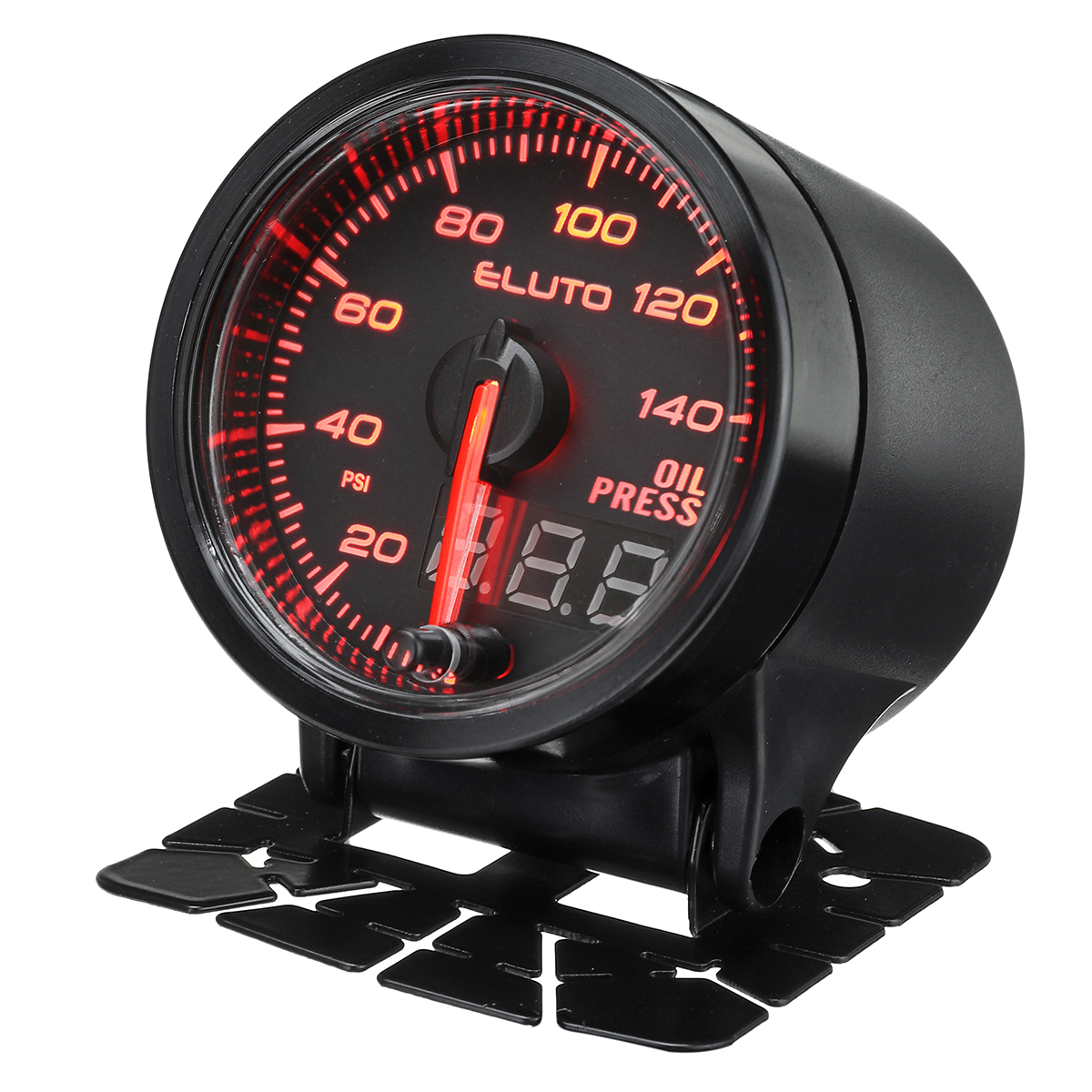
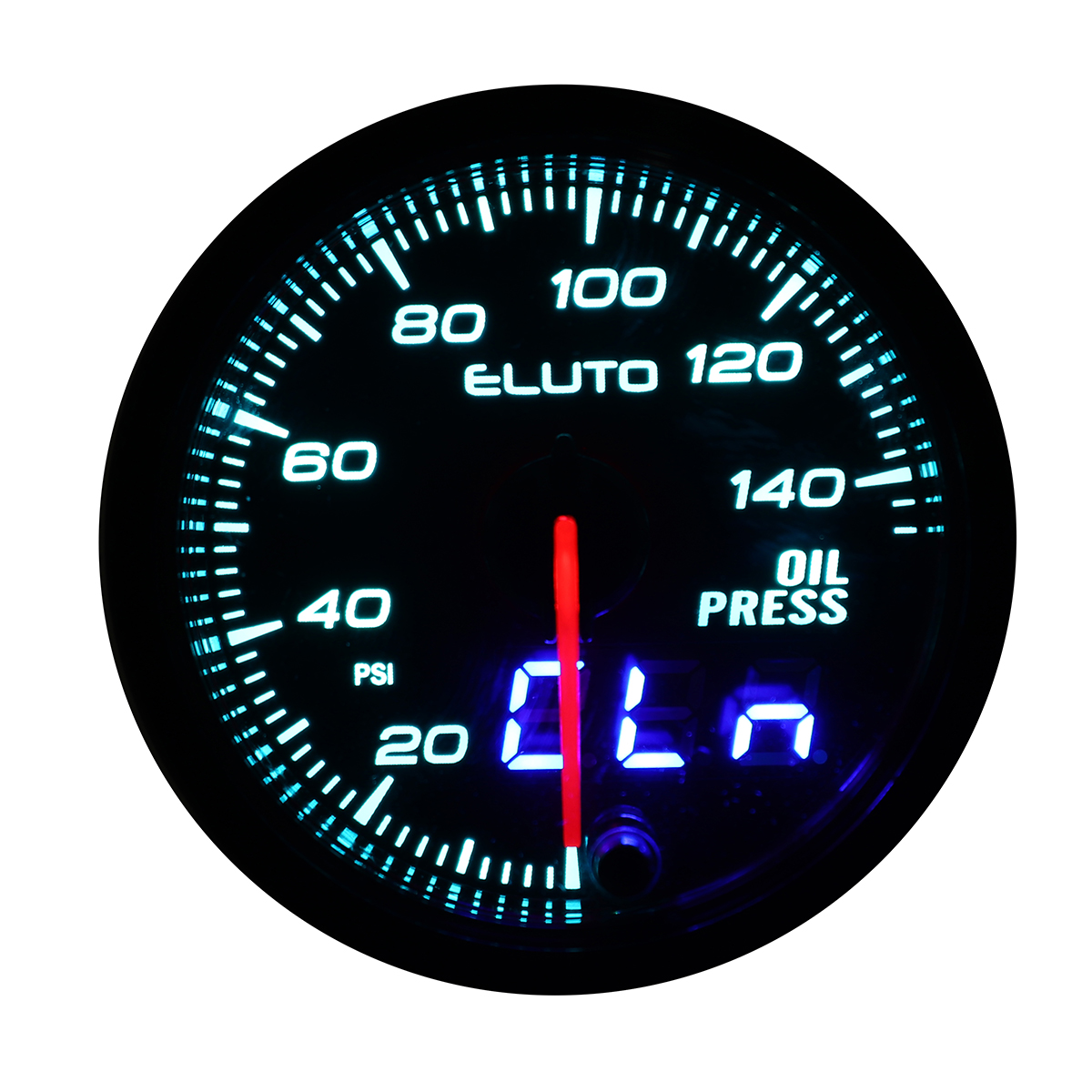
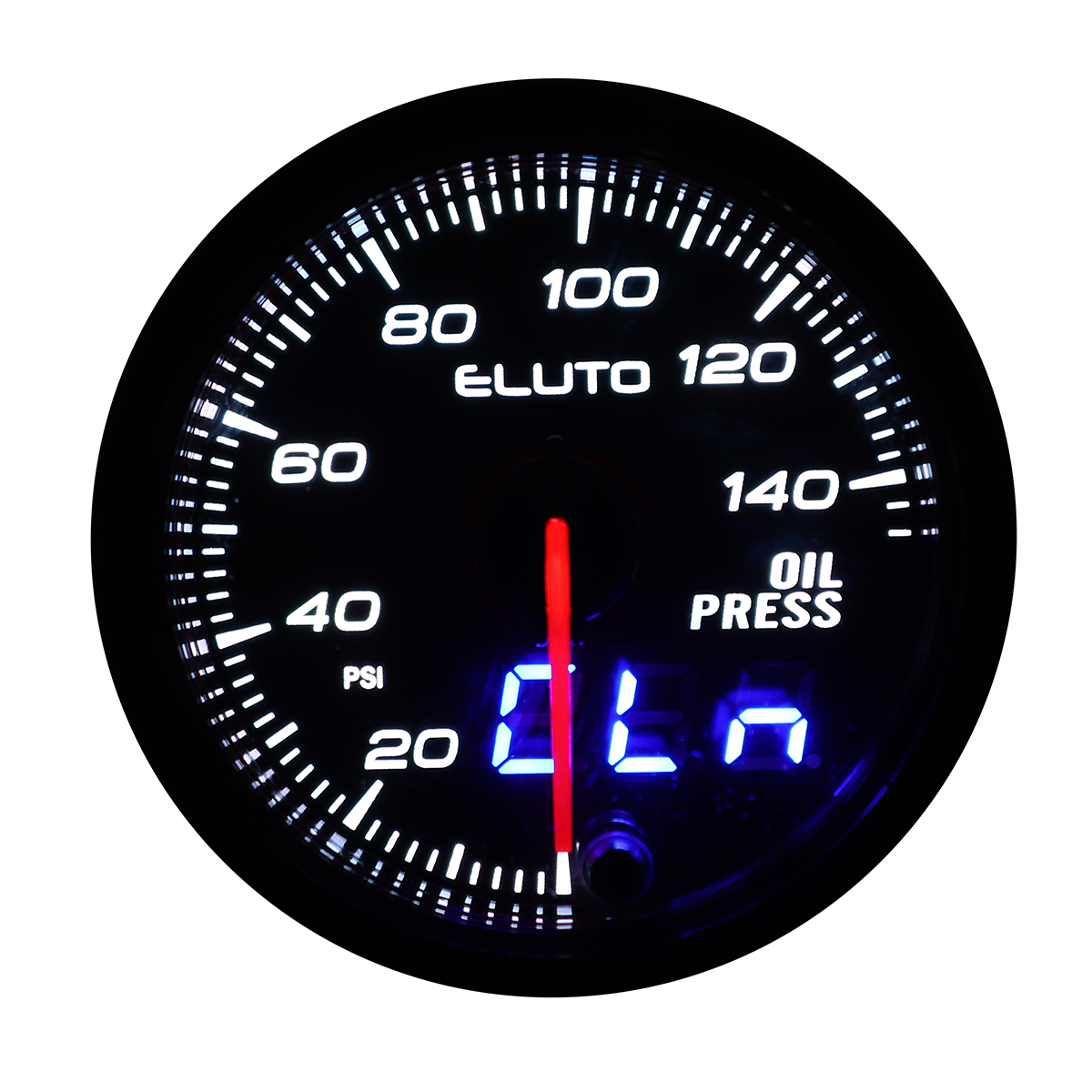
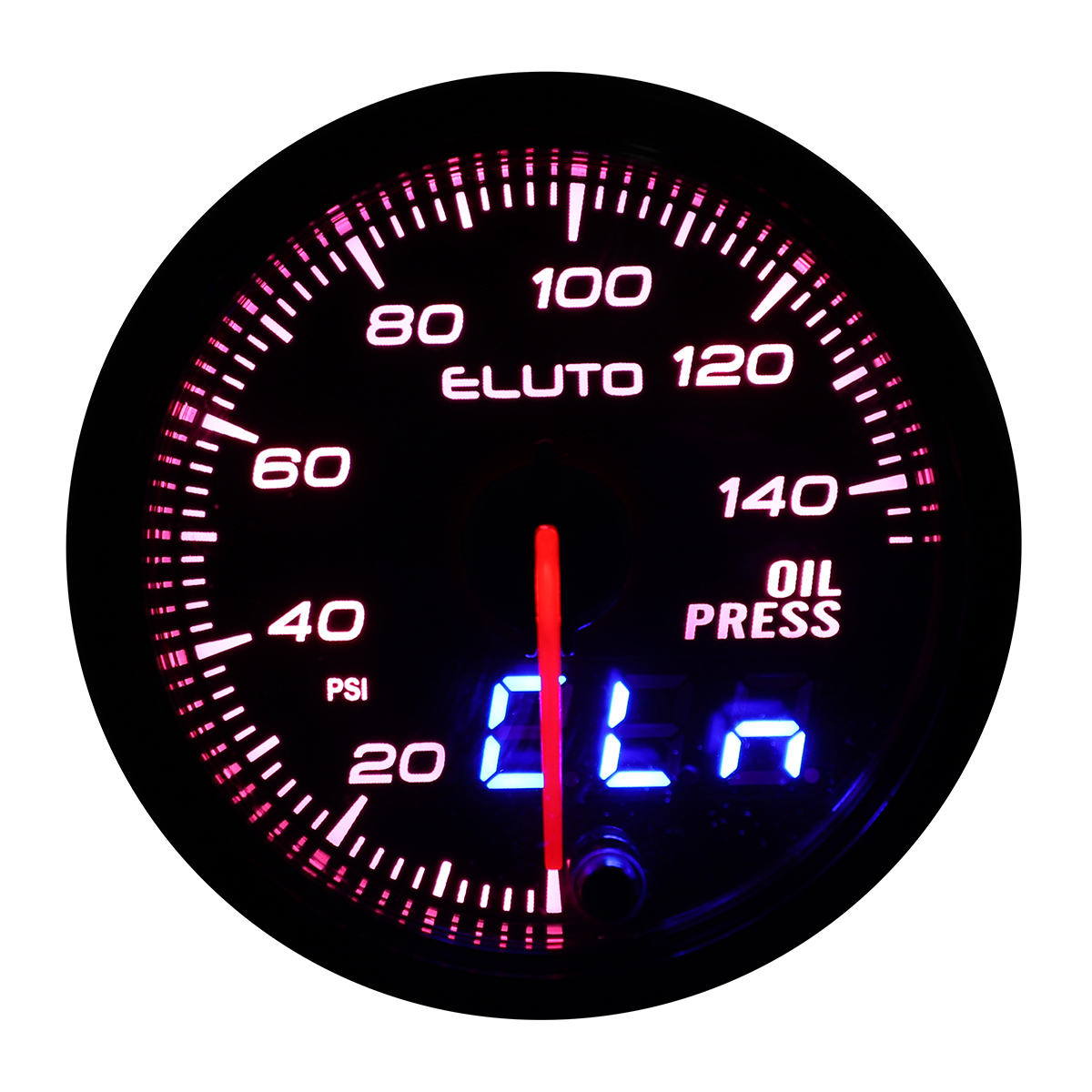
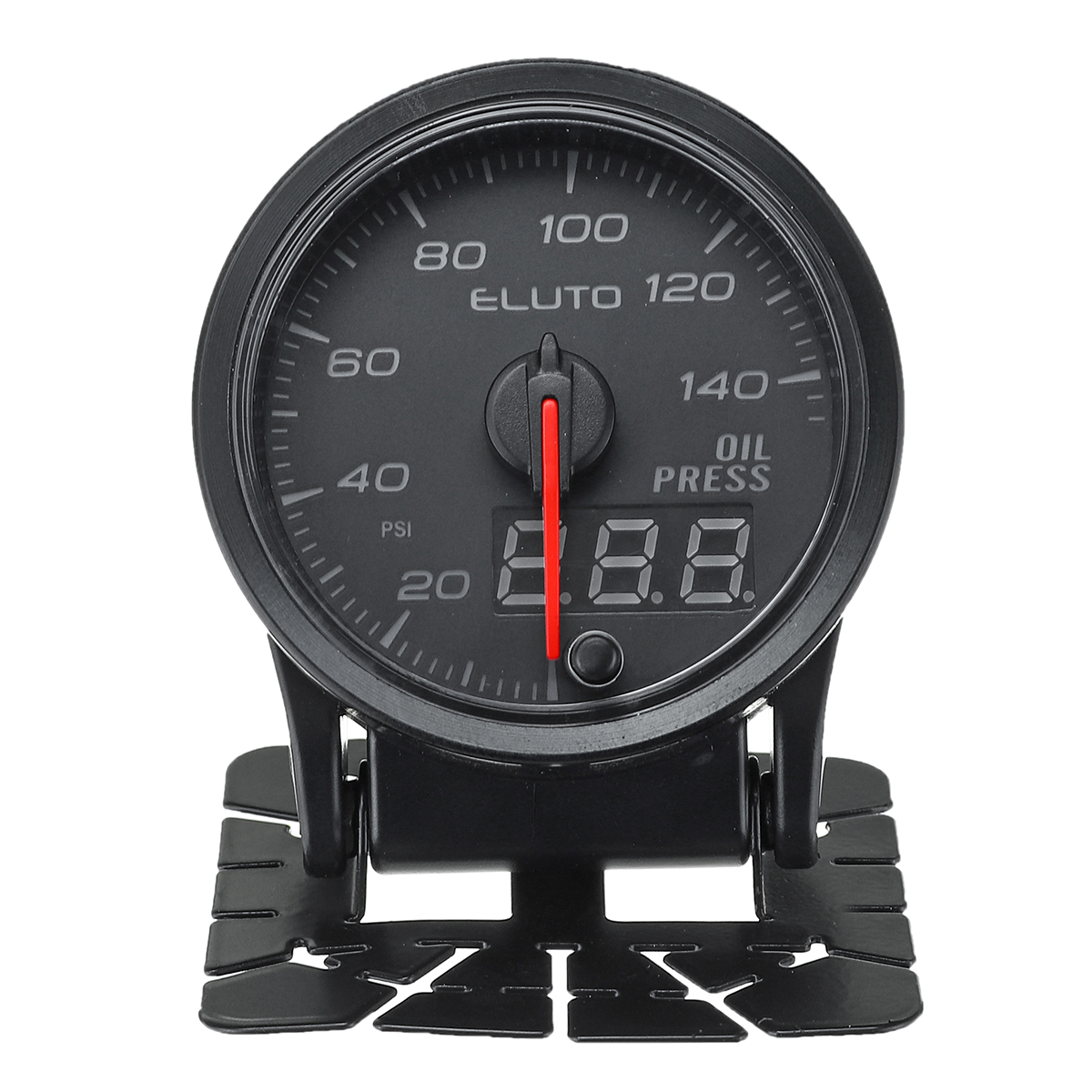
- Double vision display, analog & digital readings.
- A warning value (arbitrary) can be set and the warning buzzer can be selected from three variations or turn off.
- The buzzer can be selected in three loud levels.
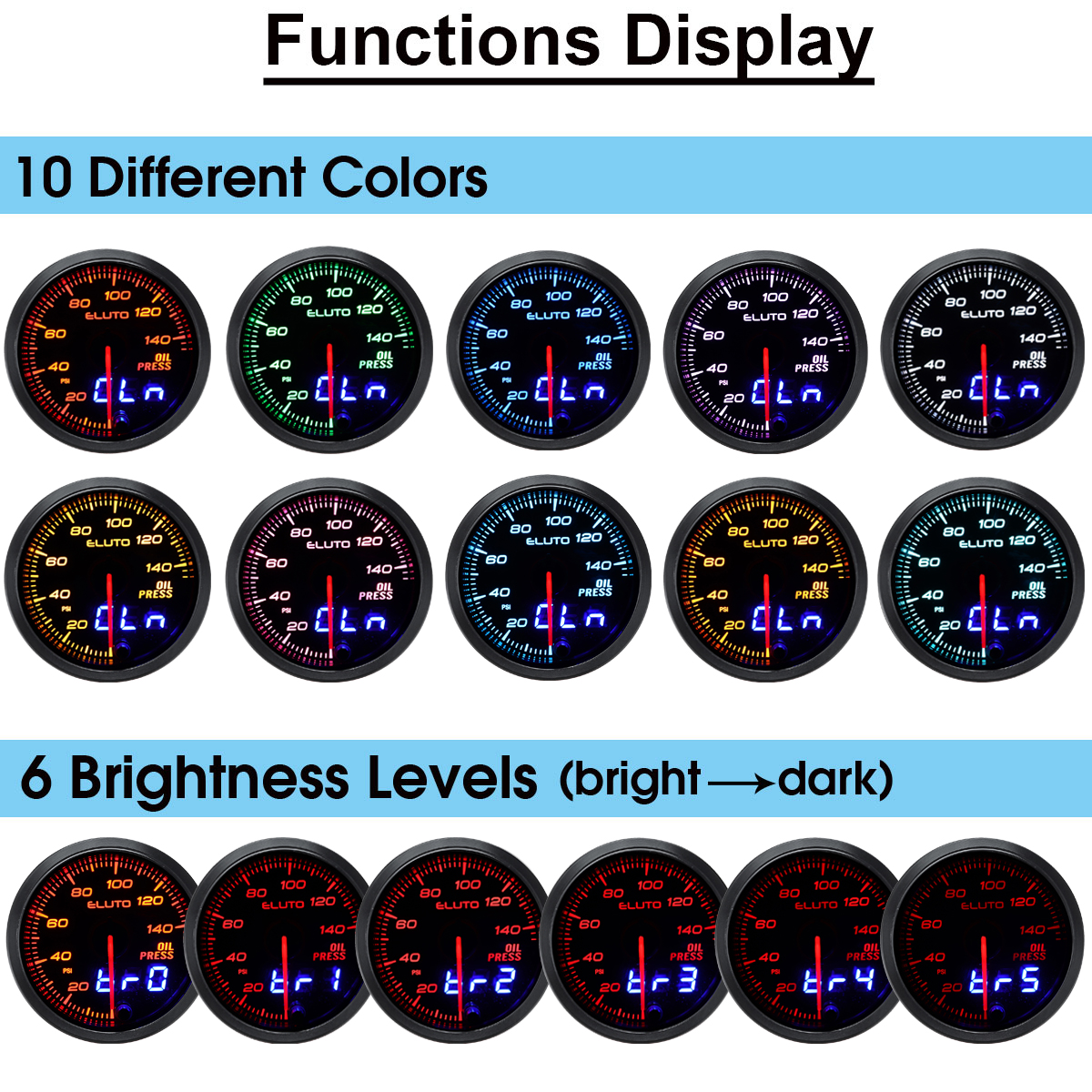
- 10 colors backlights can be selected, and it can memory the setting in the both daytime and night mode.
- Brightless can be selected in 5 different levels, and it can memory the setting in the both daytime and night mode.
- Brushless stepper motor technology.
- Data obtained during driving (peak value and warning value) can be stored up, and the peak value can be reviewed and cleared.
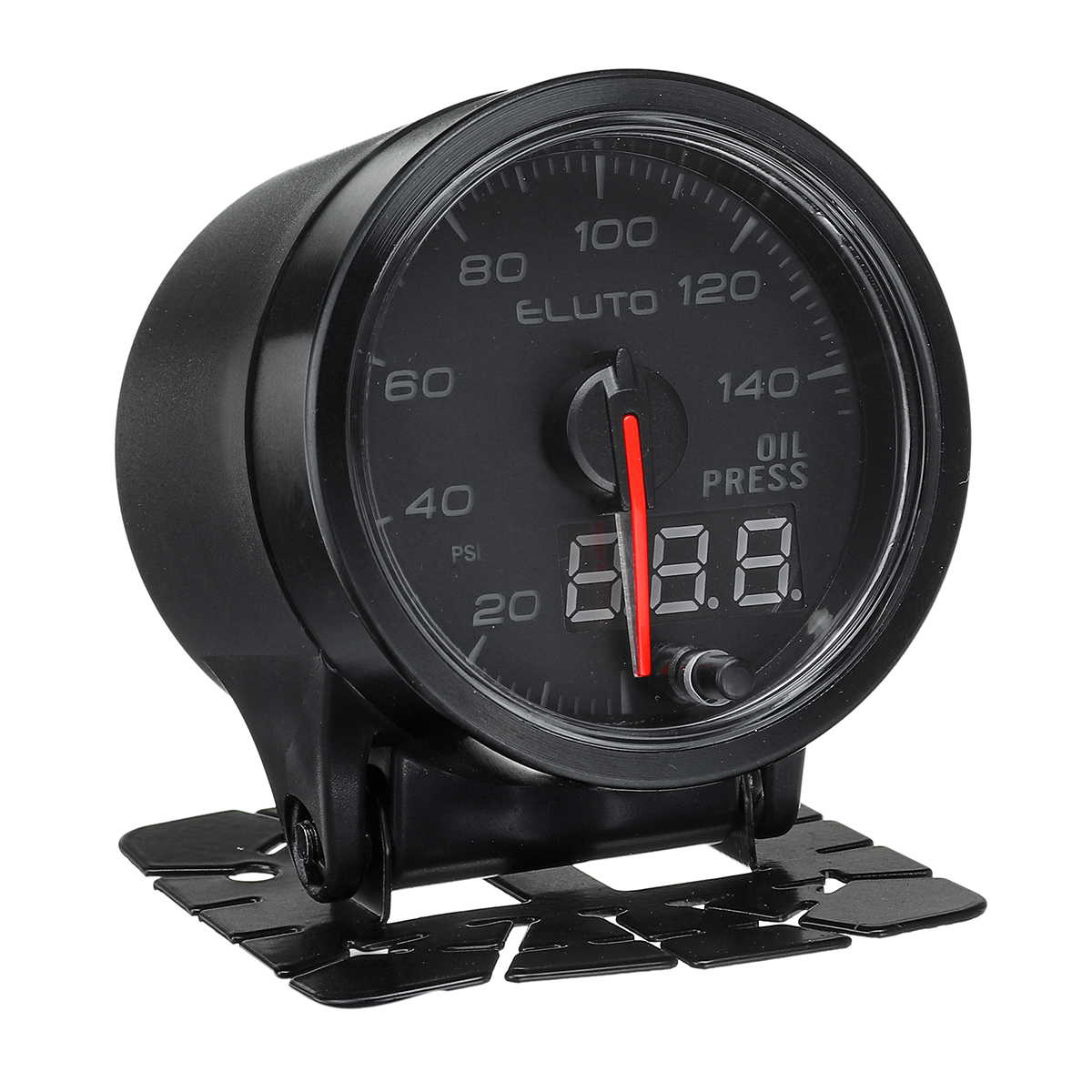
- 2" (52mm) black face oil pressure gauge with a magnified tinted lens.
- Oil pressure reading from 0 to140 psi.
- Oil pressure sensor with 1/8 npt male threads with mounting hardware & installation instructions.
- Suitable for 12v vehicles.
- 10 solid color settings will meet your requirement, no matter what color you want.
- Red illuminated needle,bright led display during the night.
- The button on the lens can switch the color of light you want.
Specification :
Model Number: E93759
Product Name: 2" 52mm Oil Press Gauge
Material: Metal
Housing Color: Black
Face Color: Black
Voltage: 12V
Diameter Size: 2" (52mm)
Unit : Psi
Reading Range: 0-140Psi
Wire Connection:
Red: 12v Ignition Switch
Green: Sensor "G"Port
Yellow: 12v Dash Lighting / 12v Ignition Switch
Black: Vehicle Ground
Style: Red Illuminated Needle Readout
Weight: 440g
Package Included :
1 x Oil Press Gauge
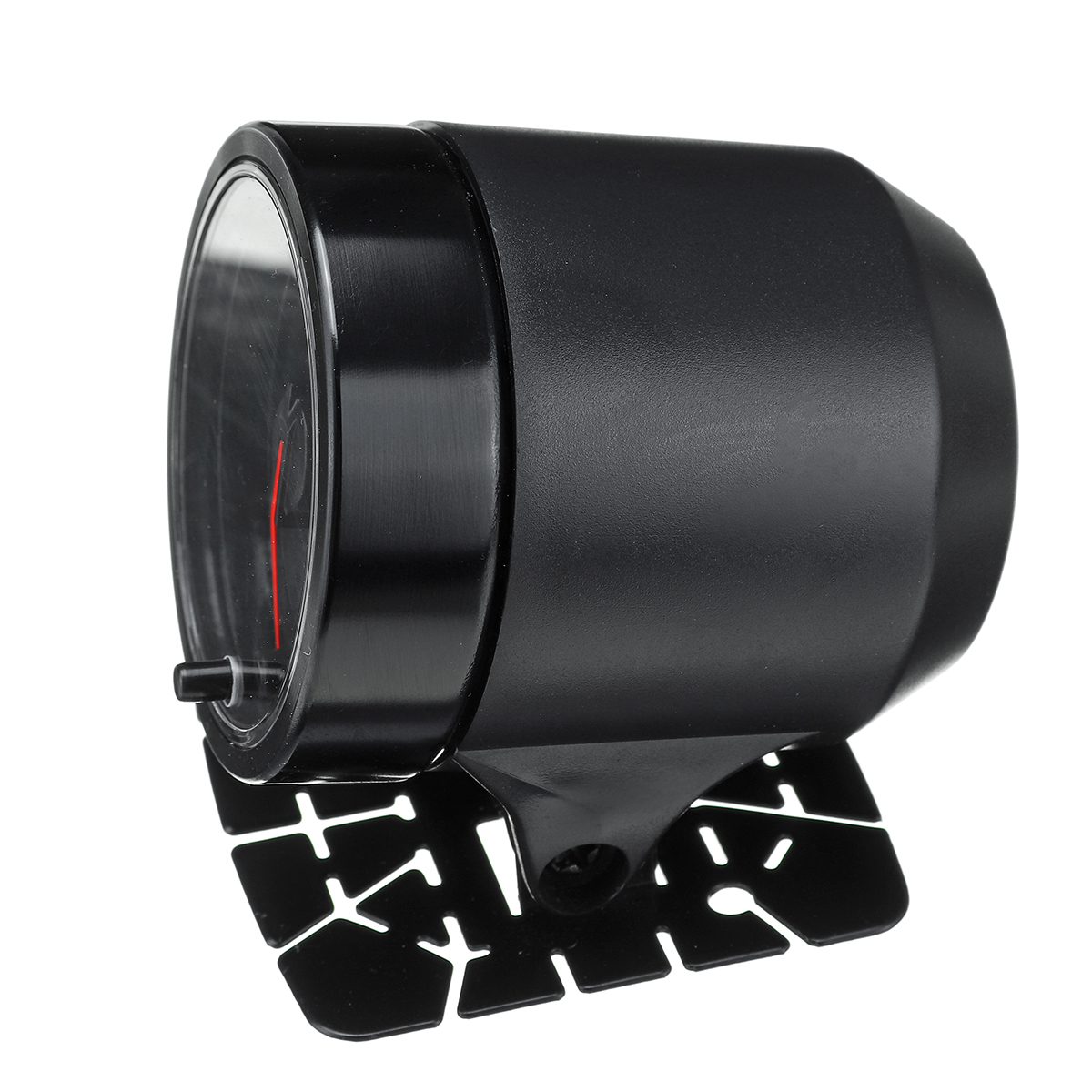
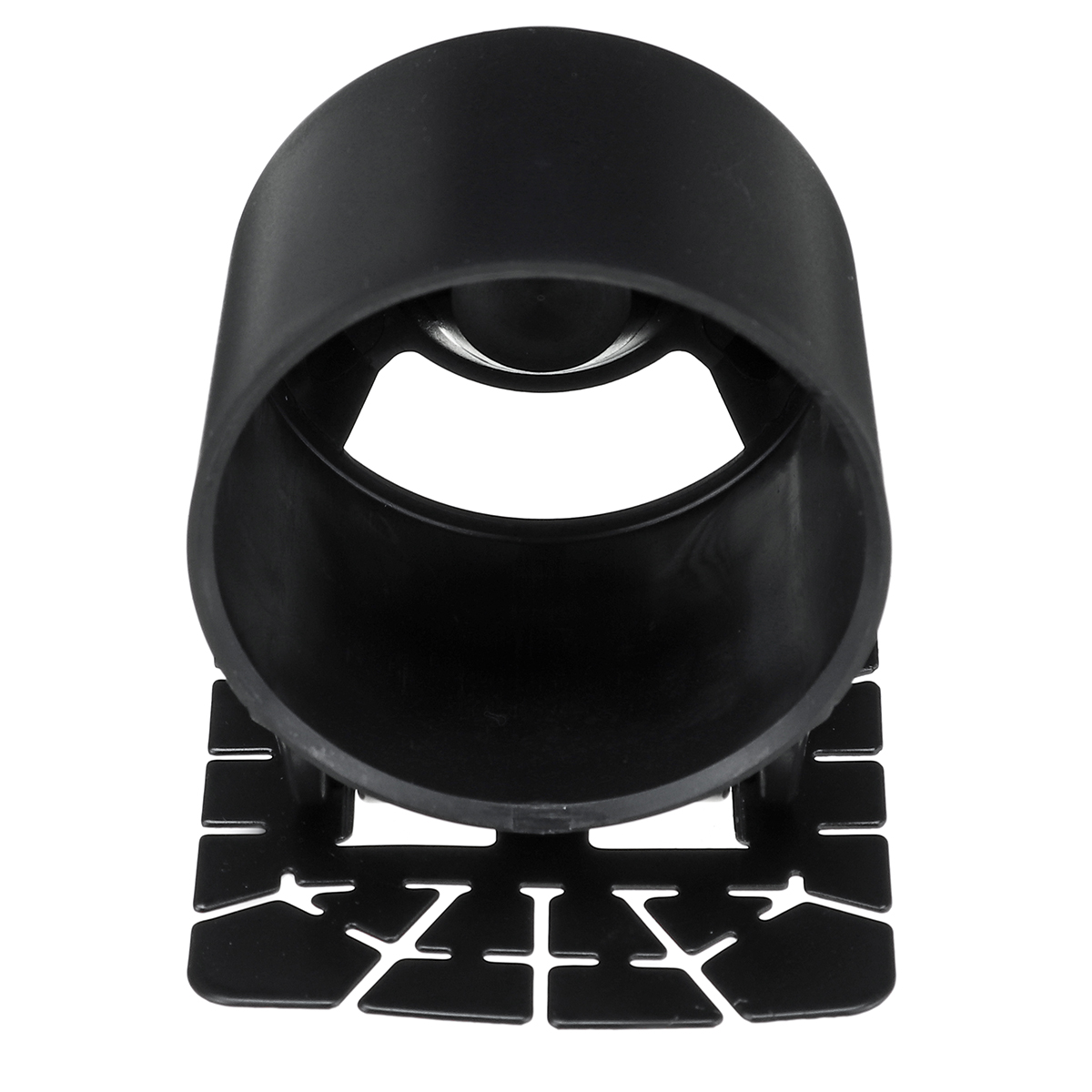
1 x Bracket Cup
1 x Meter Wire
1 x Power Supply Wire
1 x Rubber Hose ID 4mm
1 x Three Way Joint ID 4mm
1 x Double Sided Tape
2 x Buffer




Setup Guide
Cheaper Alternatives

LED Digital Voltmeter 12V Waterproof Voltmeter Battery Tester with Digital Touch Display Panel for Car and Marine

DC 12V 24V Digital LED Car Round Voltage Meter Panel Waterproof Voltmeter Tester LED Digital Display Mounting Plate Voltage Gauge Meter with Terminals for Boat Marine Vehicle Motorcycle Truck

12V 24V Car Voltmeter LED Digital Display Panel Waterproof Waterproof Round Voltage Gauge with Terminals for Car Motorcycle Travel Trailer Truck Boat ATV UTV