

Digital Wattmeter AC 220V Power Meter Electricy Consumption Energy Meter EU Plug Power Kilowatt Wattage Electricity Meter
5.024 ratingsThe Digital Wattmeter AC 220V Power Meter Electricy Consumption Energy Meter EU Plug Power Kilowatt Wattage Electricity Meter by Pricio is a mid-range measuring & gauging tools designed for DIY enthusiasts and makers. Customers praise its fast and responsive and accurate and reliable. 100% of buyers rate it 4★ or above.
Available Offers
Free Delivery on this order. No minimum order value.
15-Day Easy Returns — hassle-free return & full refund.
Secure Payment — 100% safe checkout with UPI, Cards & Net Banking.
18% Off — you save ₹539 on this product!
Available Offers
5% Cashback
Pay with UPI & get 5% cashback (up to ₹50) via Razorpay
No-Cost EMI
Available on select bank cards at checkout. 0% interest for 3 months.
Free Shipping
Free delivery on all orders. No minimum order value.
Cash on Delivery
COD available on orders up to ₹5,000 across India.
Ideal For
About This Product
The Digital Wattmeter AC 220V Power Meter Electricy Consumption Energy Meter EU Plug Power Kilowatt Wattage Electricity Meter by Pricio is a mid-range measuring & gauging tools designed for DIY enthusiasts and makers. Customers highlight its fast and responsive and accurate and reliable.
Customer Verdict
100% of buyers rated this product 4 stars or above. The most appreciated qualities are: fast and responsive, accurate and reliable.
Why Buy from Pricio?
Pricio sources this product directly, cutting out multiple middlemen. Every order includes free shipping, a 15-day return policy, and secure payment via Razorpay.
Operating voltage: 230V, 5o Hz
Operating current: max.16A
Large voltage range: 150V - 230V
Time display range: 0 second --- 9999 days.
Display wattage (watts): 0v --- 9999W
Voltage display range: 0v --- 9999V
Current display (ampere): 0.000A ---- 16.000A
Frequency display: OHZ - 9999Hz
Minimum wattage display range: 0.0W ---- 9999w
Maximum wattage display range: 0.0W --- -9999w
Price display: 0.00 € / KWH ----- 9999 € KWH
Total kWh and cost display:
0.000KWH --- 9999KWH € / 0.00 € -, ----- 9999 €
Features:
Reset : If faults appear on the display or the buttons no longer respond, the device must be reset. The reset is done by pressing the RESET button.
Display mode : The screen is displayed for approx. 1 minute - afterwards it automatically changes to mode 1 To change from one mode to the other, press the FUNCTION button,
Mode 1: In this mode the following is displayed: time / watt 1 costs / display time (how long) the device is connected to a power source.
Mode 2: In this mode the following is displayed: Time / Energy accumulation / Display time (how long) this device is connected to a power source.
Overload Display: If the instrument is plugged into an outlet that has over 3680 W, it can cause an overload. This process is indicated by the term in OVERLAOD in the 2nd section t with a booming signal (selectable function)
Settings mode :
Electricity pricing : After a long press of the COST button for more than 3 seconds (the system standards are displayed in the third line of the LCD display, e.g. 0.0OCOST 1 KWH), the displayed content begins to move up and down, which means that the device is back in setting mode. Then press the Function key to change the selection. To change the display as desired, you can press the DOWN / UP keys. Pressing once will increase or decrease the decimal point accordingly and hold, the decimal point is slowly increased or decreased in 2 seconds.
Package Included:
1 x Power Meter
1 x manual


Setup Guide
Helpful Buying Guides
Cheaper Alternatives

ETOPOO Digital Car Tyre Tire Tread Depth Gauge Meter Auto Tire Wear Detection Measuring Tool Caliper Thickness Gauges Monitoring System

AtuMan TP1 High Precision Self Locking Tape Measure 3 Meter Nylon Coated Carbon Steel Compact Design Accurate Laser Scale Measurement Tool

40112302 Dial Test Indicator Precision Metric with Dovetail rails 0-0.8mm 32mm
Upgrade Options

Mileseey DTX10 Digital Measuring Tape Laser 330Ft Range 12Ft Blade Swappable Battery App Sync High Accuracy Smart Calculations Color Display Auto Lock Tape Extended Laser Line
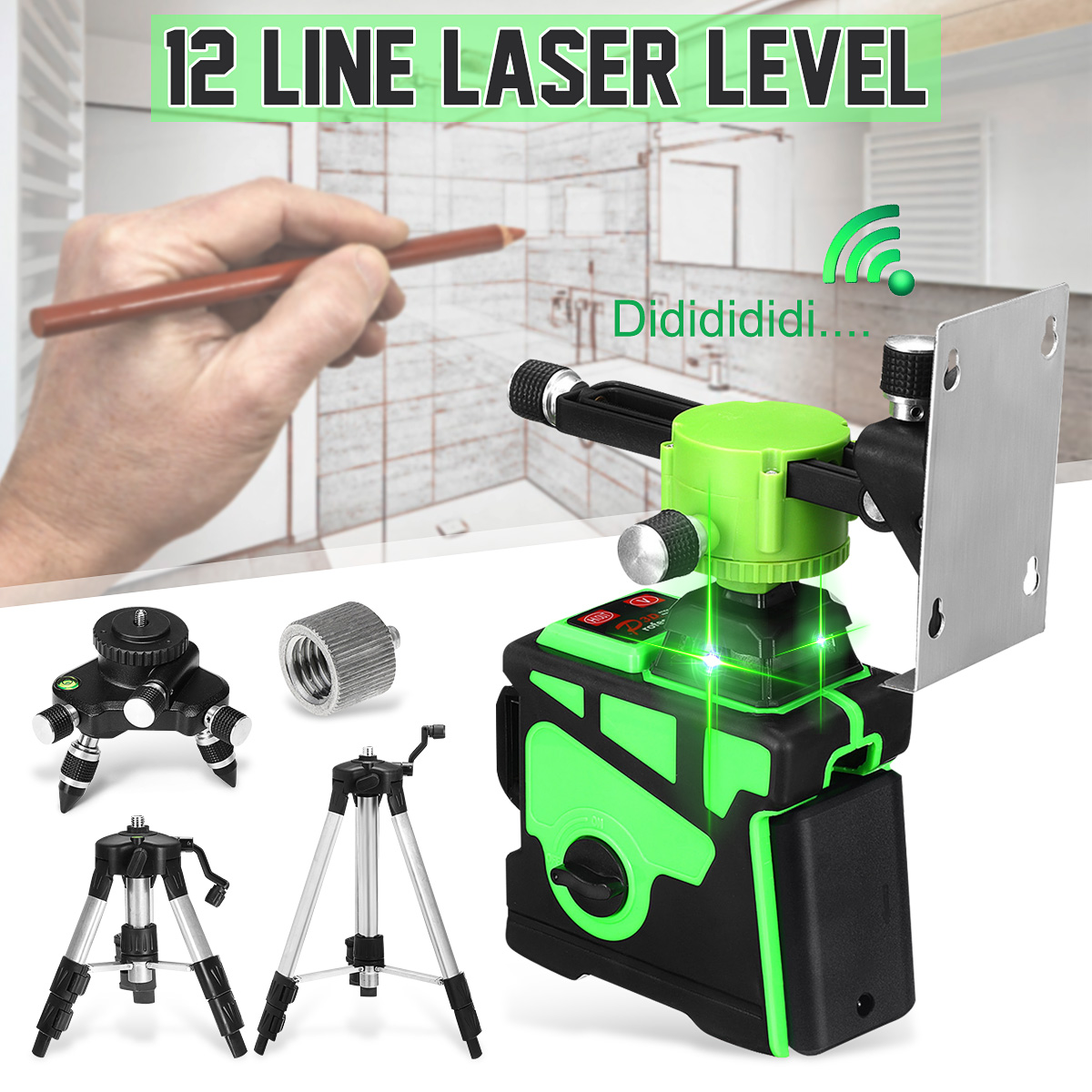
3D 12 Line Green Light Laser Level Digital Self Leveling 360° Rotary Measure

Huepar PL211G Laser Level Green Beam 2 Dots 2 Lines Self-Leveling Outdoor Pulse Mode Magnetic Mount Long Working Distance 98-164ft





