

AOQDQDQD A05 DC-DC Boost Module with Digital Voltage Display LM2577 Circuit Board and 3A Output
5.03 ratingsThe AOQDQDQD A05 DC-DC Boost Module with Digital Voltage Display LM2577 Circuit Board and 3A Output by AOQDQDQD is a mid-range boost & buck module designed for everyday users.
Available Offers
Free Delivery on this order. No minimum order value.
15-Day Easy Returns — hassle-free return & full refund.
Secure Payment — 100% safe checkout with UPI, Cards & Net Banking.
Available Offers
5% Cashback
Pay with UPI & get 5% cashback (up to ₹50) via Razorpay
No-Cost EMI
Available on select bank cards at checkout. 0% interest for 3 months.
Free Shipping
Free delivery on all orders. No minimum order value.
Cash on Delivery
COD available on orders up to ₹5,000 across India.
Ideal For
About This Product
The AOQDQDQD A05 DC-DC Boost Module with Digital Voltage Display LM2577 Circuit Board and 3A Output by AOQDQDQD is a mid-range boost & buck module designed for everyday users. It delivers reliable performance at an accessible price.
Why Buy from Pricio?
Pricio sources this product directly, cutting out multiple middlemen. Every order includes free shipping, a 15-day return policy, and secure payment via Razorpay.
Features:
1. High-Efficiency Power Conversion: The AOQDQDQD A05 DC-DC Boost Module boasts a high-efficiency power conversion rate, allowing it to convert voltage with minimal energy loss. This means that your DIY projects and electronics will run more efficiently, saving you money on energy costs in the long run.
2. Digital Voltage Display: With a built-in digital voltage display, this module makes it easy to monitor the voltage levels of your electronics. This feature allows you to quickly identify any voltage fluctuations and make adjustments as needed, ensuring that your projects are running smoothly and safely.
3. LM2577 Circuit Board: The LM2577 circuit board is a high-quality component that is known for its reliability and durability. By using this circuit board in the AOQDQDQD A05 DC-DC Boost Module, you can be confident that your electronics will operate smoothly and efficiently for years to come.
4. 3A Output: With a maximum output of 3A, this module is capable of powering a wide range of DIY projects and electronics. Whether you're working on a small hobby project or a larger electronic device, the AOQDQDQD A05 DC-DC Boost Module has the power you need to get the job done.
5. Ideal for DIY Projects: If you enjoy building and experimenting with electronics, the AOQDQDQD A05 DC-DC Boost Module is the perfect tool for you. Its compact size and easy-to-use design make it an ideal choice for DIY enthusiasts of all skill levels, allowing you to create a wide range of projects with ease.
Package Include:
1× DC-DC Boost Module


Setup Guide
Cheaper Alternatives
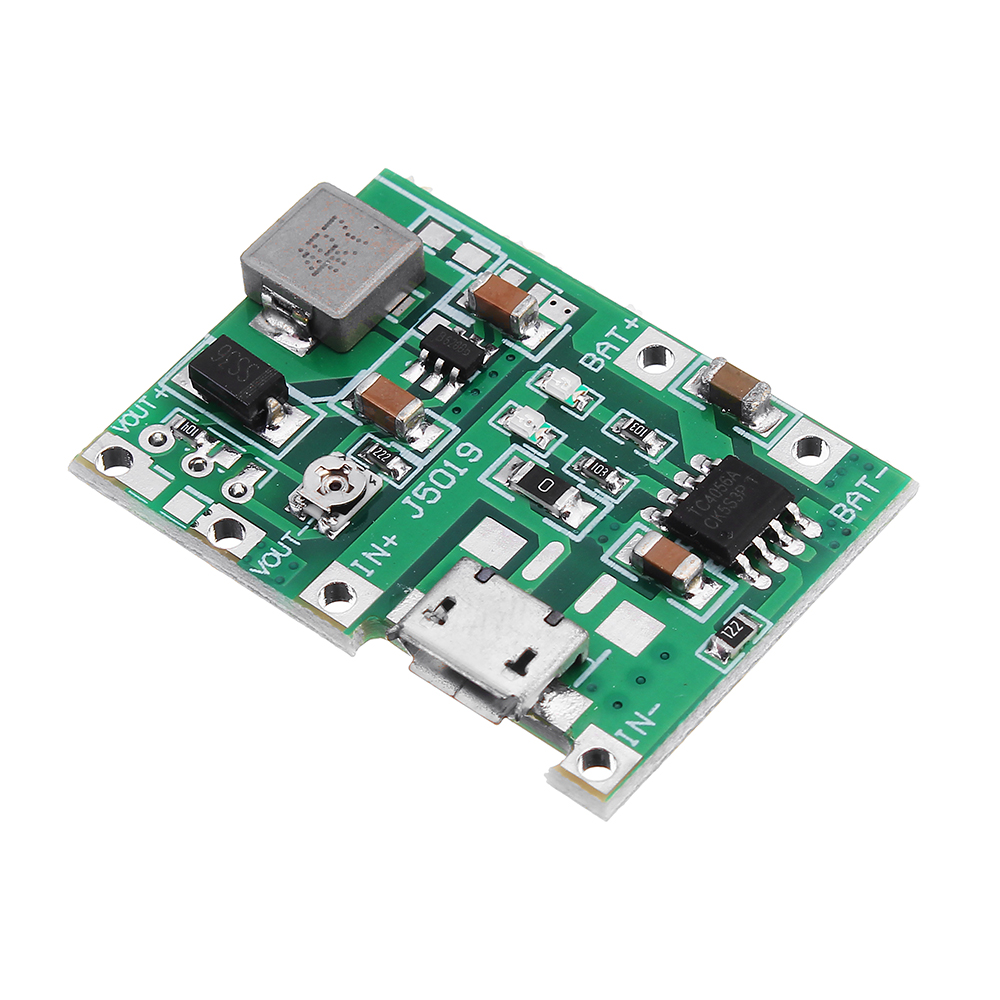
Upgrade Options

ZK-SJ30 700W MPPT Buck Boost Power Supply Module Adjustable DC Automatic Voltage Regulation Converter Solar Charging
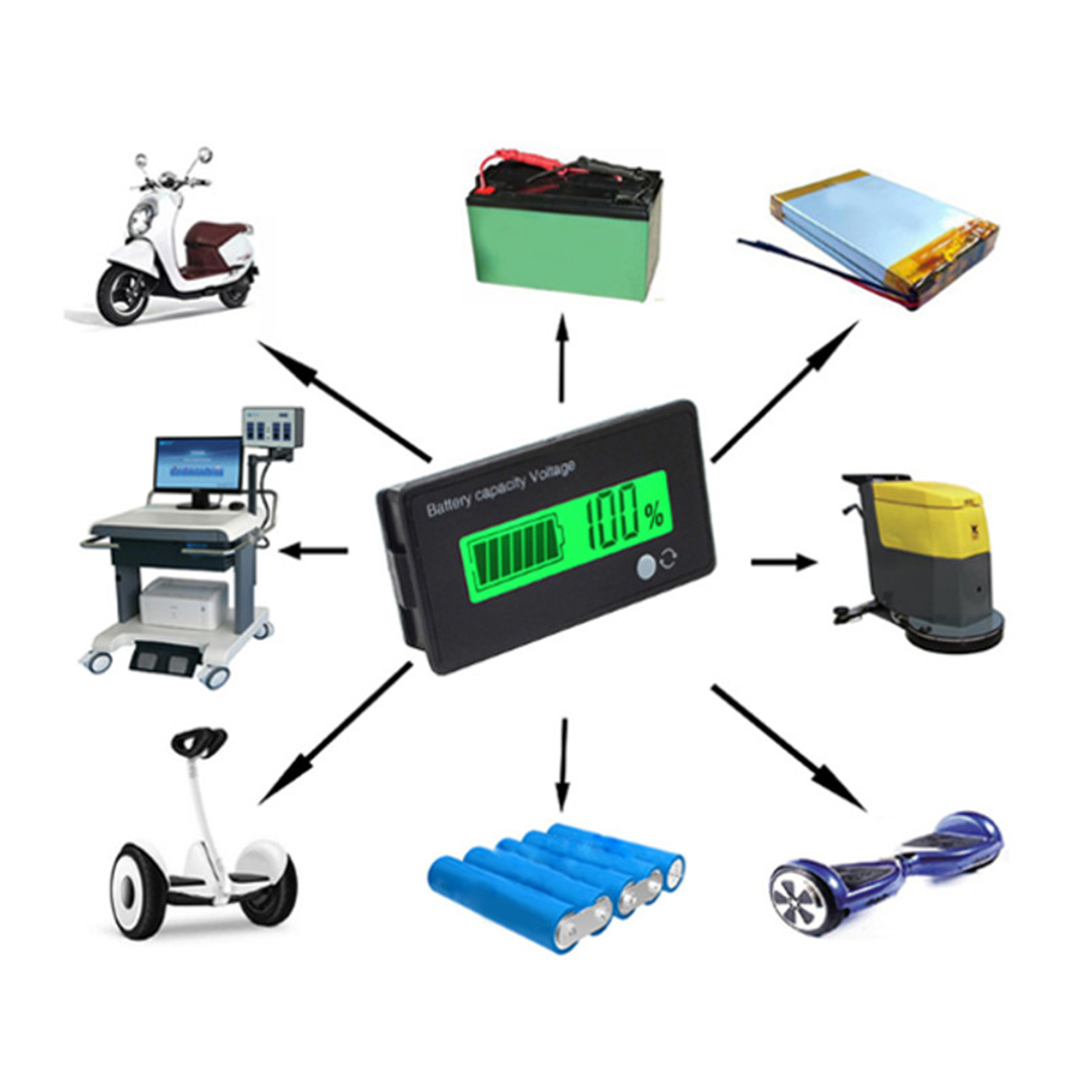
Geekcreit® 12V/24V/36V/48V 8-70V LCD Acid Lead Lithium Battery Capacity Indicator Digital Voltmeter

Sinilink XY-SK150X DC Adjustable Power Supply 6-36V 0-7A 150W Buck Boost Converter Constant Voltage Current Solar Charging Module MPPT


