
1 / 6 · Click to enlarge
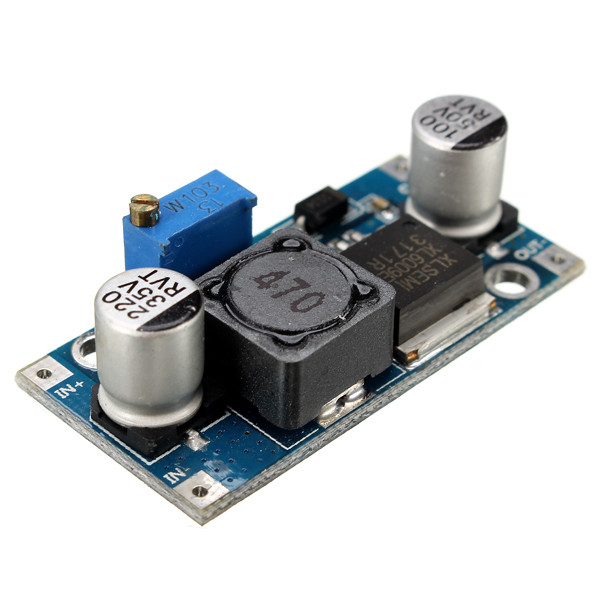
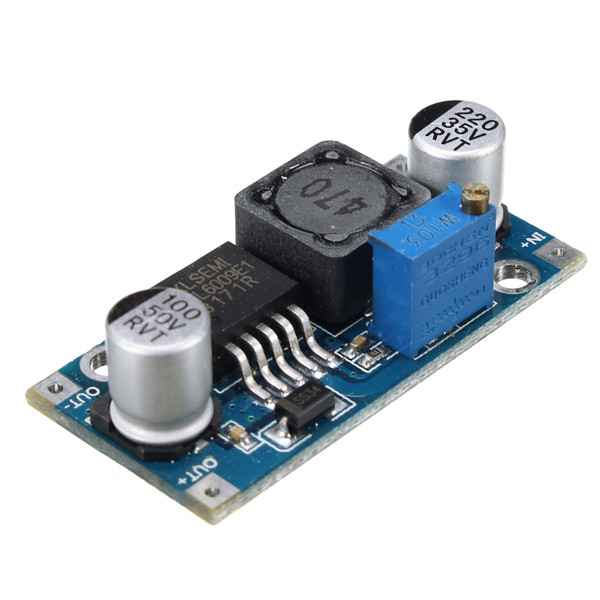
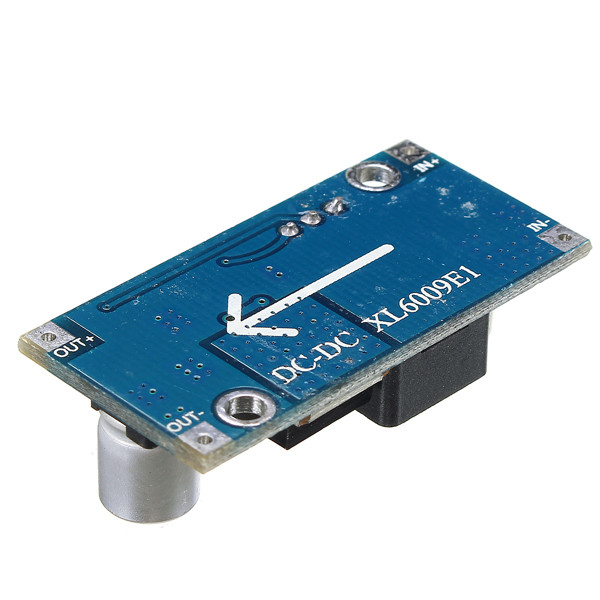
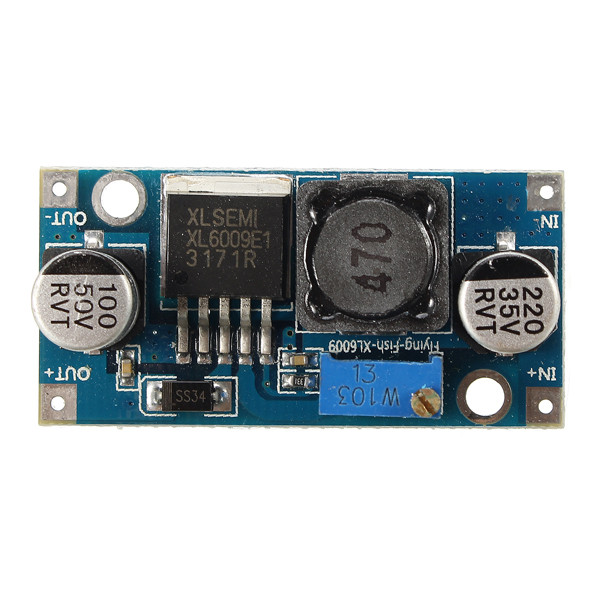
4A XL6009E1 Adjustable DC-DC Step Up Boost Converter Power Supply Module
5.0240 ratingsThe 4A XL6009E1 Adjustable DC-DC Step Up Boost Converter Power Supply Module by Pricio is a mid-range electronics designed for everyday users. Customers praise its fast and responsive and accurate and reliable. 100% of buyers rate it 4★ or above.
Available Offers
Free Delivery on this order. No minimum order value.
15-Day Easy Returns — hassle-free return & full refund.
Secure Payment — 100% safe checkout with UPI, Cards & Net Banking.
Available Offers
5% Cashback
Pay with UPI & get 5% cashback (up to ₹50) via Razorpay
No-Cost EMI
Available on select bank cards at checkout. 0% interest for 3 months.
Free Shipping
Free delivery on all orders. No minimum order value.
Cash on Delivery
COD available on orders up to ₹5,000 across India.
Ideal For
About This Product
The 4A XL6009E1 Adjustable DC-DC Step Up Boost Converter Power Supply Module by Pricio is a mid-range electronics designed for everyday users. Customers highlight its fast and responsive and accurate and reliable.
Customer Verdict
100% of buyers rated this product 4 stars or above. The most appreciated qualities are: fast and responsive, accurate and reliable.
Why Buy from Pricio?
Pricio sources this product directly, cutting out multiple middlemen. Every order includes free shipping, a 15-day return policy, and secure payment via Razorpay.
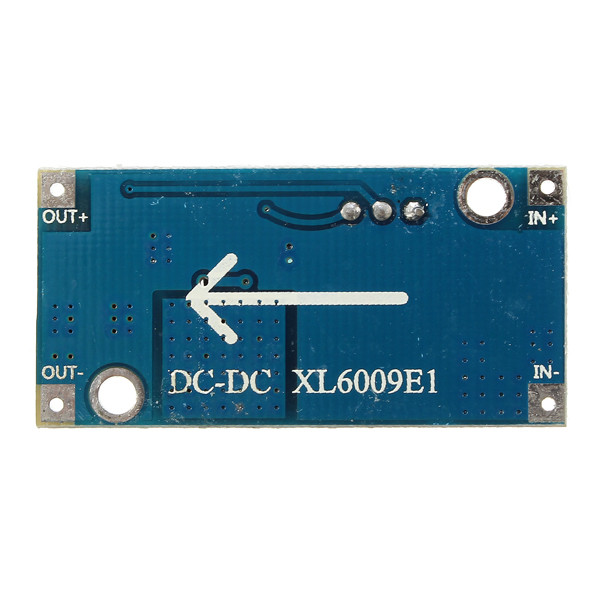
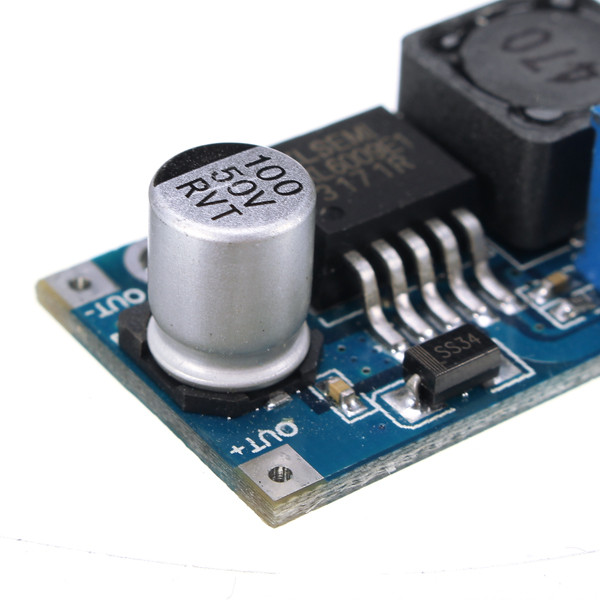
The XL6009 is a high-performance step-up (BOOST) module with 4A switching current. The module uses the second generation of high-frequency switching technology XL6009E1 as the core chip, performance far more than the first generation of technology LM2577. XL6009 step-up module cost lower, more excellent performance, LM2577 module is about to be eliminated.
ultra-wide input voltage 3V ~ 32V, the best working voltage range is 5 ~ 32V;
ultra-wide output voltage of 5V ~ 35V;
built-in 4A high efficiency MOSFET switch, the efficiency of up to 94%; (LM2577 current only 3A)
ultra-high switching frequency 400KHz, you can use a small capacity filter capacitor that can achieve very good results, smaller ripple, smaller. (LM2577 frequency only 50KHz)
Feature:
Module nature: Non-Isolated Boost (BOOST)
Rectification method: Non-synchronous rectification
Input range: 3V ~ 32V
Output range: 5V ~ 35V
Input Current: 4A (max), no load 18mA (5V input, 8V output, no load less than 18mA. The higher the voltage, the greater the no-load current.)
Conversion efficiency: <94% (the greater the pressure difference, the lower the efficiency)
Switching frequency: 400KHz
Output ripple: 50mV (the higher the voltage, the greater the current, the larger the ripple)
Load Regulation: ±0.5%
Voltage regulation: ±0.5%
Operating temperature: -40 ℃ ~ + 85 ℃
Dimensions: 43mm * 21mm * 14mm (L * W * H)
Package included:
1 x 4A XL6009E1 Adjustable DC-DC Step Up Boost Converter Power Supply Module
, ,
, ,
, ,
, ,
,








.jpg)
