

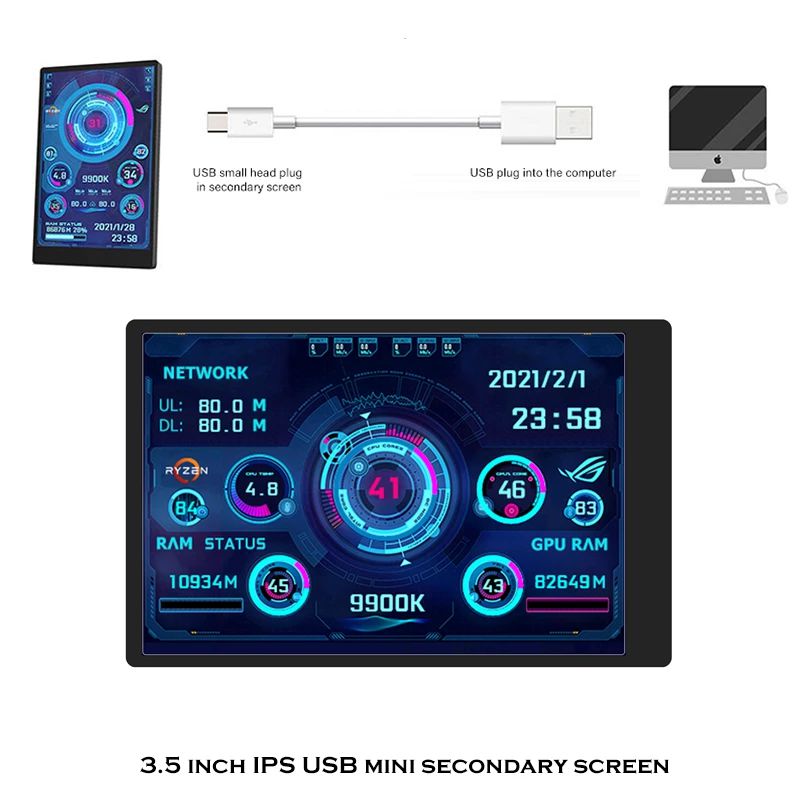
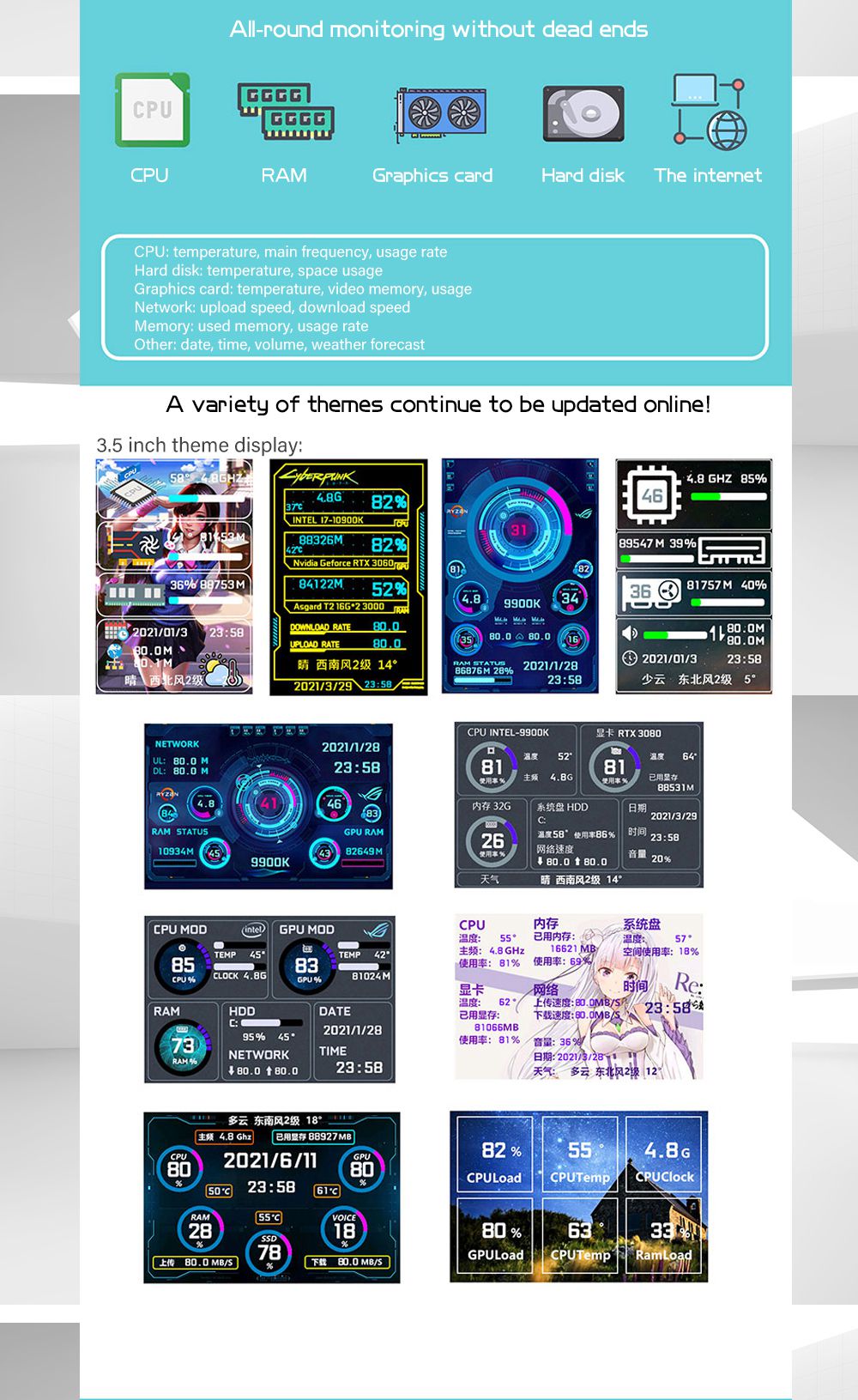
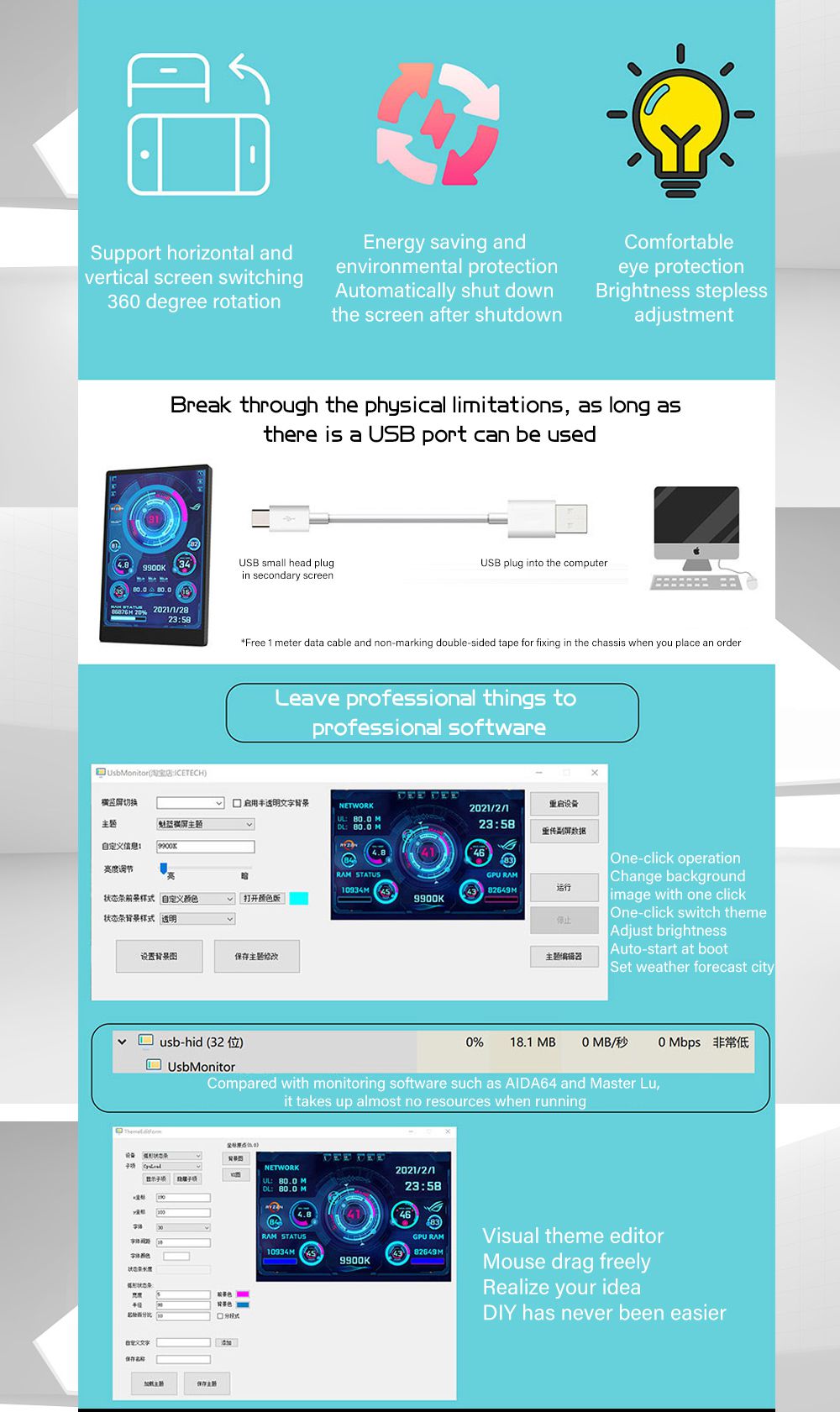
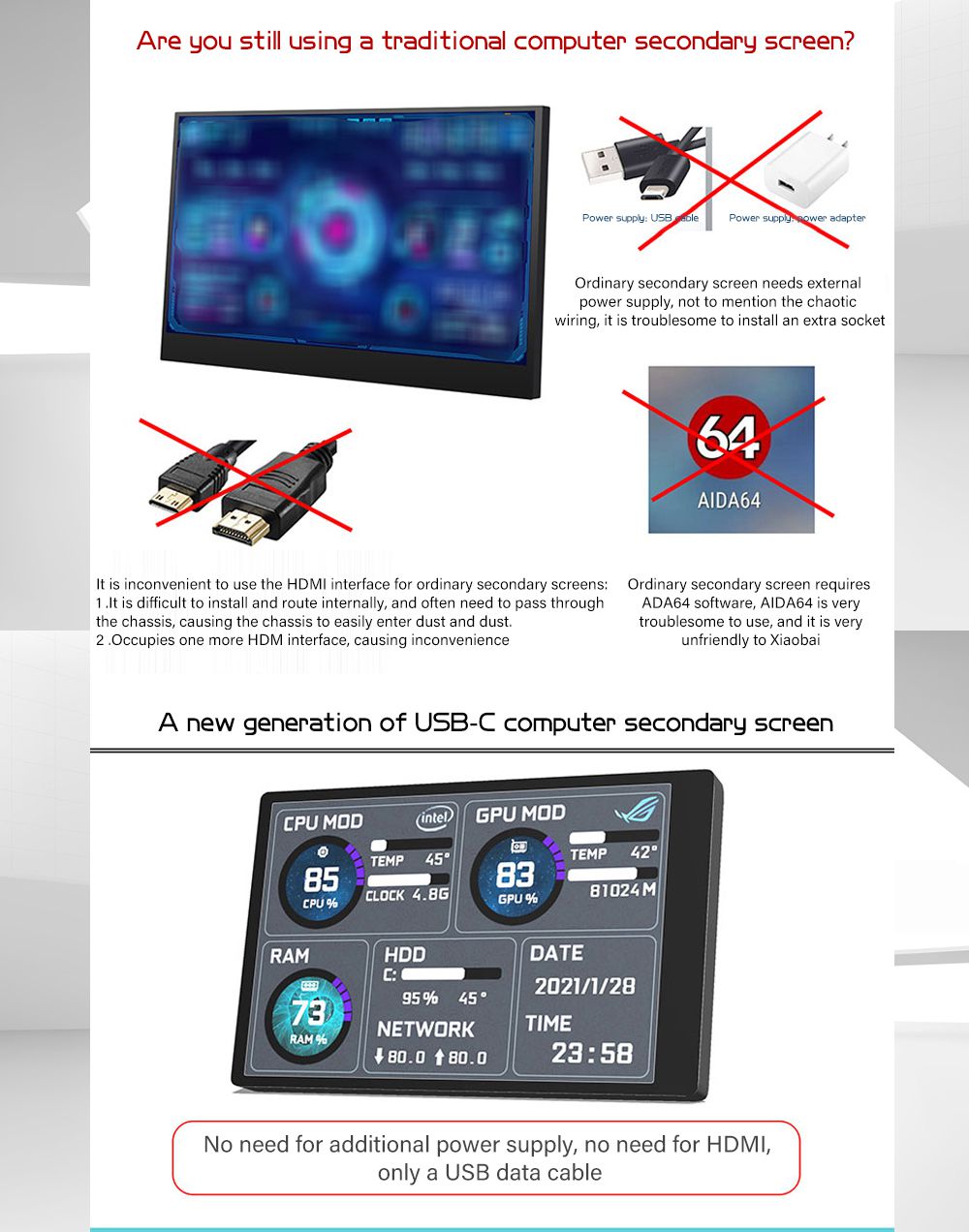
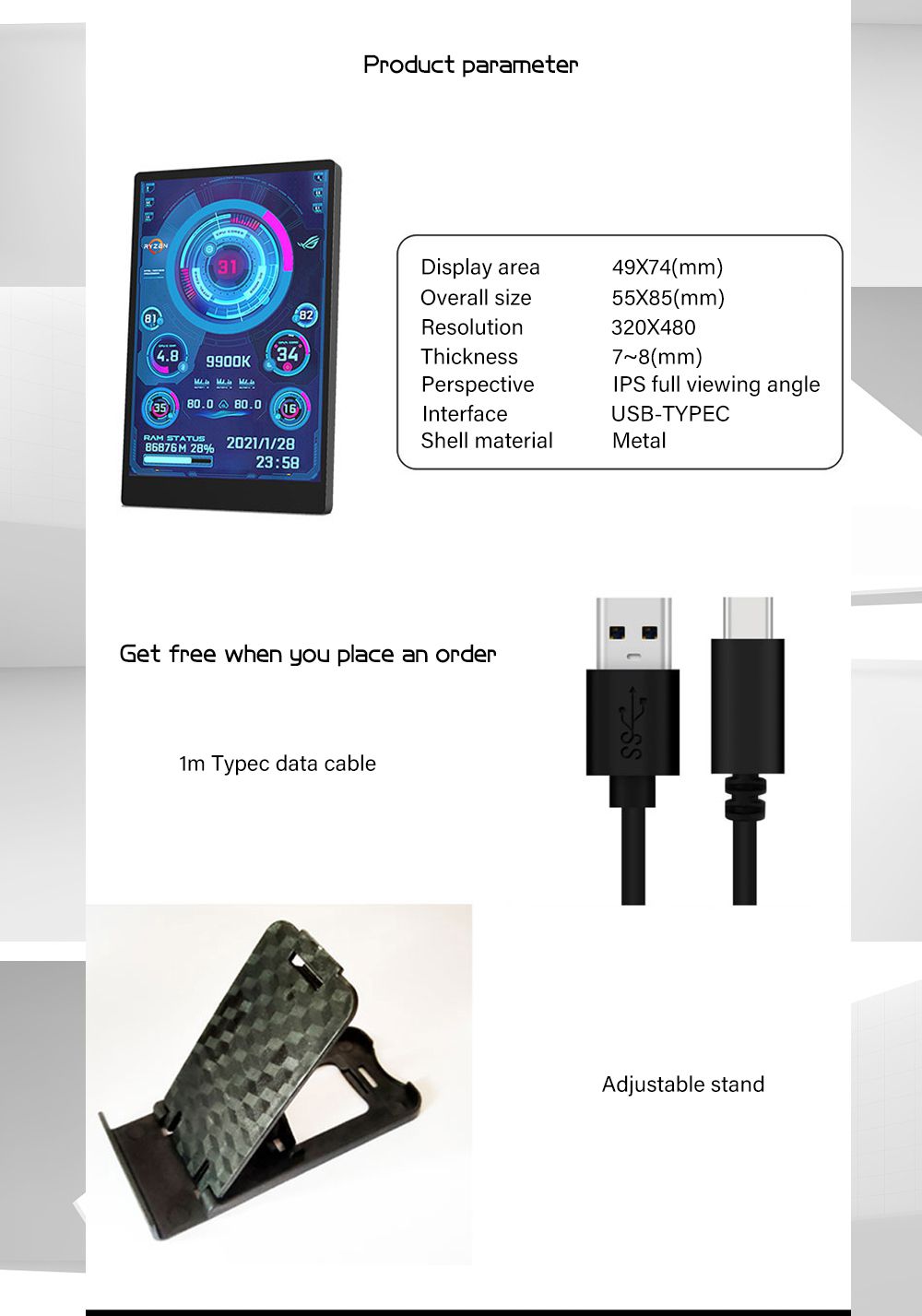
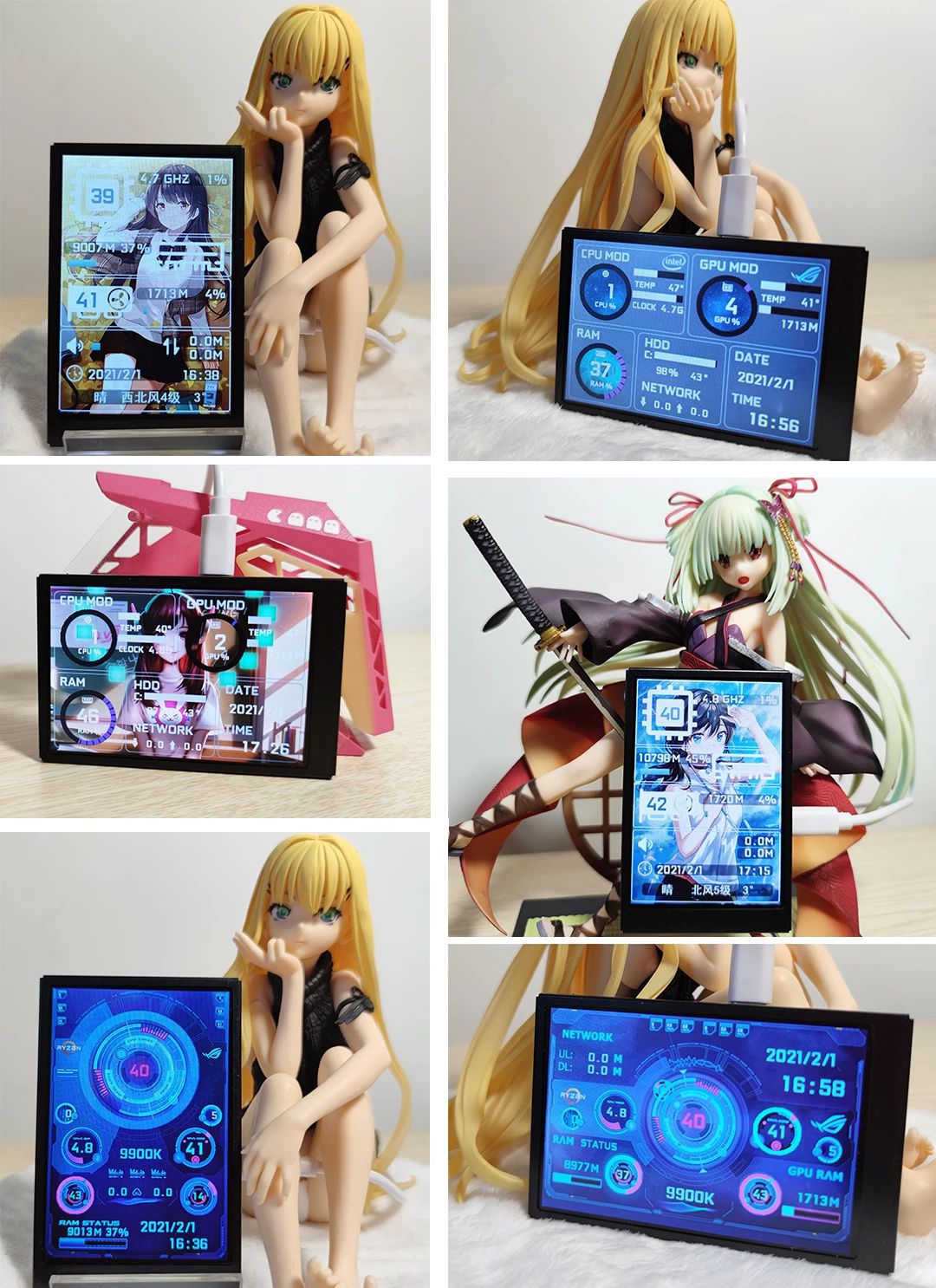
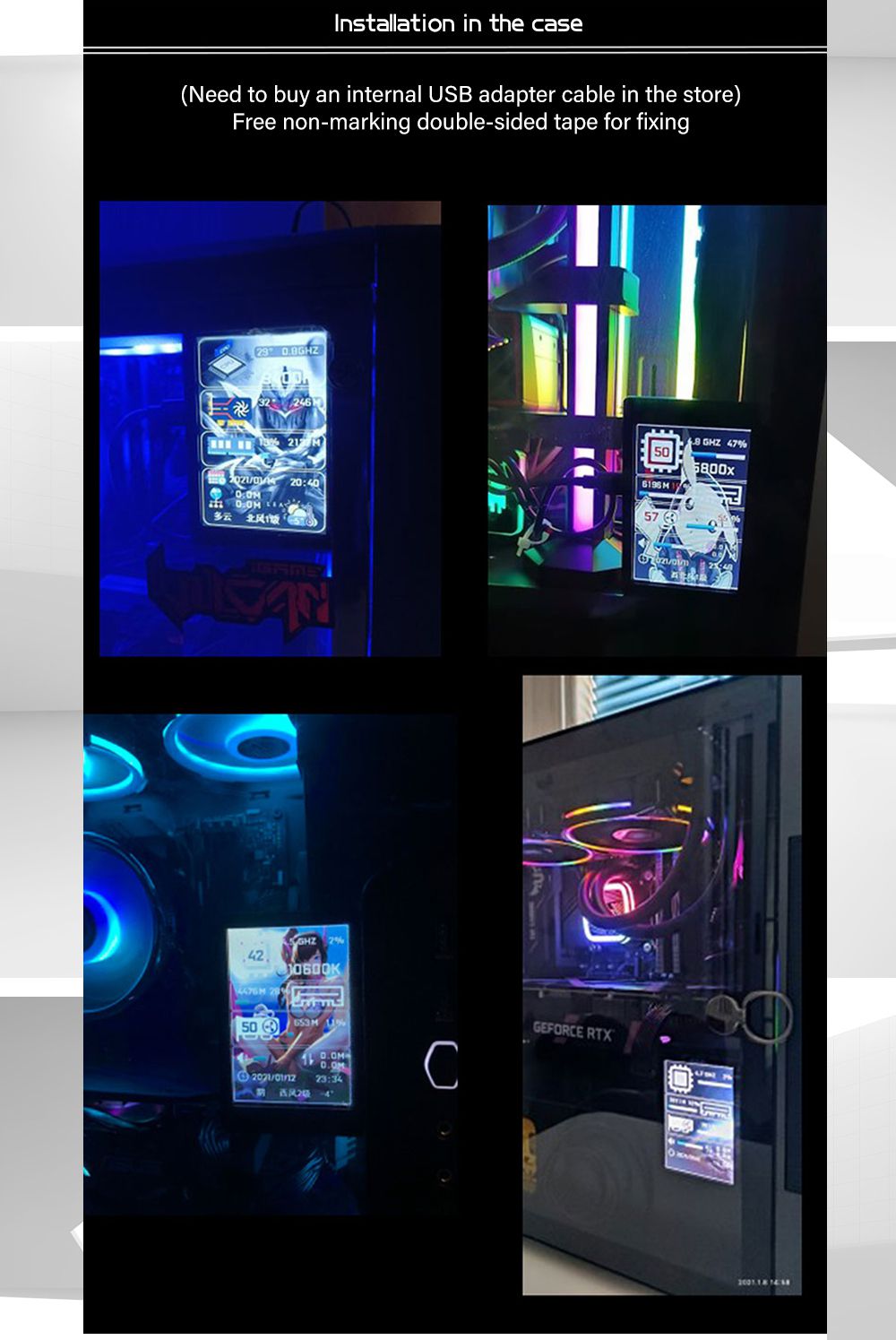
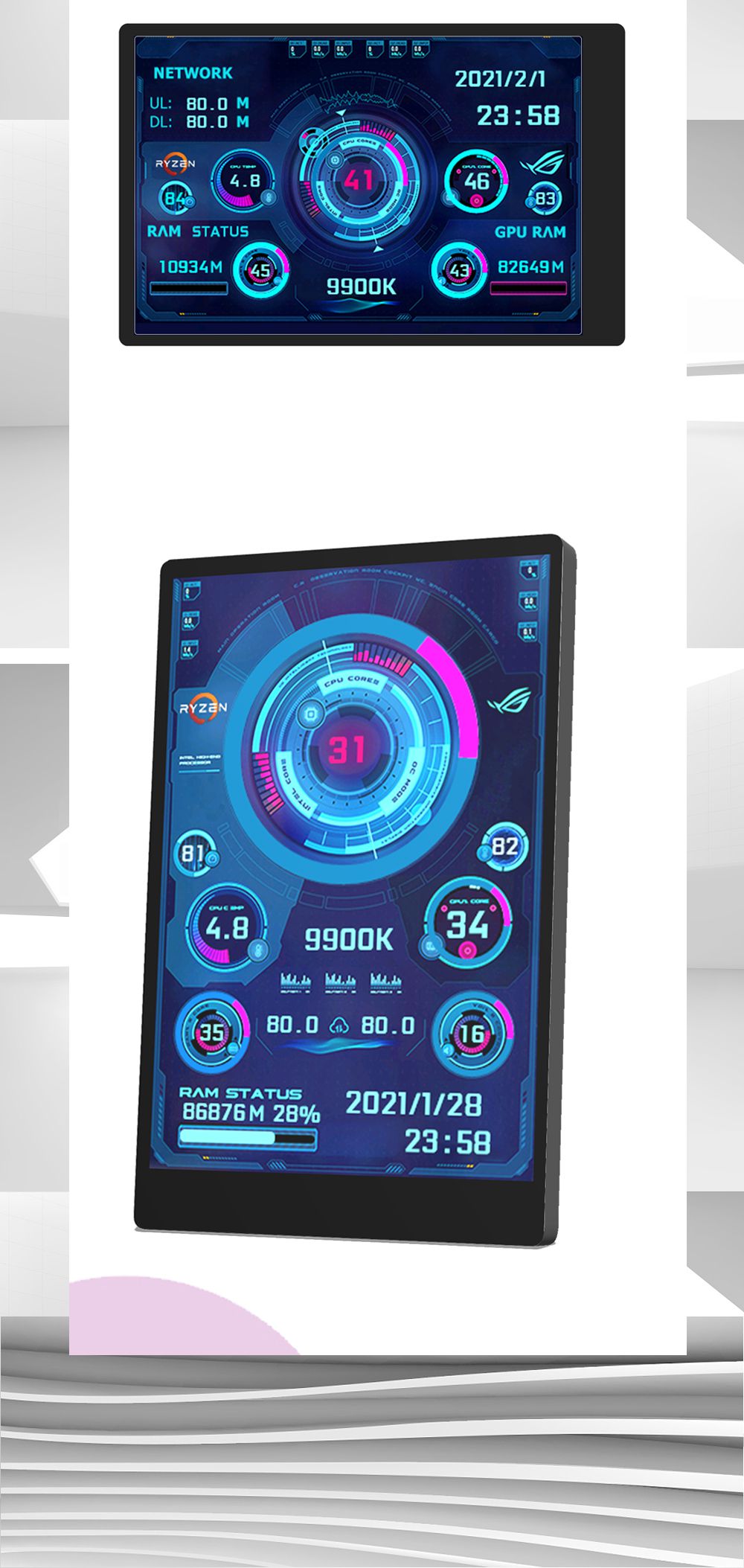
3.5 Inch IPS TYPE-C Secondary Screen CPU GPU RAM HDD Monitoring USB Display Freely AIDA64 for Mini ITX Case Support Raspberry Pi With RGB Breathing Light
5.086 ratingsThe 3.5 Inch IPS TYPE-C Secondary Screen CPU GPU RAM HDD Monitoring USB Display Freely AIDA64 for Mini ITX Case Support Raspberry Pi With RGB Breathing Light by Pricio is a mid-range display screen designed for everyday users. Customers praise its easy to set up and use and excellent build quality. 100% of buyers rate it 4★ or above.
Available Offers
Free Delivery on this order. No minimum order value.
15-Day Easy Returns — hassle-free return & full refund.
Secure Payment — 100% safe checkout with UPI, Cards & Net Banking.
Available Offers
5% Cashback
Pay with UPI & get 5% cashback (up to ₹50) via Razorpay
No-Cost EMI
Available on select bank cards at checkout. 0% interest for 3 months.
Free Shipping
Free delivery on all orders. No minimum order value.
Cash on Delivery
COD available on orders up to ₹5,000 across India.
Ideal For
About This Product
The 3.5 Inch IPS TYPE-C Secondary Screen CPU GPU RAM HDD Monitoring USB Display Freely AIDA64 for Mini ITX Case Support Raspberry Pi With RGB Breathing Light by Pricio is a mid-range display screen designed for everyday users. Customers highlight its easy to set up and use and excellent build quality.
Customer Verdict
100% of buyers rated this product 4 stars or above. The most appreciated qualities are: easy to set up and use, excellent build quality, fast and responsive, clear and bright display.
Why Buy from Pricio?
Pricio sources this product directly, cutting out multiple middlemen. Every order includes free shipping, a 15-day return policy, and secure payment via Razorpay.

Setup Guide
Cheaper Alternatives


Upgrade Options

8.8 Inch Long Strip LCD Screen 1920*480P HD Driver Board Secondary Monitor AIDA64 Sub Display CPU GPU SSD Information

8.8 Inch USB Secondary Screen Type C Connect NO High Definition Multimedia Interface-compatible Display 1920*480 IPS LCD CPU RAM GPU Monitor Without AIDA64

ESP32 P4 Development Board 10.1 inch Capacitive Touch Screen Onboard ESP32 C6 Supports WiFi Bluetooth Xiaozhi AI





