

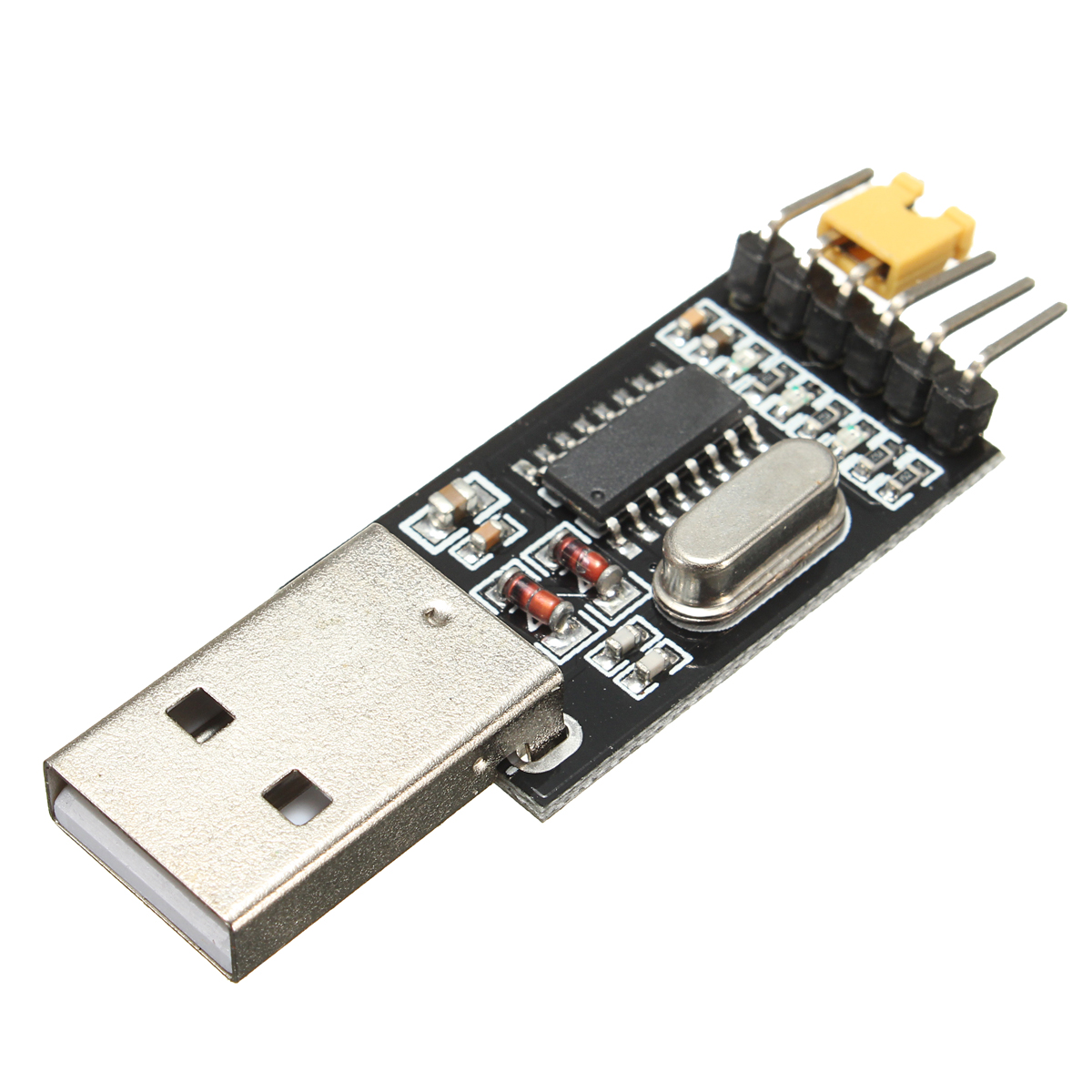
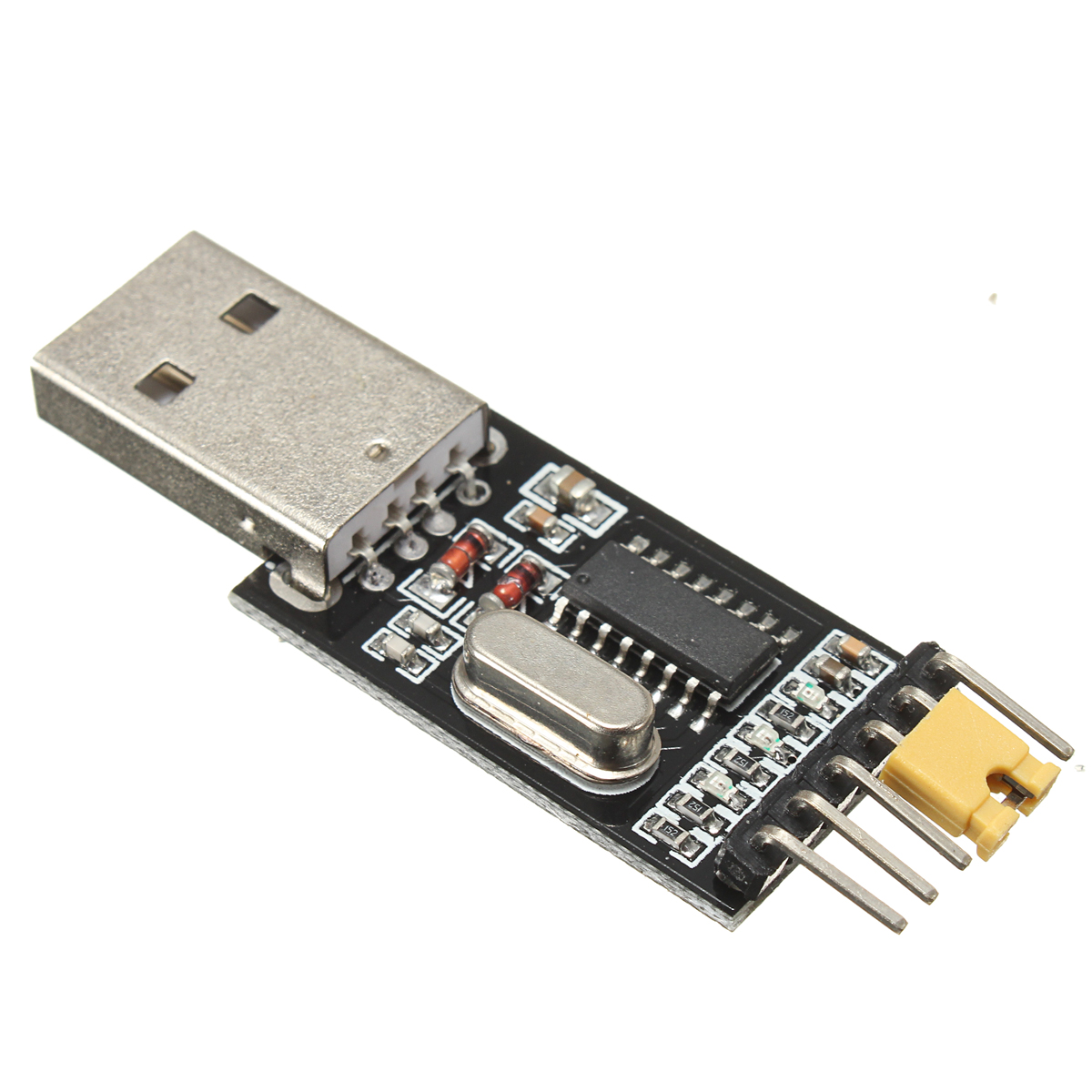
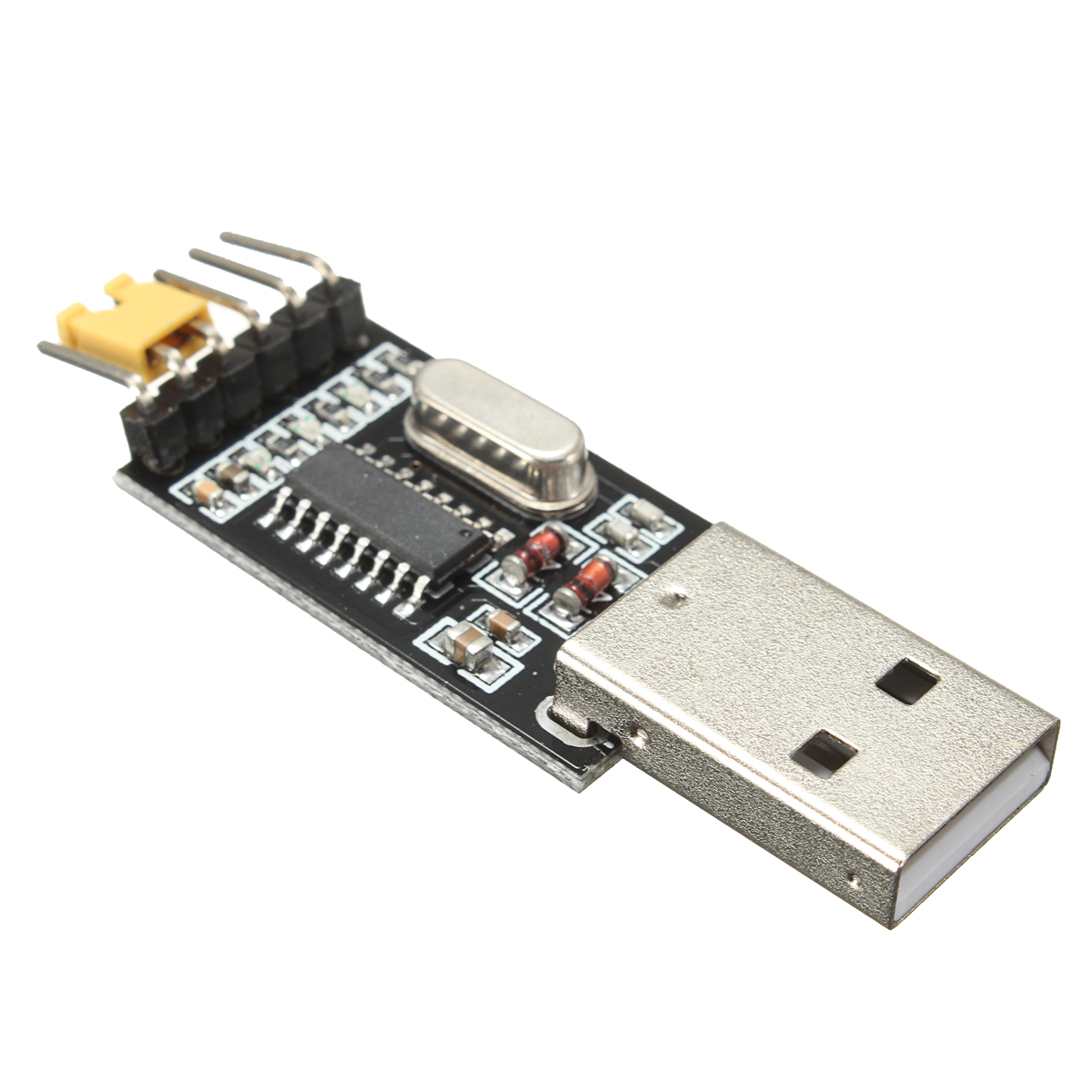
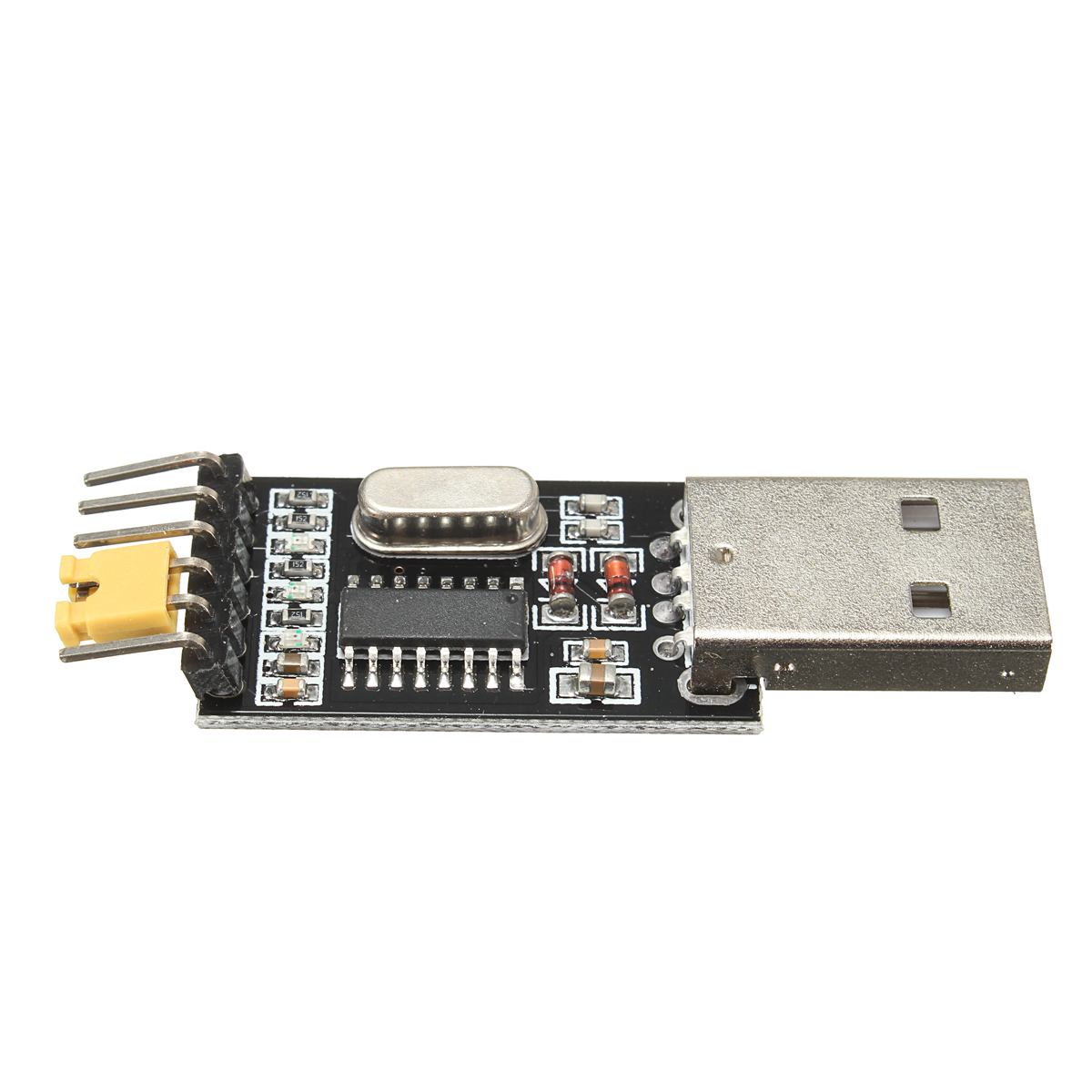
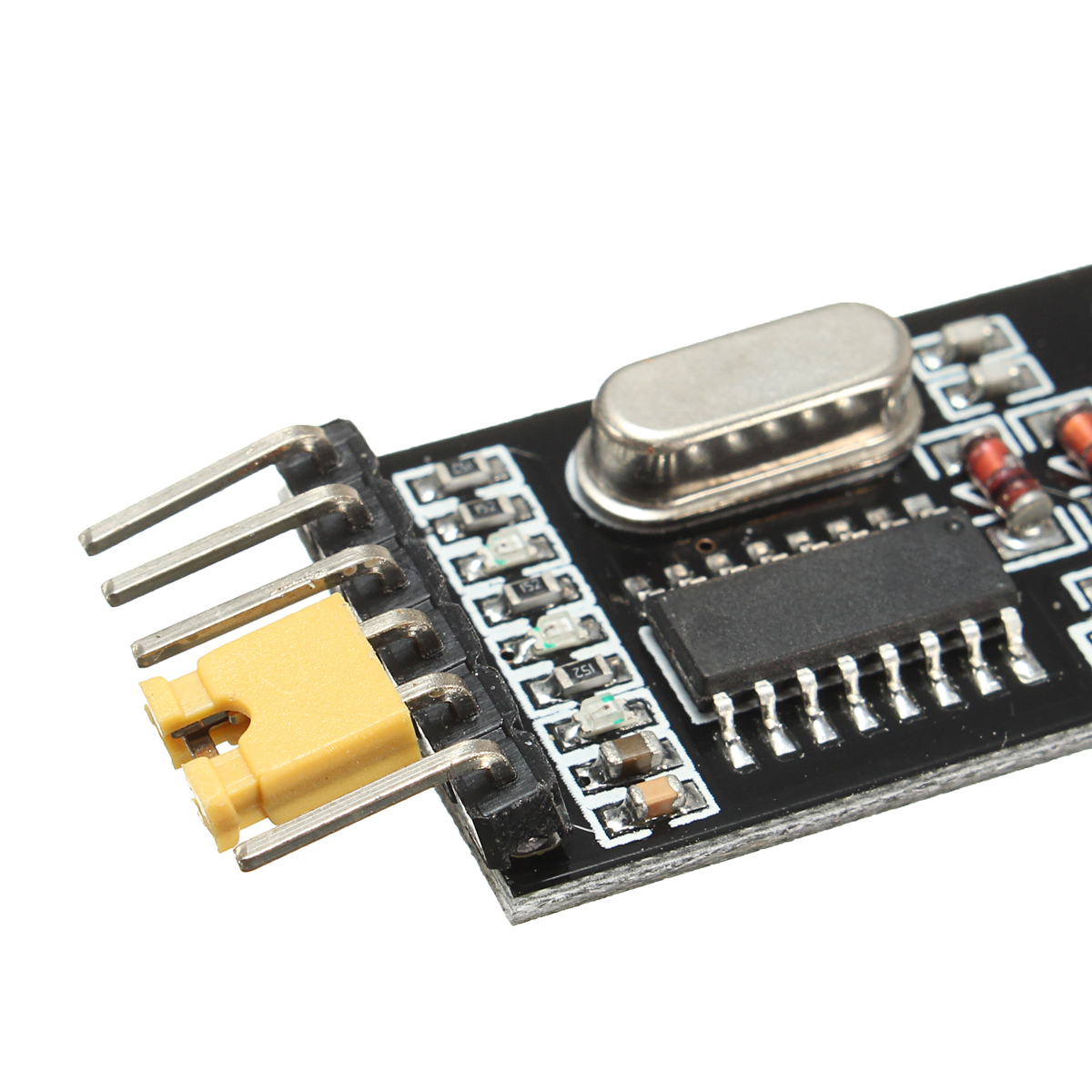
3.3V 5V USB to TTL Converter CH340G UART Serial Adapter Module STC
5.0116 ratingsThe 3.3V 5V USB to TTL Converter CH340G UART Serial Adapter Module STC by Pricio is a mid-range converter board designed for everyday users. Customers praise its excellent build quality and fast and responsive. 100% of buyers rate it 4★ or above.
Available Offers
Free Delivery on this order. No minimum order value.
15-Day Easy Returns — hassle-free return & full refund.
Secure Payment — 100% safe checkout with UPI, Cards & Net Banking.
Price: ₹2,000✓ In Stock
Available Offers
5% Cashback
Pay with UPI & get 5% cashback (up to ₹50) via Razorpay
No-Cost EMI
Available on select bank cards at checkout. 0% interest for 3 months.
Free Shipping
Free delivery on all orders. No minimum order value.
Cash on Delivery
COD available on orders up to ₹5,000 across India.
Ideal For
About This Product
The 3.3V 5V USB to TTL Converter CH340G UART Serial Adapter Module STC by Pricio is a mid-range converter board designed for everyday users. Customers highlight its excellent build quality and fast and responsive.
Customer Verdict
100% of buyers rated this product 4 stars or above. The most appreciated qualities are: excellent build quality, fast and responsive, accurate and reliable.
Why Buy from Pricio?
Pricio sources this product directly, cutting out multiple middlemen. Every order includes free shipping, a 15-day return policy, and secure payment via Razorpay.
Description:
 ,
, ,
, ,
, ,
,
Setup Guide
Cheaper Alternatives
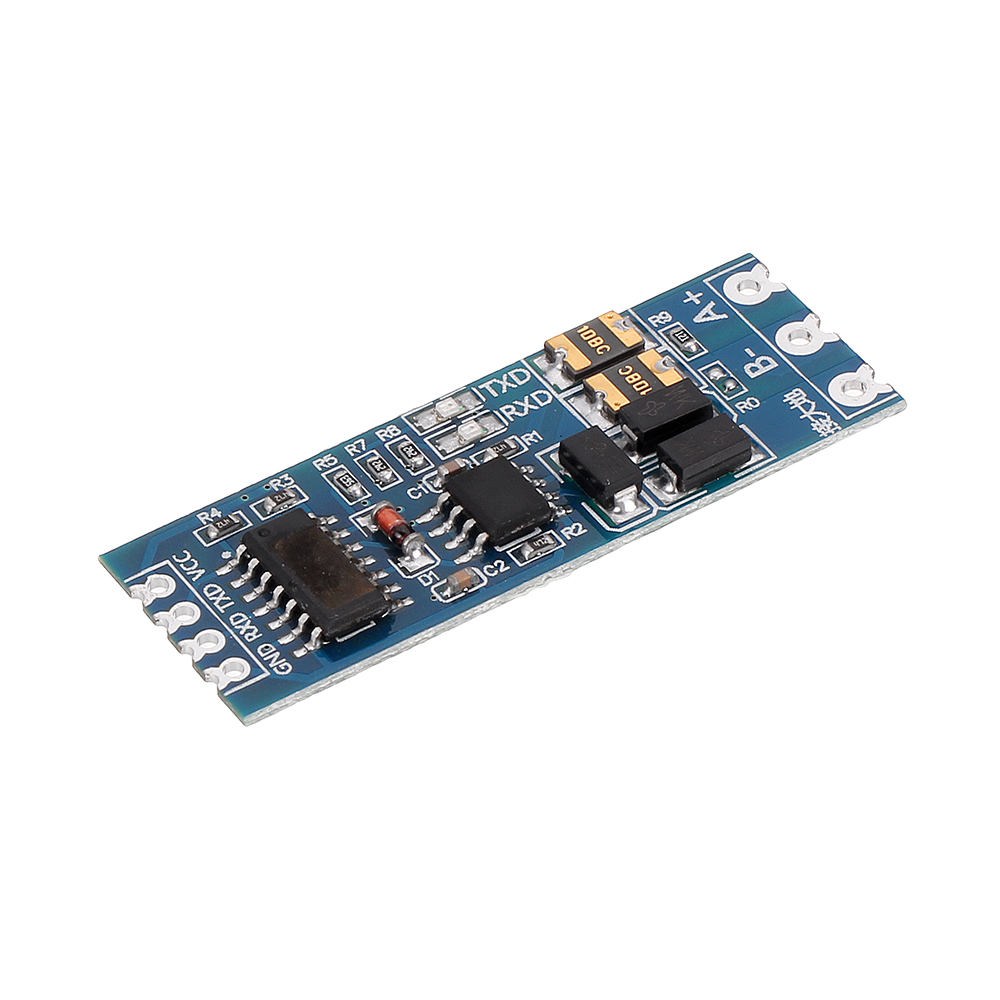
3pcs TTL to RS485 RS485 to TTL Bilateral Module UART Port Serial Converter Modul

Mini RS232 to TTL Converter Module Board Adapter MAX3232 120kbps 3-5V Serial Por
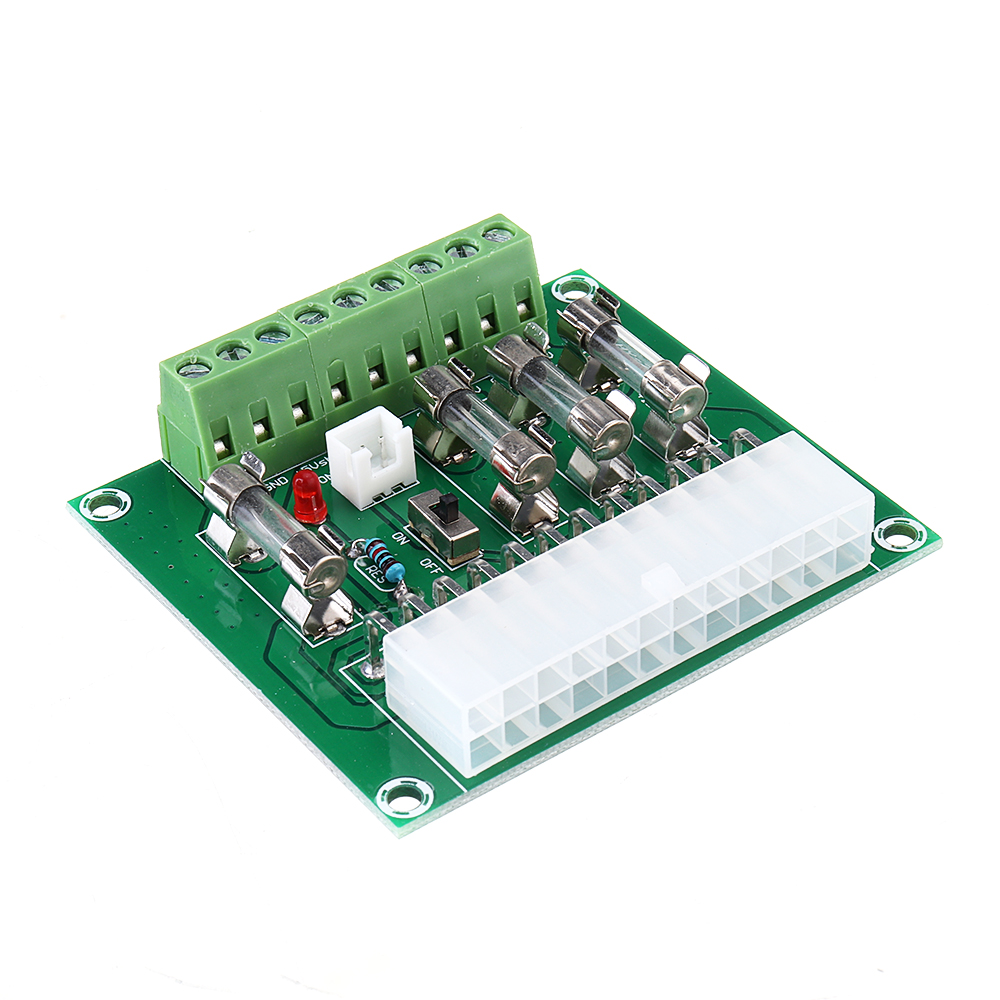
ATX Power Adapter ATX Computer PC Power Module Power Supply DC Plug Connector +3.3V +5V -12V +12V +5V





